
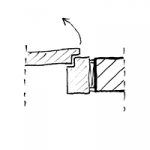
"The block frame (also known as a block-type frame or floor frame) consists of a solid jamb (jamb board or deep frame) that is installed without decorative or rebate trim to cover the wall sections. The block frame is as wide as the wall is thick. It is usually made of wood, sheet steel, or aluminum. Various types of door panels can be hung in the different block frame designs."
Source: BAUWIKI
Search terms: Block, BZ_D1, BZ_D2, wooden door, door jamb
Information on handling doors in the early design phases is described in the article "Doors: General Information."
In this phase, the surfaces of a block frame are defined and the component’s structural properties are specified.
Presentation
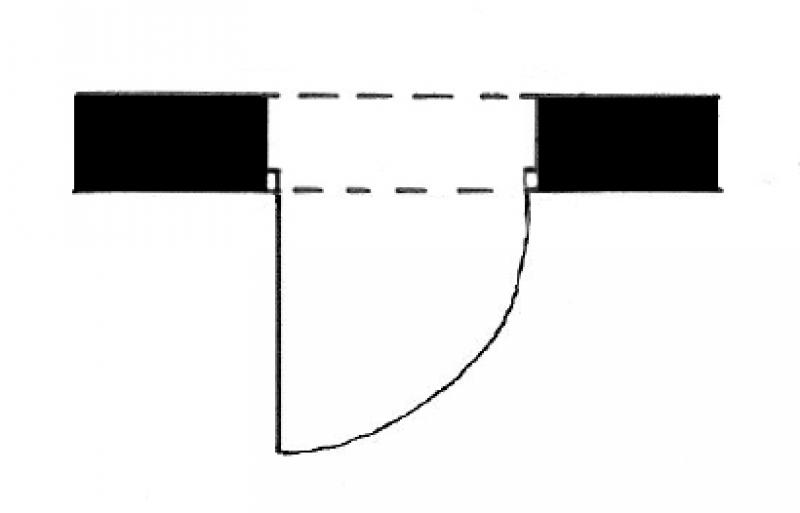
Plan view
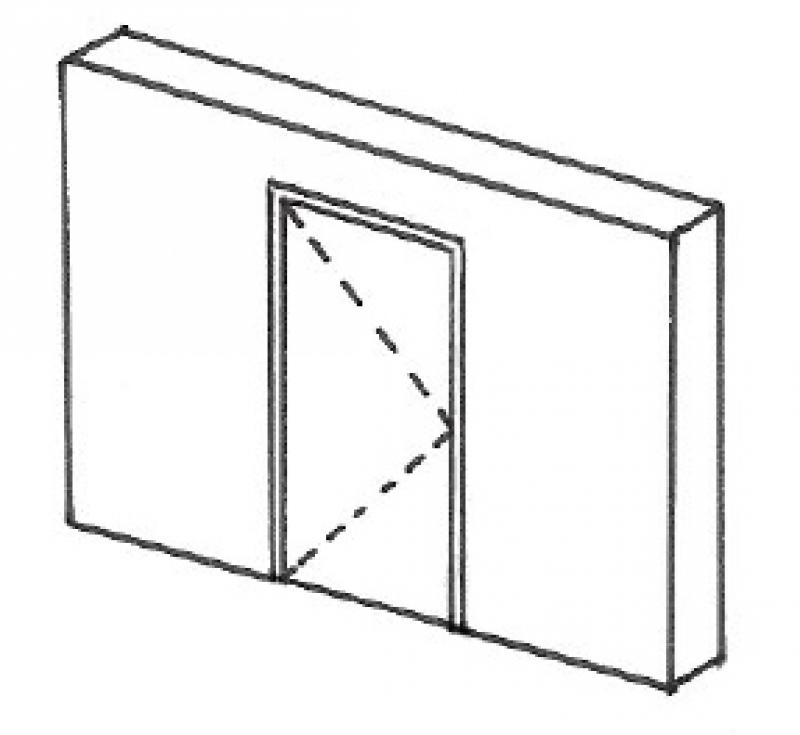
Model representation
Features
Feature
- Door Panel Construction
- Sound insulation class
- U-value
Parameters
Outline Information
- Width of door panel (exterior)
- Door panel glass area
- Perimeter of door leaf glass area
Labeling
During this phase, the height and width of the door are marked.
The clear width and height of the passage are labeled. Plan view:
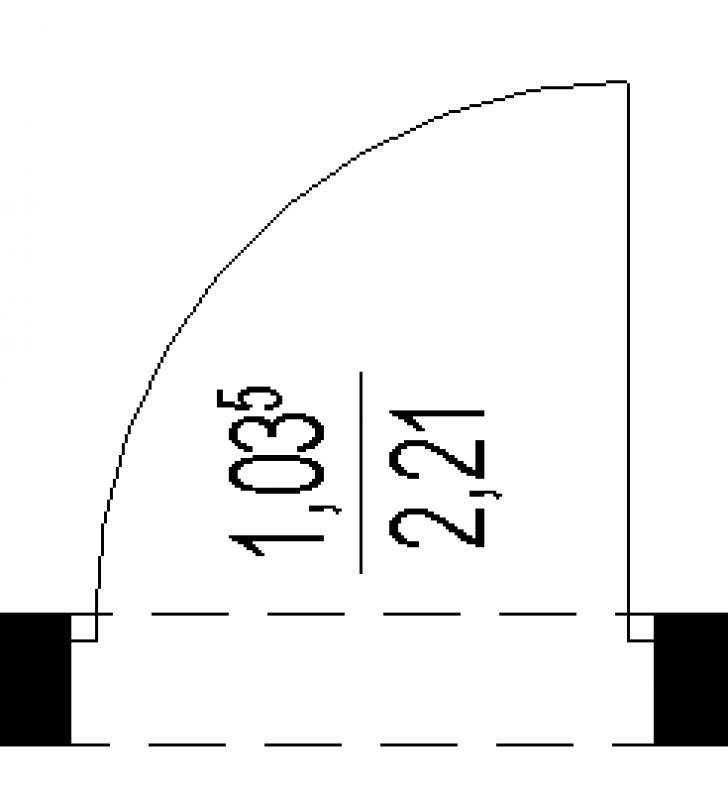
The width and height of the shell are labeled. Plan view:
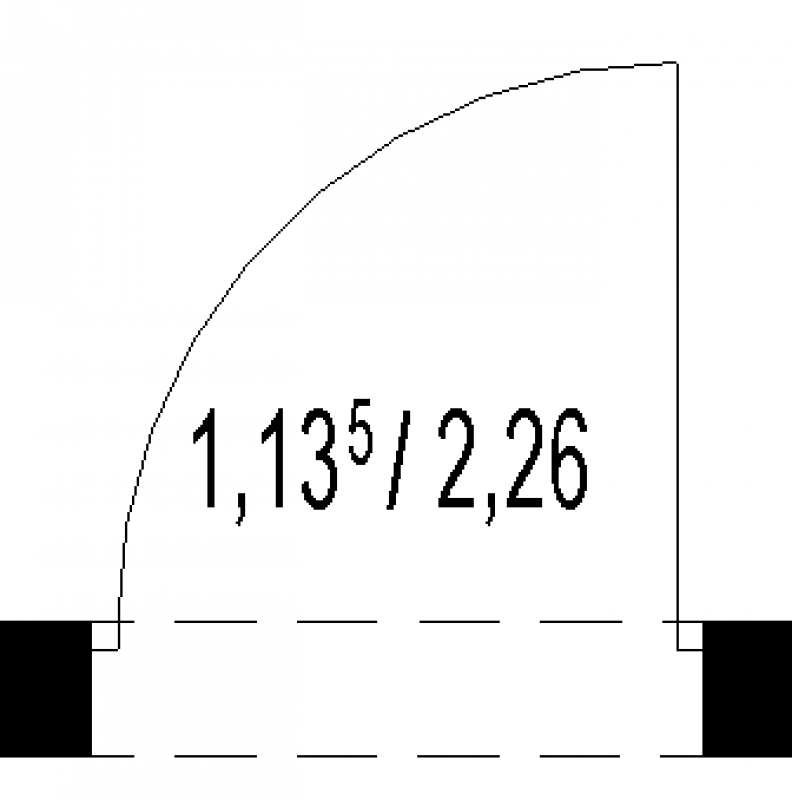
The clear width and height of the passage are labeled. Plan view:
Instructions
Depending on the content used, these required characteristics can vary; the modeling methodology (multi-layer or hybrid) also determines this. Accordingly, an opening function must be provided for the door; however, this does not apply in the case of a single-layer modeling methodology.
The basic process of modeling a door in ARCHICAD remains the same across different design phases and for different types of doors.
Instructions for creating a door can be found in the article "Door: General."
During this phase of the design process, additional building physics data is incorporated into the component.
This also includes information related to fire safety.
Presentation
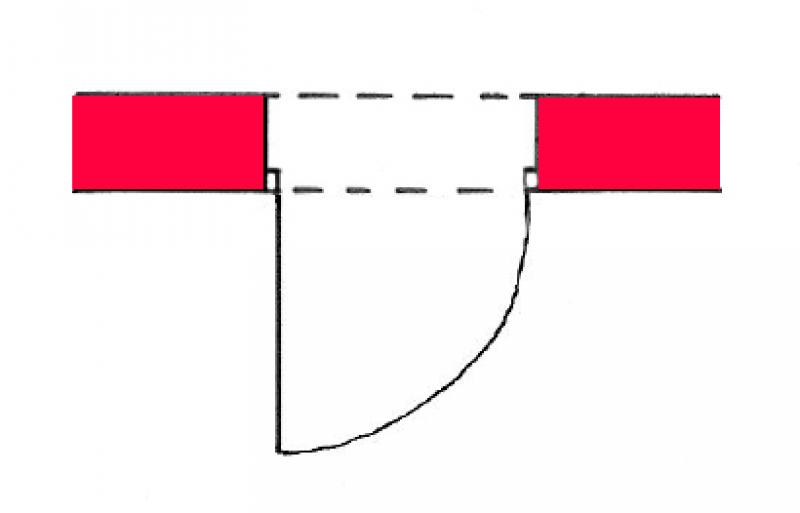
Plan view
Model representation
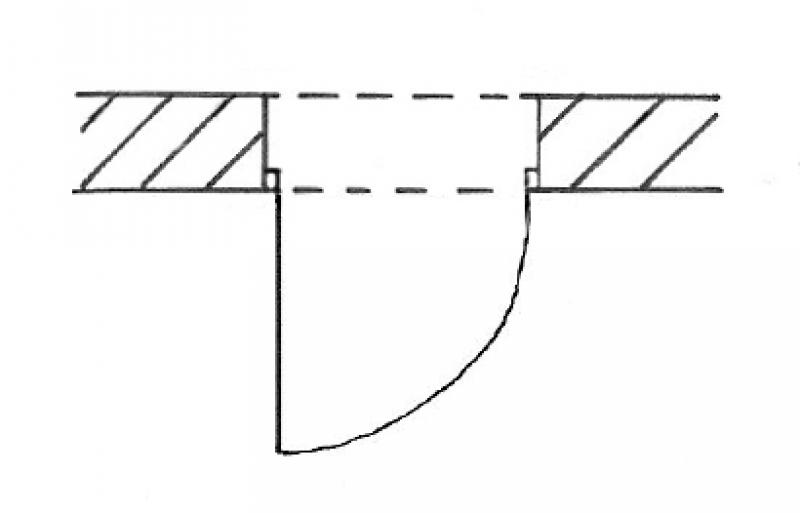
Plan view
Model representation
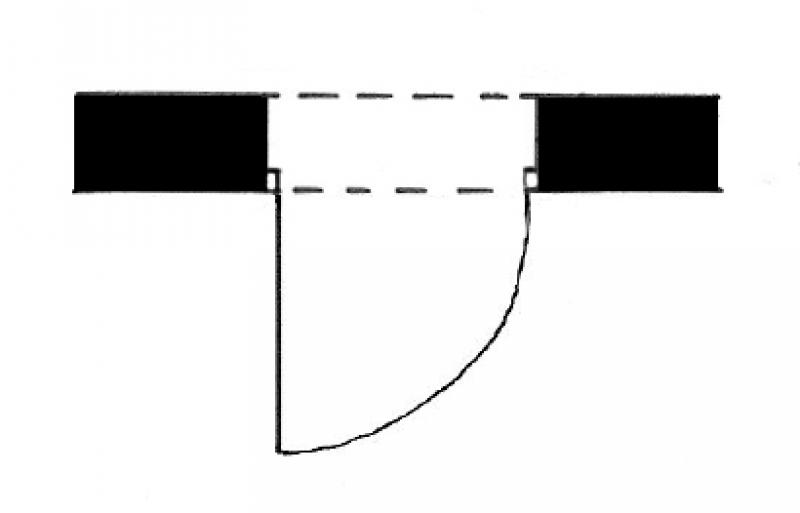
Plan view
Model representation
Features
Feature
- Door Panel Construction
- Sound insulation class
- U-value
Parameters
- Width of door panel (exterior)
- Door panel glass area
- Perimeter of door leaf glass area
Outline Information
Labeling
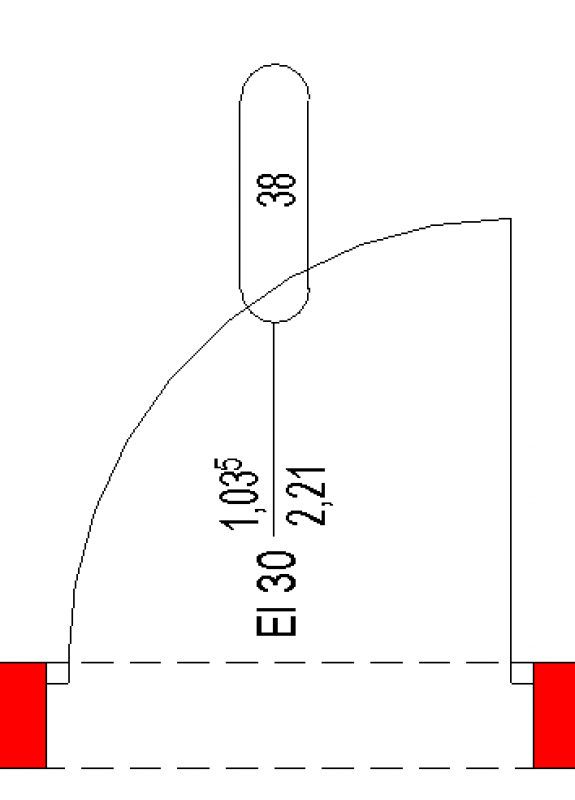
The clear passage width and height, the fire resistance rating, and the door number are labeled. Plan view:
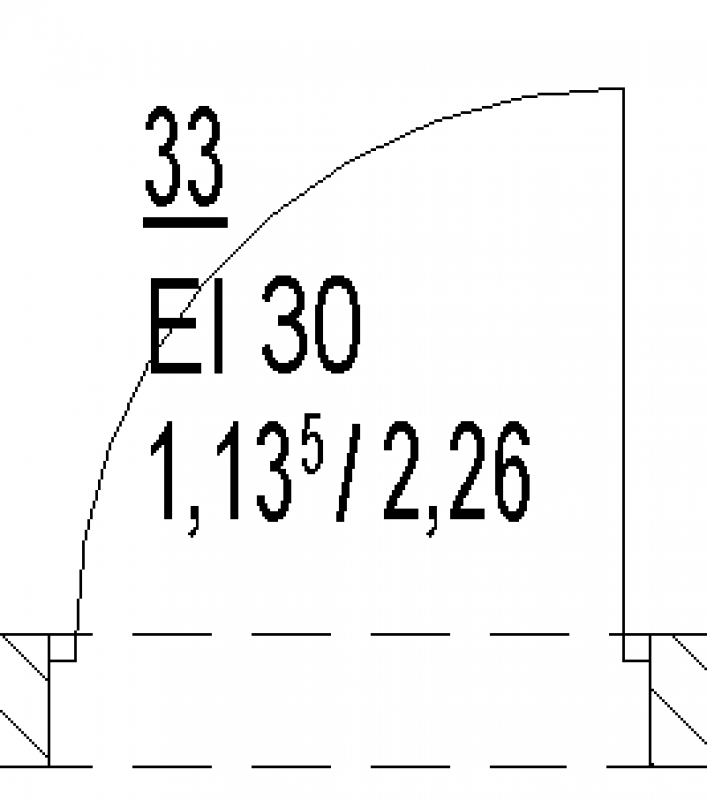
The width and height of the shell, the fire resistance rating, and the door number are labeled. Plan view:
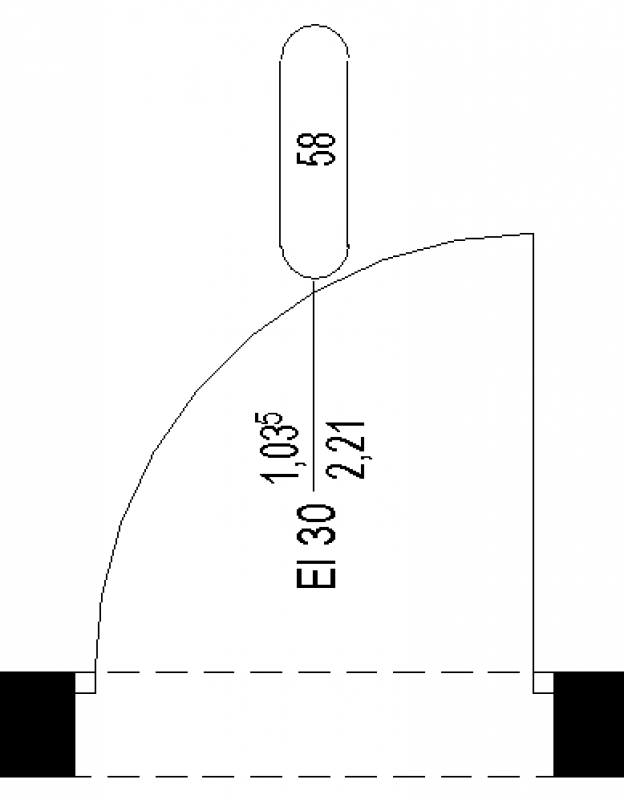
The clear passage width and height, the fire resistance rating, and the door number are labeled. Plan view:
Instructions
Features:
In this phase, the building physics properties must be added to the door. These are defined at the type or instance level, depending on the content used.
The basic process of modeling a door in ARCHICAD remains the same across different design phases and for different types of doors.
Instructions for creating a door can be found in the article "Door: General."
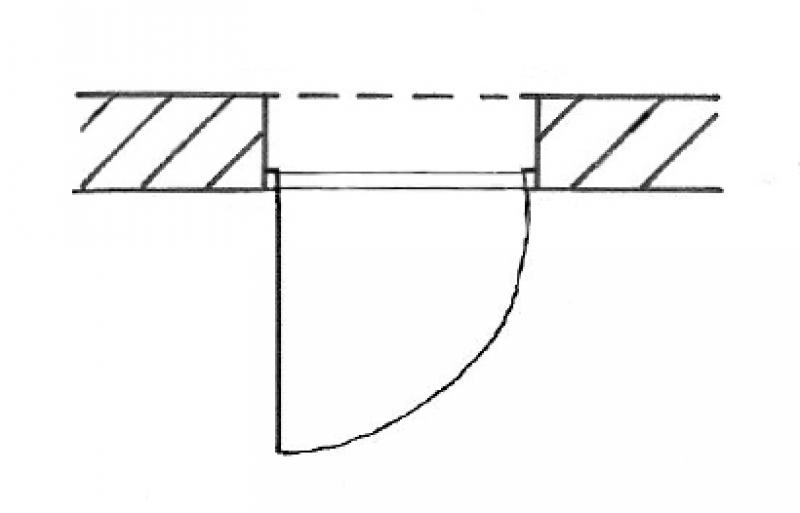
During this phase, the design details are finalized, and the doors are adjusted as needed.
Presentation
Scale:
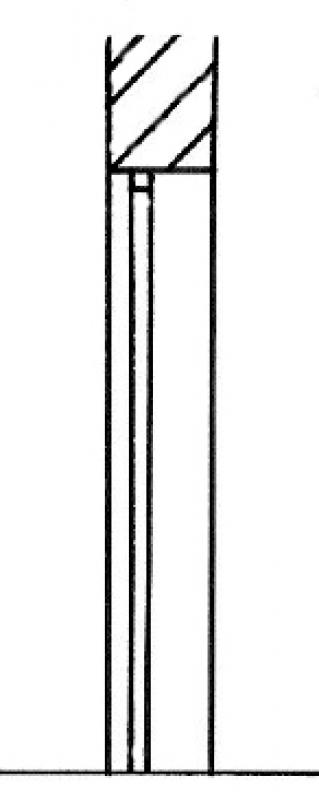
1:50
March 31, 2017
Features
Feature
- Lock model
- Door closer model
- Manufacturer
Parameters
- External width of the window frame
- External frame height
- External door leaf height
Outline Information
Labeling
The clear passage width and height, the fire resistance rating, and the door number are labeled.
Plan view:
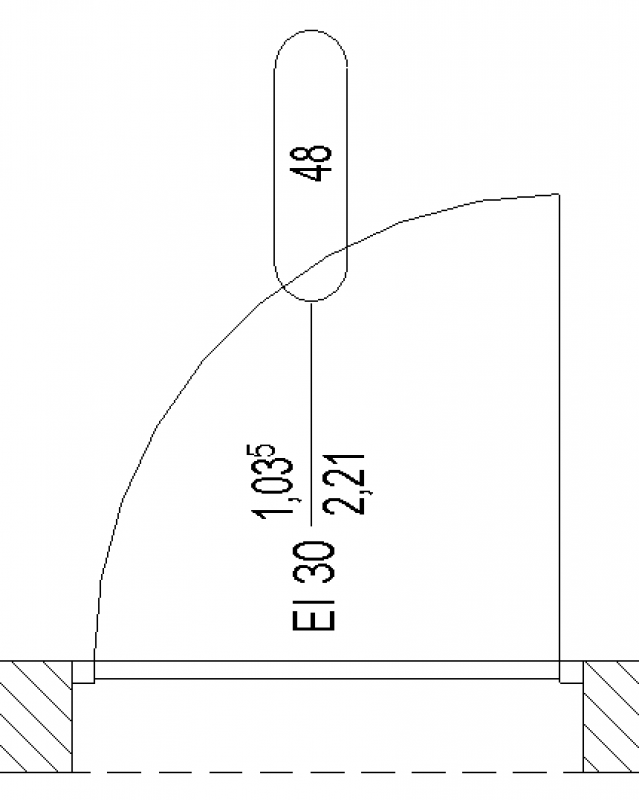
The width and height of the shell, the fire resistance rating, the door number, and the sound insulation rating are labeled.
Plan view:
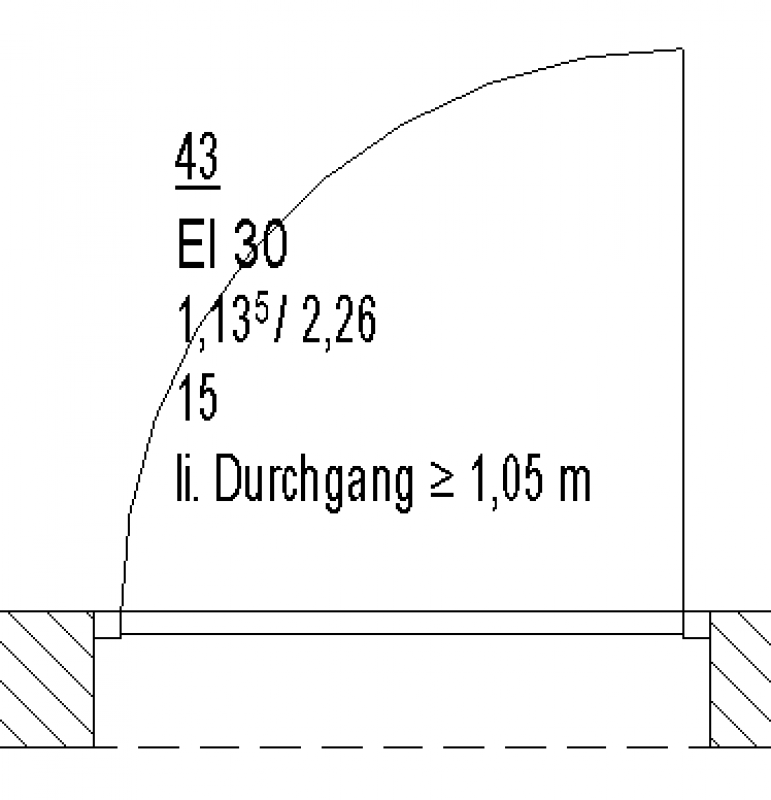
The clear passage width and height, the fire resistance rating, and the door number will be labeled.
Plan view:
Instructions
The basic process of modeling a door in ARCHICAD remains the same across different design phases and for different types of doors.
Instructions for creating a door can be found in the article "Door: General."

Unfortunately, this content is available only to our Pro users.
If you'd like to read the full article, try the Pro account or become a Pro user.