
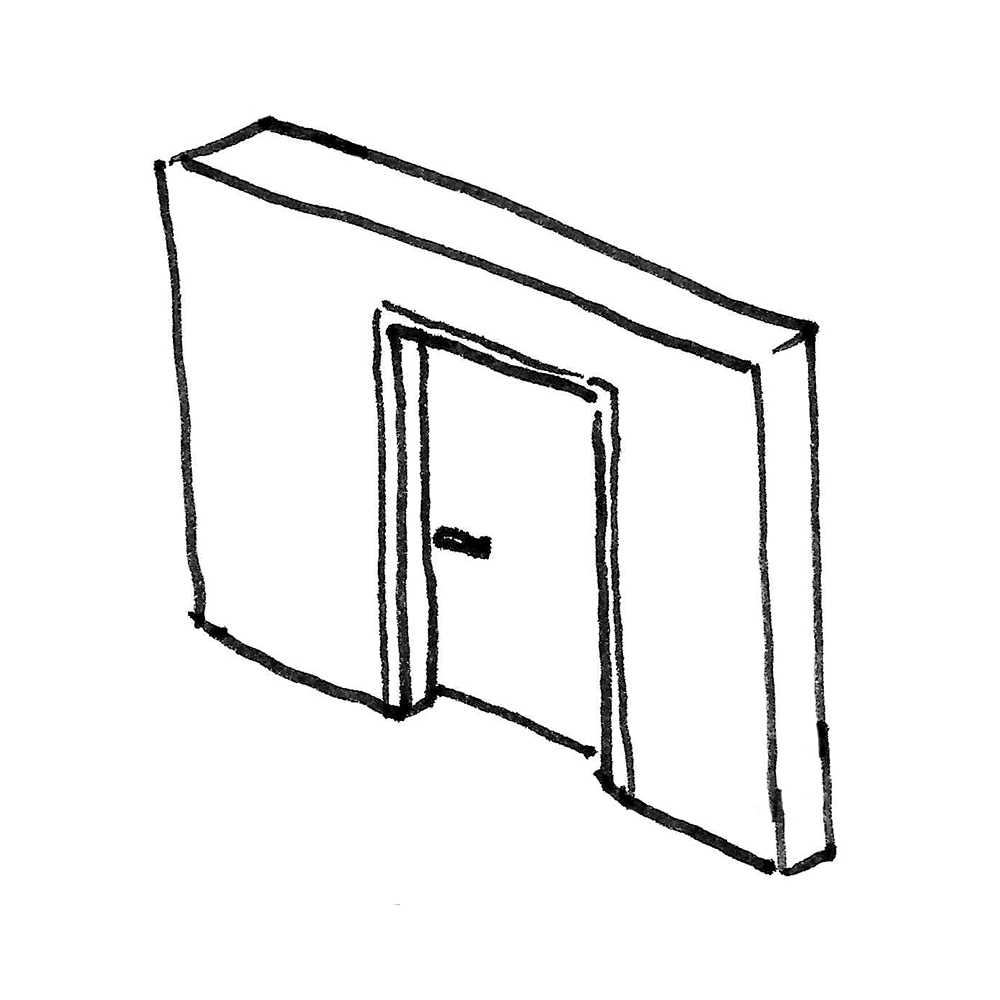
Doors, along with windows, represent the most complex object types in the BIM workflow within an architectural model. Extensive requirements from drawing code regulations regarding graphical representation by scale and phase, a multitude of necessary configuration options for geometry and installation type, and the handling of any accessories such as door handles, frame types, etc., make doors complex, computational objects. This is where the various BIM programs differ significantly in terms of usability and performance.
This article describes general modeling guidelines for doors in the early stages and therefore concludes with the design phase. From this point on, the subsequent articles are organized by construction type.
In addition, two special types of doors are described in separate articles: balcony doors and exterior doors.
Search terms: Doors, Revit, Family, Family types, Type, Door type, Opening, Door list
At this stage, doors are typically represented only in abstract form. For example, they can be created as simple openings in the walls.
Presentation
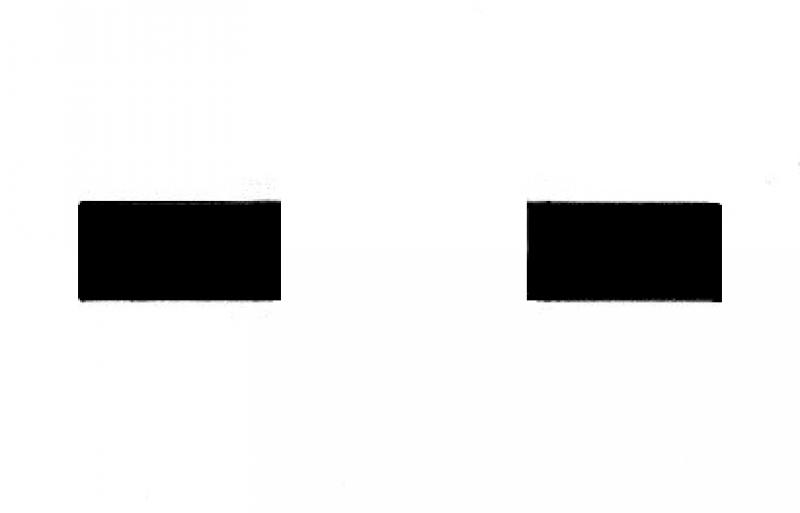
Plan view
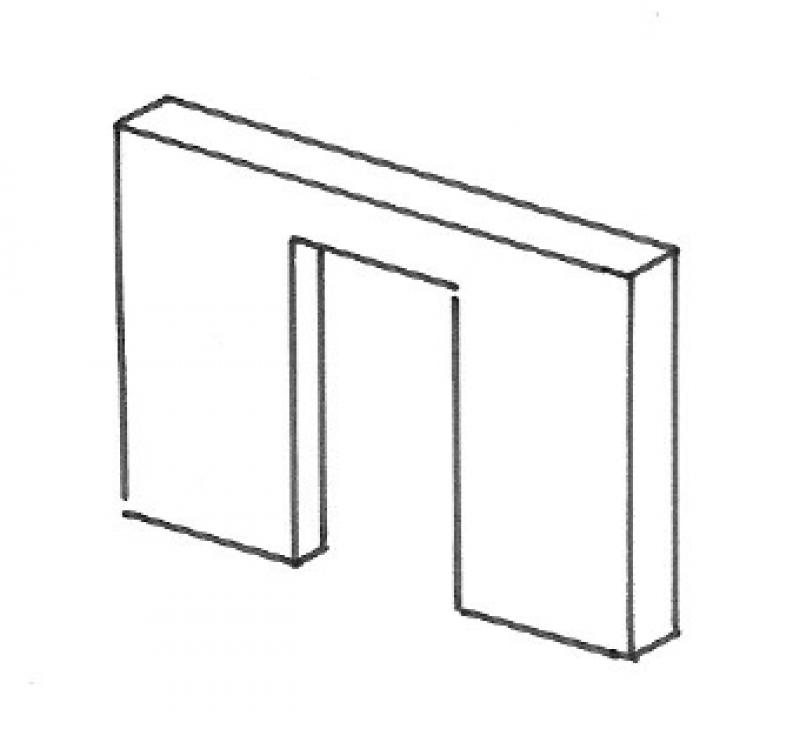
Model representation
Features
At this stage, the opening is known only in terms of its width and height.
Feature
- Status
Parameters
- Width of opening
- Height of opening
Outline Information
Labeling
At this stage, the component is not yet labeled in the plan views.
Instructions
At this stage, the components can be placed as simple openings and do not yet need to be defined as "door" components.
For modeling instructions, see the article "Openings, Cutouts, and Slots"
In this phase, the door is explicitly defined as a door object (no longer simply as an opening).
Presentation
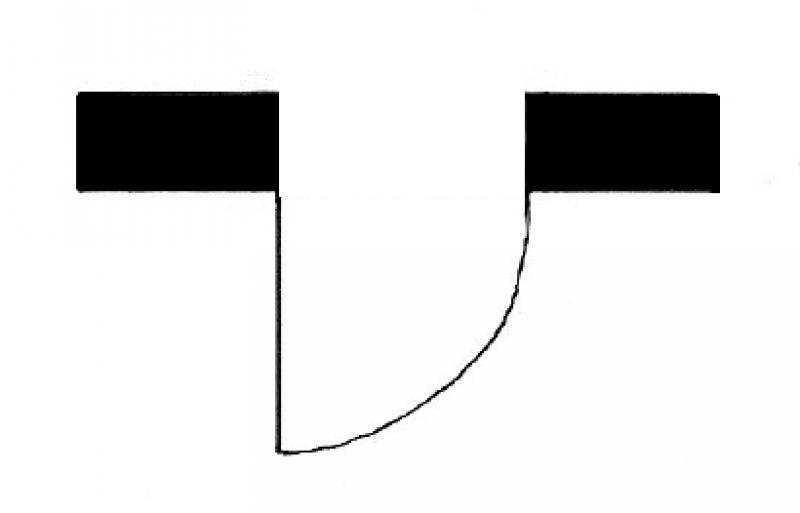
Plan view
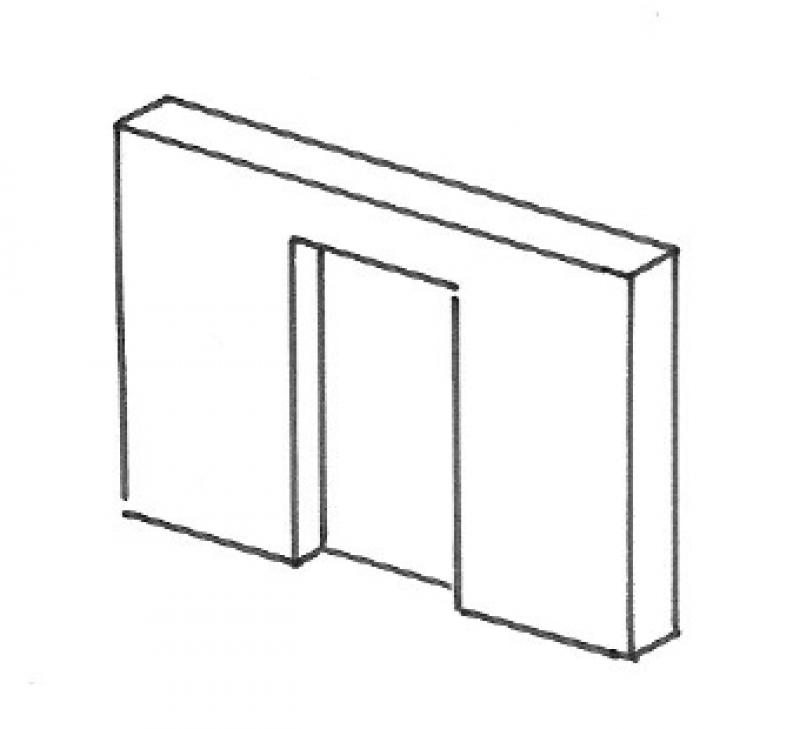
Model representation
Features
In general, there are no additions to the characteristics.
- Crease formation
- Edge formation
- Frame formation
- Door seals
- Fire resistance class
- Escape route
- Reference
Parameters
- Clear opening width
- Thickness of door leaf
- Clear opening height
Outline Information
Labeling
At this stage, the component is not yet labeled in the plan views.
Instructions
Creation
The "Architecture" tab contains the button for creating doors. Doors are what are known as wall-based components. They are typically placed in the floor plan.
Doors are not system families; this means that any necessary modifications can be made by editing the family.

Dimensions
The "Dimensions" parameters define the basic geometric characteristics—"width" and "height"—of a door.
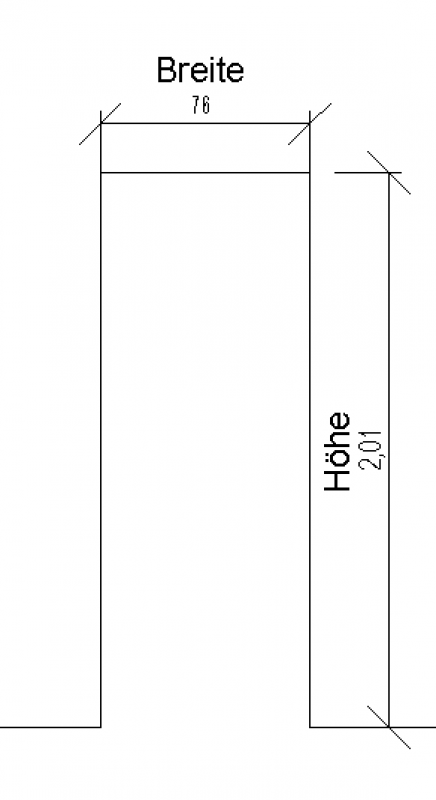
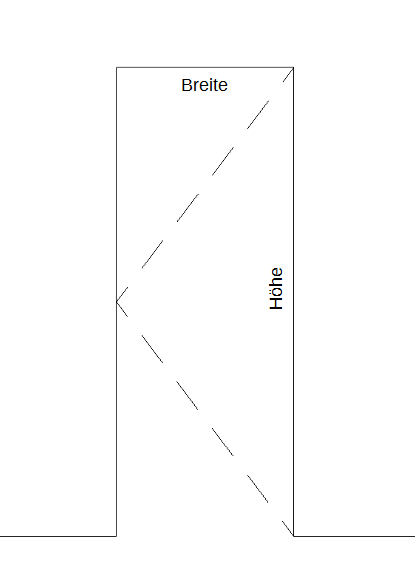
It is at this stage, at the latest, that doors are classified according to their construction type. In Revit, there are a wide variety of options available here. Some users prefer, for example, door families that can represent multiple frame types.
However, it is strongly recommended that door families be categorized based on their frame or jamb type. The rationale behind this is that families with this structure require fewer functionalities and are therefore less complex to manage (e.g., when making adaptations). In addition, “simply” designed families offer the advantage of better performance, which leads to a noticeable increase in performance, especially in large projects.

Unfortunately, this content is available only to our Pro users.
If you'd like to read the full article, try the Pro account or become a Pro user.