
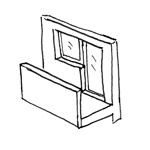
It is not uncommon for balcony doors—especially those made of glass—to be virtually indistinguishable from windows. For this reason, balcony doors are often modeled as windows. To ensure reliable analysis, this decision should be established for each project. This article serves as a supplement to the article “Doors: General.” To ensure an error-free process, it is important to review both articles before beginning the modeling process.
Information on handling doors in the early planning stages is described in the article "Doors: General Information."
In this phase, the balcony door is explicitly modeled as the "balcony door" object.
Surface materials are assigned, building physics properties are added, and the most important dimensions and elevation marks are added to floor plans and sections.
Presentation
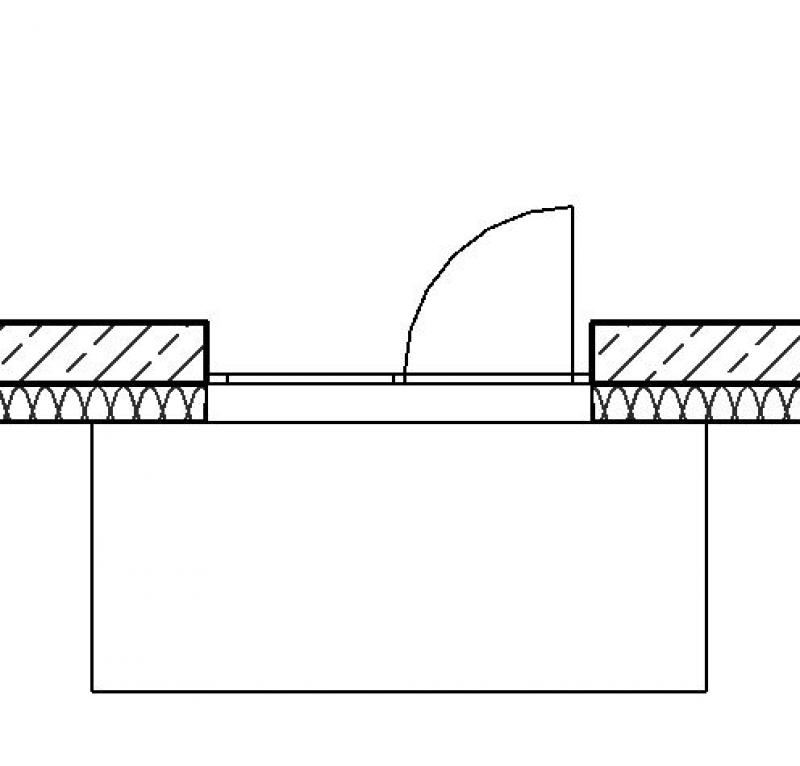
Floor plan
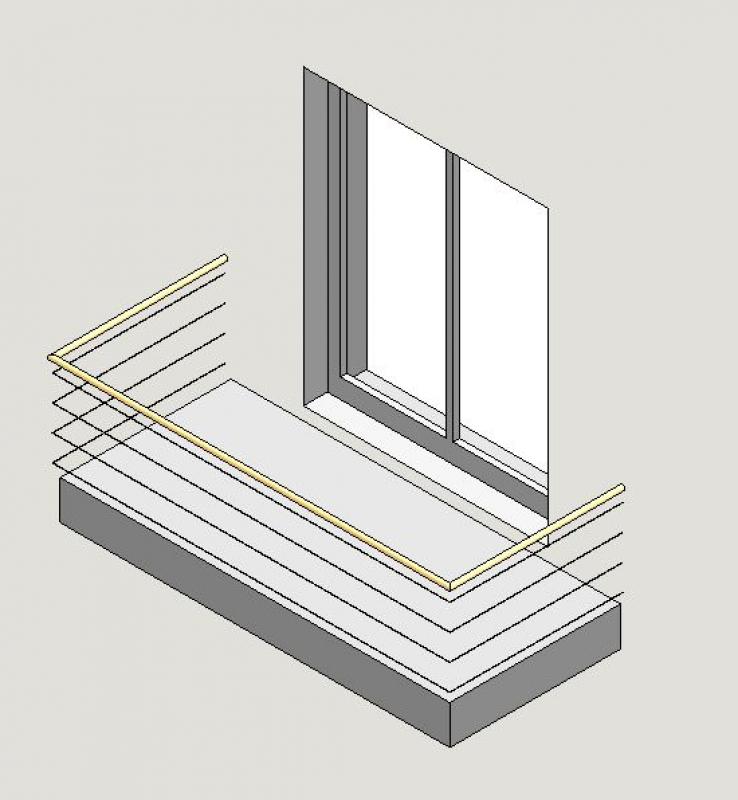
Model
Features
Feature
- Door Panel Construction
- Sound insulation class
- U-value
Parameters
Outline Information
- Width of door panel (exterior)
- Door panel glass area
- Perimeter of door leaf glass area
Labeling
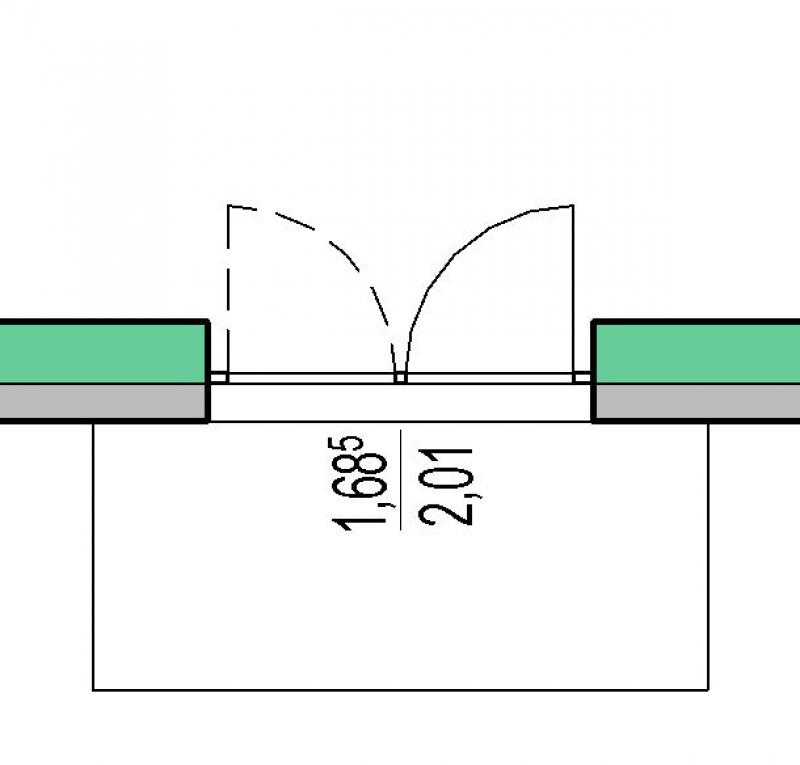
In this step, the height and width of the balcony door are marked. Whether this refers to the clear width or the wall width varies by country.
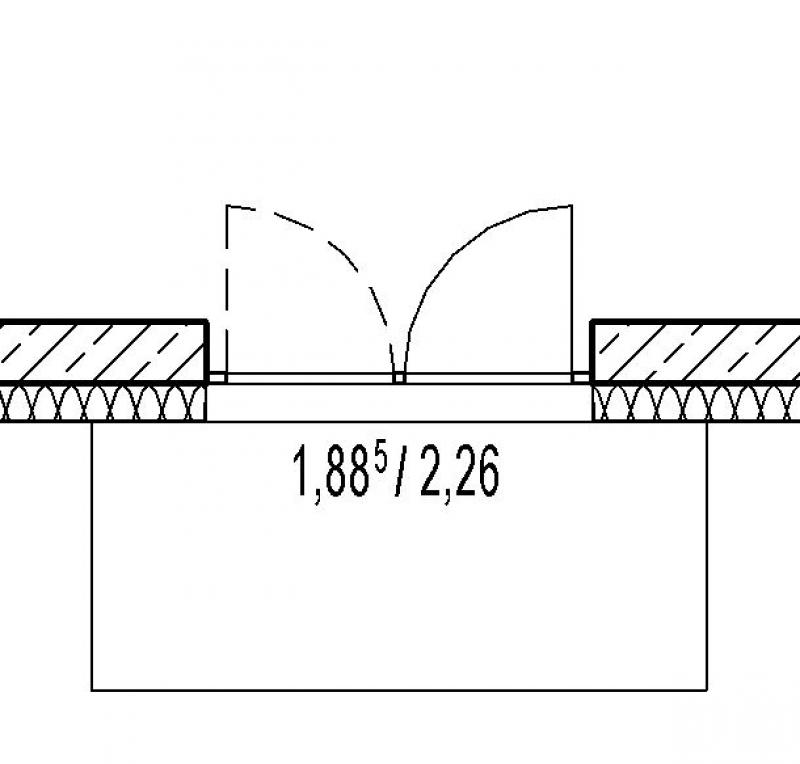
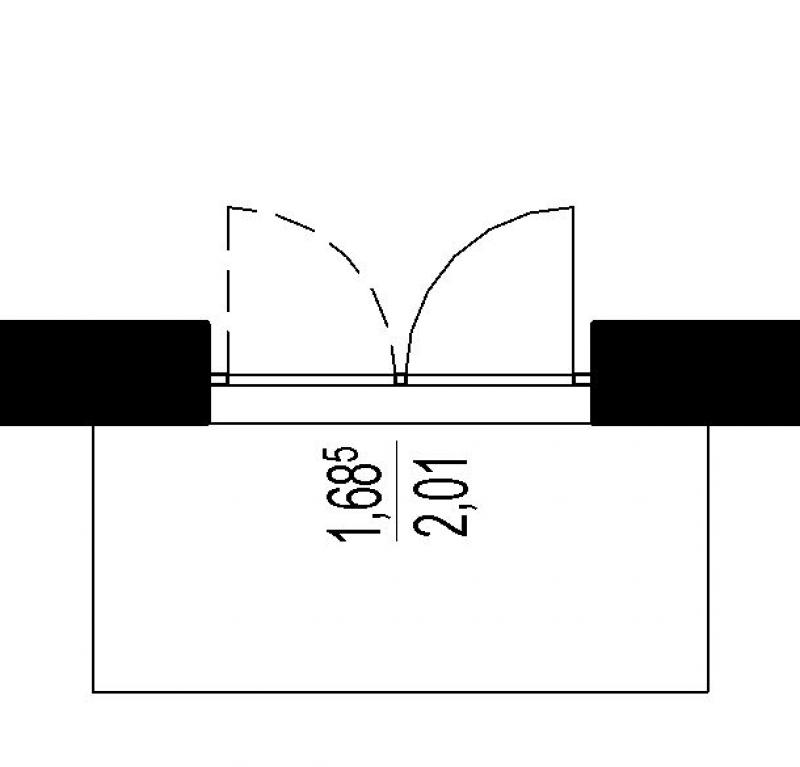
Instructions
Parameterization of balcony door families:
The performance of a Revit family depends largely on the parameterization and level of detail of the built-in geometries. In this regard, there are sometimes significant differences among the various family manufacturers, which is why it is difficult to make a general statement on the matter. As a general rule in Revit, the following applies: Anything is possible, but too much is too much (H. Reichholf). In any case, to ensure the best possible program performance, it is recommended not to use families with highly complex formulas in their parameterization and highly detailed geometries.
For the reasons mentioned above, the brief description below is limited to the standard parameterization of window and balcony door families:
Type parameters:
- Width / Rough-in width: determines the rough-in dimension for the width of the balcony door
- Height / Rough-in height: determines the rough-in dimension of the balcony door height
- Various parameters for frame or sash dimensions
Instance parameters:
- Level: the installation level to which the balcony door is referenced (usually: FBOK = top of floor)
- Installation depth: Position of the balcony door relative to the wall depth or soffit depth
- Fire resistance class
Changing the type of balcony door:
In the Properties window, you can select the type that is typically responsible for the size using the type parameters described above:
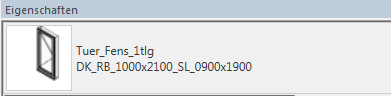
Additional information:
- Doors should always be placed on a reference plane to avoid height discrepancies later on
- The material is assigned via instance parameters.
- Windows and doors in a multi-layer exterior wall must always be placed in the same wall layer; otherwise, a circular reference will occur for connected elements. In most cases, the shell wall is the correct choice.
For information on creating new families, see the article "Building Families."
Labeling
For labeling, use appropriate labeling families that read the object properties by accessing the corresponding instance parameters.
Balcony doors are modeled in ARCHICAD using the Window tool.
The basic process of modeling a window in ARCHICAD remains the same across the various design phases.
The new features and parameters added for this phase must be entered in the appropriate fields of the component's settings dialog.
The description of the settings dialog and the corresponding procedure can be found in an earlier section of this article.
The labeling and dimensioning of the component should always be done associatively. Instructions on how to do this in ARCHICAD can be found in the relevant articles.
During this phase of planning, additional building physics data is incorporated into the building component. This includes information related to fire safety.
Presentation
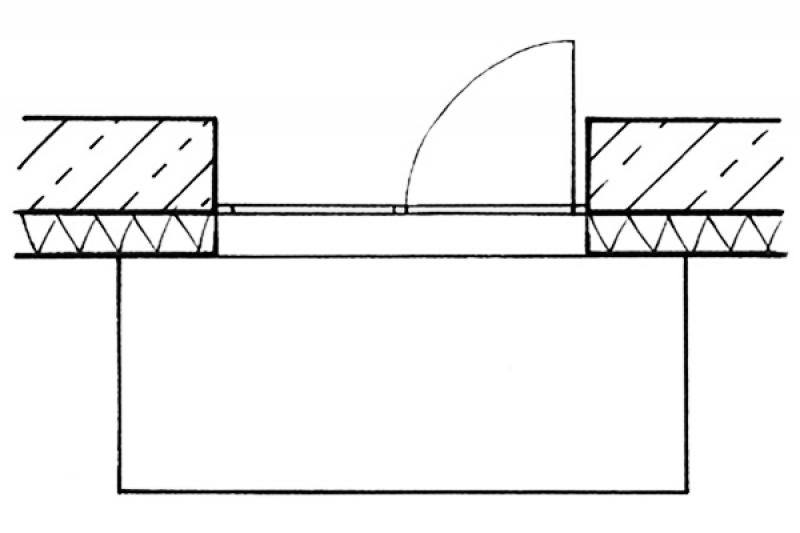
Floor plan
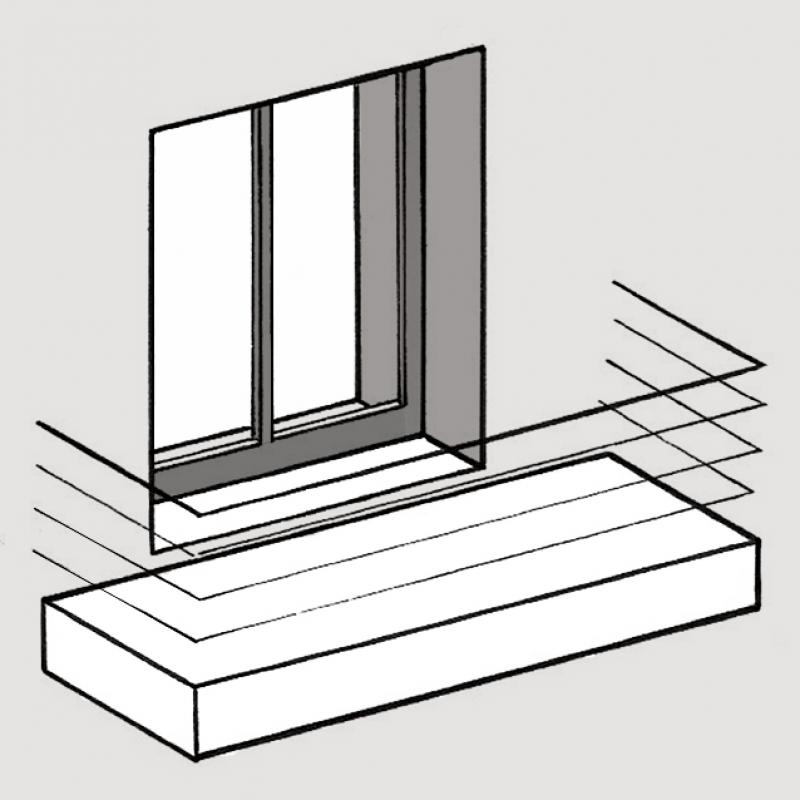
Model
Features
Feature
- Door Panel Construction
- Sound insulation class
- U-value
Parameters
- Width of door panel (exterior)
- Door panel glass area
- Perimeter of door leaf glass area
Outline Information
Labeling
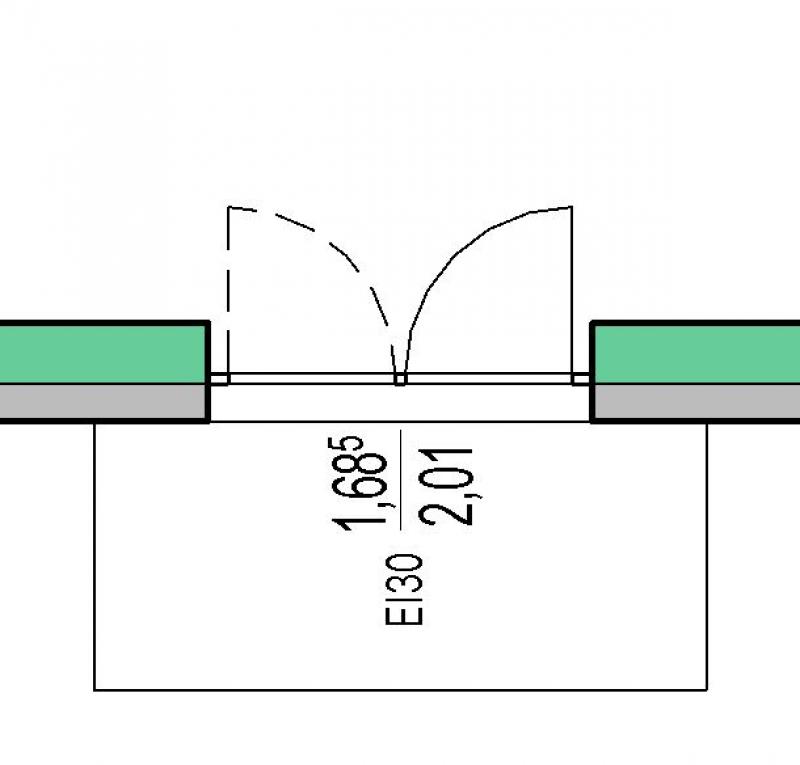
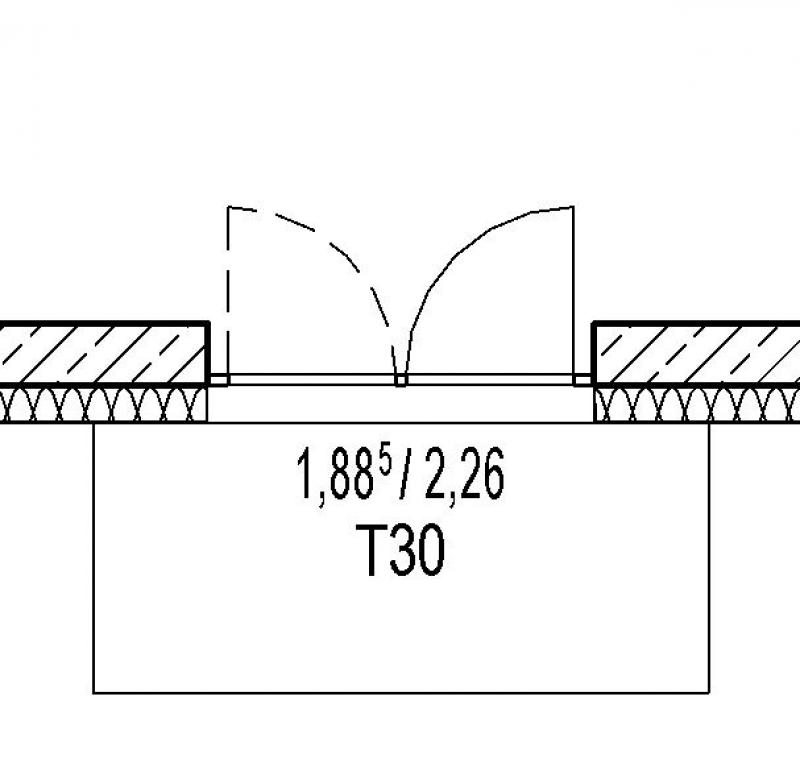
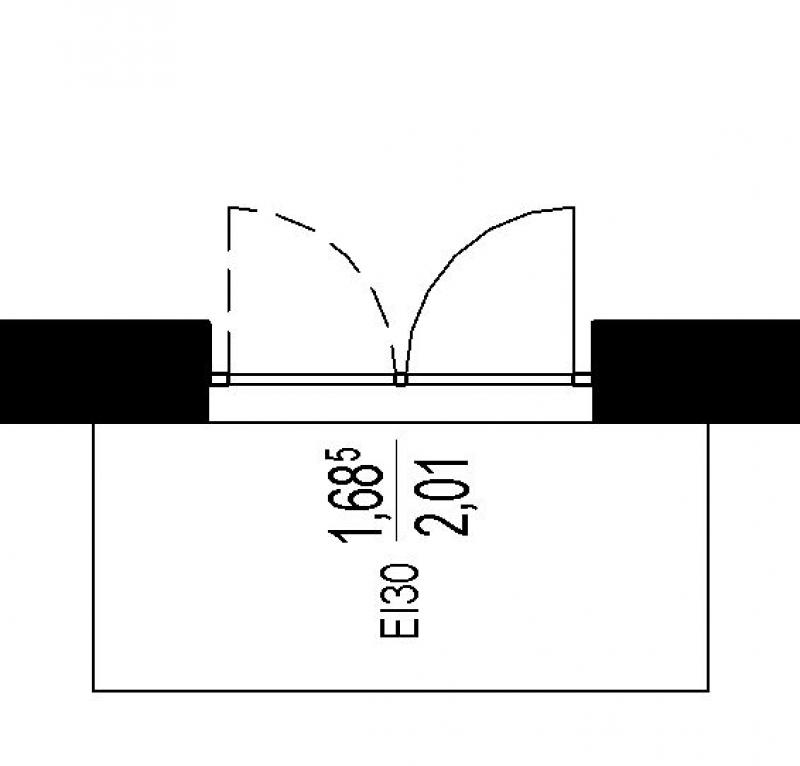
During this phase, the fire resistance class of the building components is also determined.
Instructions
First, you need to check which instance parameter is used for the "Fire resistance class" property.
The objects are then assigned this property by setting this parameter.
A label family is used for the readout, which accesses the value of this instance parameter.
If the text families available in the model are not capable of doing this, you must either create a new text family or import a suitable text family into the model.
Balcony doors are modeled in ARCHICAD using the Window tool.
The basic process of modeling a window in ARCHICAD remains the same across the various design phases.
The new features and parameters added for this phase must be entered in the appropriate fields in the component's settings dialog.
The description of the settings dialog and the corresponding procedure can be found in an earlier section of this article.
The labeling and dimensioning of the component should always be done associatively. Instructions on how to do this in ARCHICAD can be found in the relevant articles.
Presentation
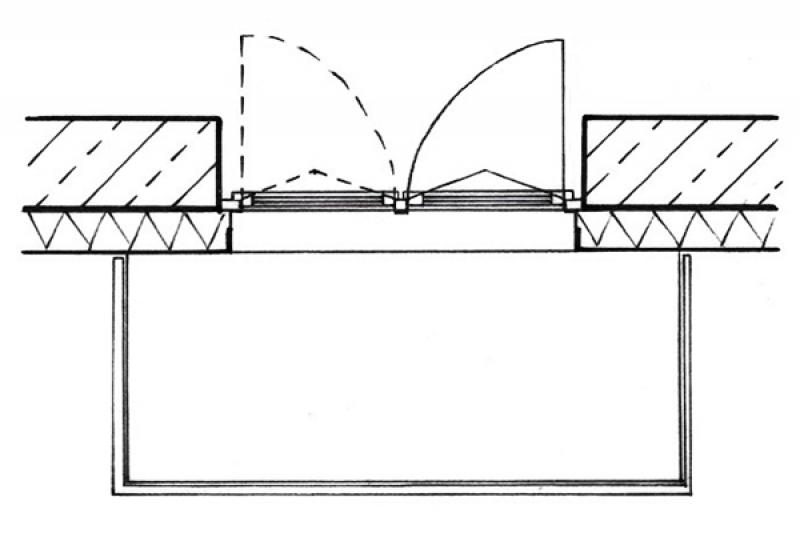
Floor plan
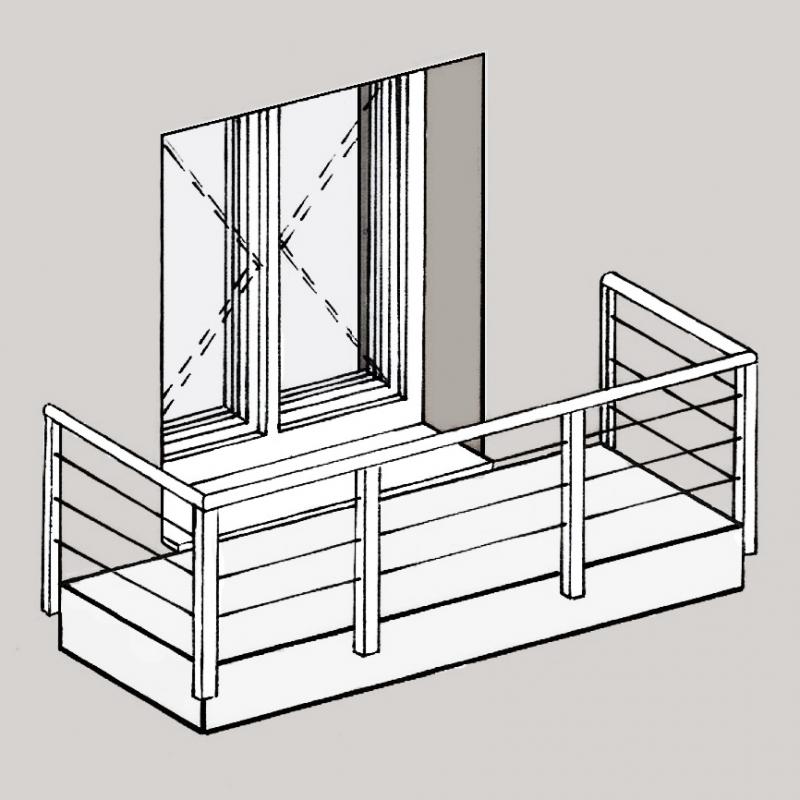
Model
Features
Labeling
You should always use appropriate label families that read the desired object properties or parameter values, rather than text.
You can label a window or door using the marker available in the settings dialog.
Instructions
How the desired installation scenario is implemented depends largely on the balcony door series.
However, their parameterization and level of detail vary greatly from provider to provider, which is why it is virtually impossible to make a general statement on this matter. In any case, to ensure the best possible program performance, it is strongly recommended that you avoid using families with highly complex parameterization formulas and highly detailed geometries whenever possible!
A three-dimensional abstraction combined with two-dimensional details is recommended here.
See also the articles "Detailed Planning with a Data Model (BIM)" and "Effective Detailing"
Balcony doors are modeled in ARCHICAD using the Window tool.
The basic process of modeling a window in ARCHICAD remains the same across the various design phases.
The new features and parameters added for this phase must be entered in the appropriate fields of the component's settings dialog.
The description of the settings dialog and the corresponding procedure can be found in an earlier section of this article.
The labeling and dimensioning of the component should always be done associatively. Instructions on how to do this in ARCHICAD can be found in the relevant articles.

Unfortunately, this content is available only to our Pro users.
If you'd like to read the full article, try the Pro account or become a Pro user.