
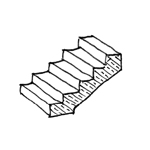
Cast-in-place concrete stairs are one of the most common types of stairs in multi-story construction. In Revit, this type of staircase is drawn separately from any flooring; see also the article on Floored Stairs. This article serves as a supplement to the article Stairs: General. To ensure an error-free workflow, it is important to review both articles before beginning the modeling process.
Search terms: staircase, STB, single-flight, single-run, double-flight, double-run, concrete staircase, solid staircase
Information on how to handle stairs in the early planning stages is described in the article "Stairs: General Information."
Presentation
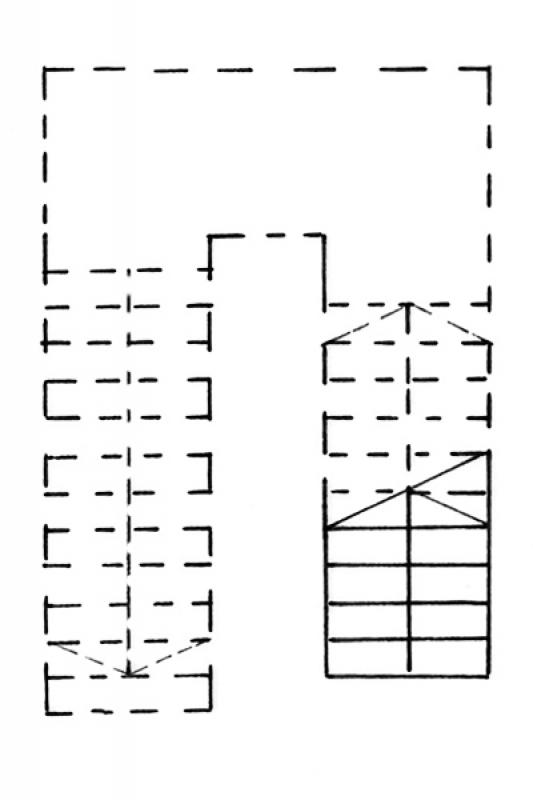
Floor plan
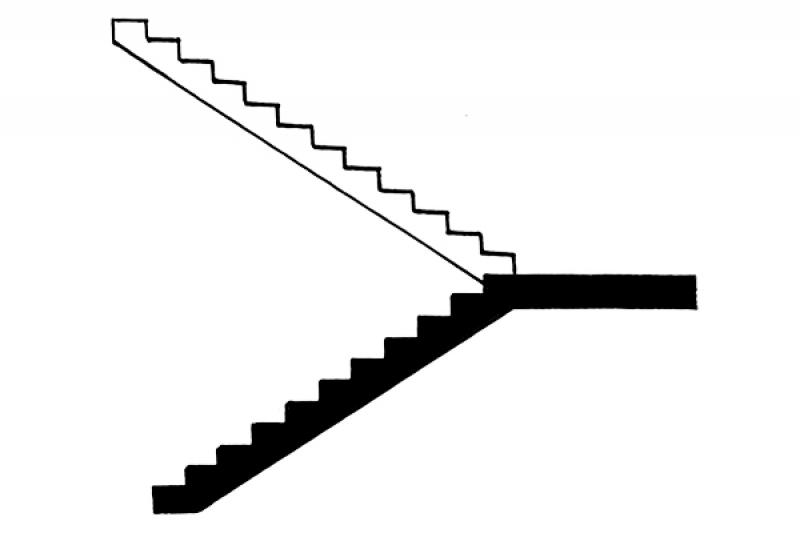
Cut
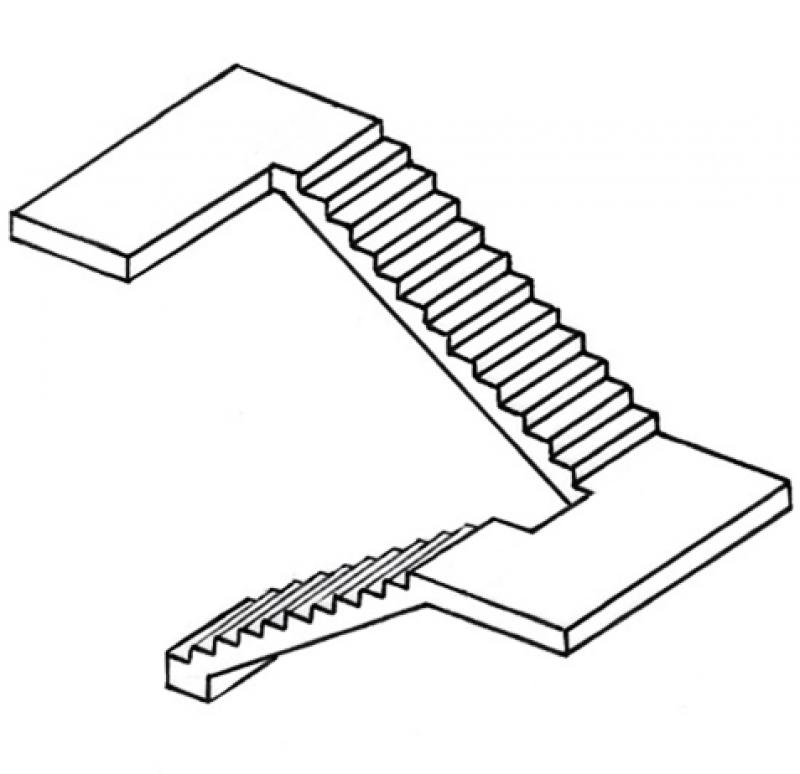
Model
Features
Parameters
- Performance
Outline Information
Labeling
The following features of the staircase must be labeled during the design phase:
- Gradient of individual runs
- Gradient of multiple runs
- Number of pitches and the pitch ratio
- Clear passage width (using a measuring chain)
- Run line
You should always use appropriate label families that read the desired object properties/parameter values, rather than text.
Instructions
In-situ concrete stairs are created using a stair type from the In-situ Concrete Stairs system family.
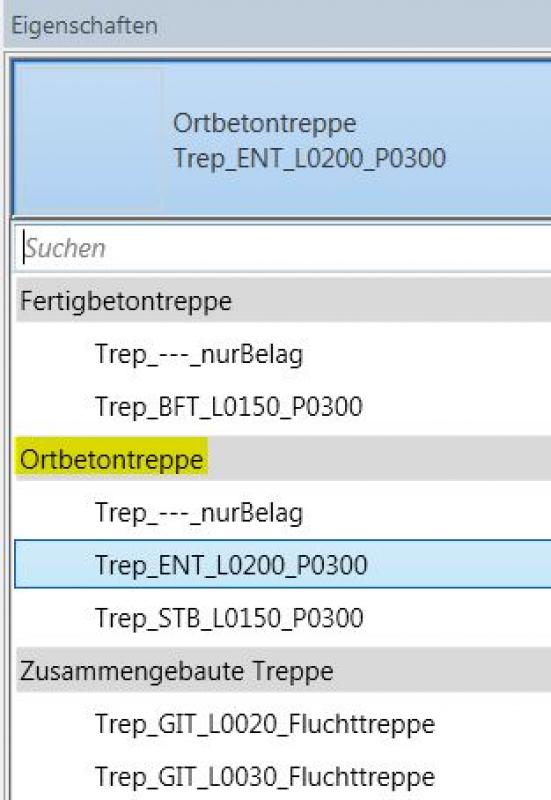
See also the following help topic in Revit: Staircase by component.
Notes:
- The run and landing types should always be identifiable from the stair type designation.
- For flights of stairs without a landing, a separate stair type should not be created. Such a staircase is also modeled using a stair type that specifies the flight and landing. When modeling, only the landing is omitted. In this case, it is important that the selected run specification matches the desired one. This means that stair types consisting of a single run or a run/landing combination can be created from one and the same stair type.
The basic process of modeling a staircase in ARCHICAD remains the same throughout the various design phases.
A cast-in-place concrete staircase without a tread can be created in exactly the same way as an STB staircase: the only difference is that the tread is omitted, and the staircase material is set to cast-in-place concrete. The construction type in the settings dialog must be set to reinforced concrete in order to configure the staircase accordingly.
The new features and parameters added for this phase must be entered in the appropriate fields of the component's settings dialog.
The description of the settings dialog and the corresponding procedure can be found in an earlier section of this article.
The labeling and dimensioning of components should always be done associatively. Instructions on how to do this in ARCHICAD can be found in the relevant articles.
Presentation
Floor plan
Model
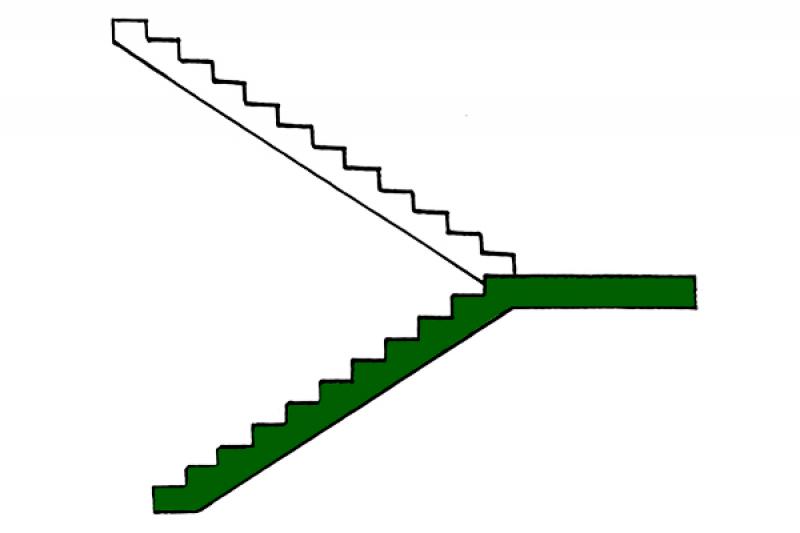
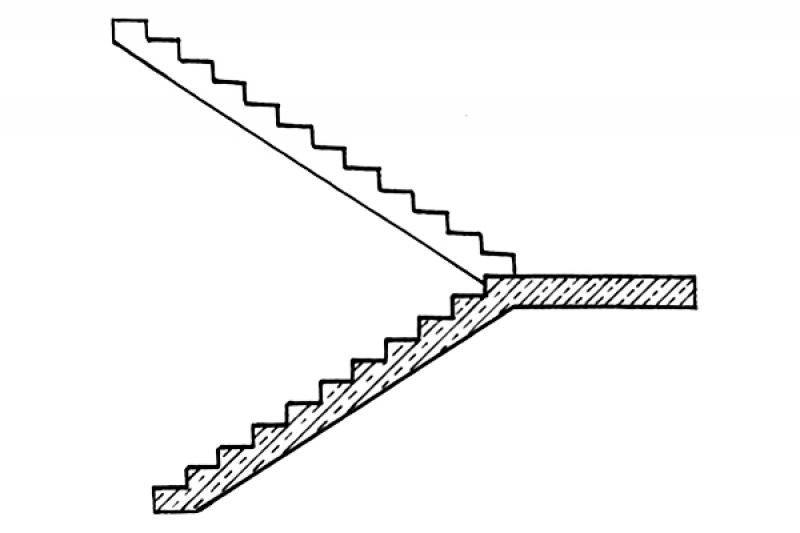
Features
Labeling
- Number of inclines and gradient
- Gradient of a single run or
- Gradient of multiple runs
- Clear passage width using measuring chains
- Rail line
The structural details of the stairs are labeled on the structural layout plan.
Instructions
The attributes are assigned to the staircase's properties so that this information can be reused or, for example, displayed via labels.
Presentation
Floor plan
Cut
Model
Features
- Number of performances
- Number of inclines
- Step on the running line
- Hollow stair spindle
- Solid stair spindle
- Center-stringer staircase
- Minimum thickness of the stair tread
- Minimum tread depth on the inside
- Status
- Double-stringer staircase
Parameters
- Step on the tread
- Gross volume of the stair run
- Height of inclines
- Length of stair run
- Net volume of stair run
- Overhang
Outline Information
Labeling
All necessary features should be identified using the labels already in use. Additional labels may be required in detailed plans and more detailed sections.
Instructions
All necessary attributes are assigned to the properties of the objects so that they are available at all times and can be read, for example, via labels.
Note on Tronsolen:
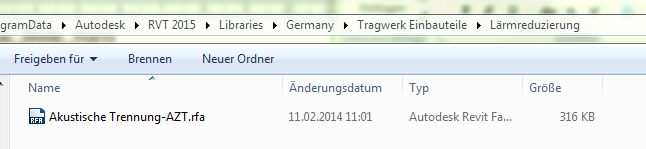
Components such as Tronsol (for impact sound decoupling) are available in the Autodesk Metric Library.
These must be reviewed in advance with regard to parameters and labels and, if necessary, revised.
Path: Autodesk -> RVT (Version) -> Libraries -> (Country) -> Structural Components -> Noise Reduction
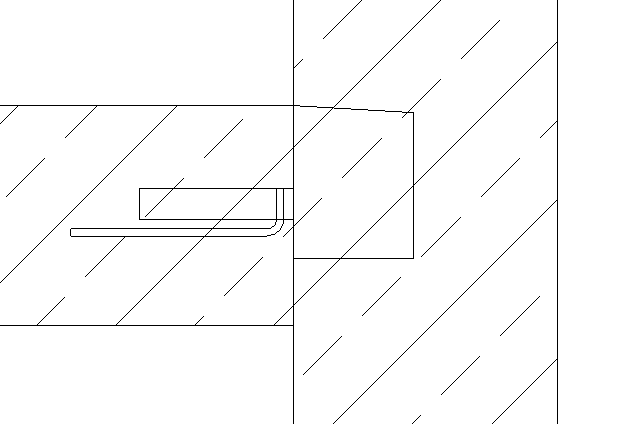
The basic process of modeling a staircase in ARCHICAD remains the same across the various design phases.
A cast-in-place concrete staircase without a tread can be created in exactly the same way as an STB staircase: the only difference is that the tread is omitted, and the staircase material is set to cast-in-place concrete. The construction type in the settings dialog must be set to reinforced concrete in order to configure the staircase accordingly.
The new features and parameters added for this phase must be entered in the appropriate fields of the component's settings dialog.
The description of the settings dialog and the corresponding procedure can be found in an earlier section of this article.
The labeling and dimensioning of components should always be done associatively. Instructions on how to do this in ARCHICAD can be found in the relevant articles.
The following characteristics must be defined at this stage:
- Surfaces
- Assignment according to construction cost group in the building element type parameter
- Tips and tricks for presentation can be found in the article "Stair Treads"

Unfortunately, this content is available only to our Pro users.
If you'd like to read the full article, try the Pro account or become a Pro user.