
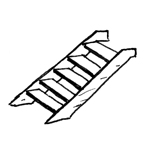
From a BIM perspective, steel staircases are relatively complex objects because they consist of a wide variety of components yet must still be treated as a single object. Depending on the type of construction and the geometry (e.g., curved flights), modeling steel staircases can certainly be a challenge. As is often the case, the approaches of BIM programs differ significantly here. Additionally, the handover to structural analysis programs poses a challenge.
This article serves as a supplement to the article "Stairs: General Information." It is important to review both articles before beginning the modeling process.
Search terms: emergency staircase, staircase, stringer staircase, grating, Trep_GIT
Information on how to handle stairs in the early planning stages is described in the article "Stairs: General Information."
Presentation
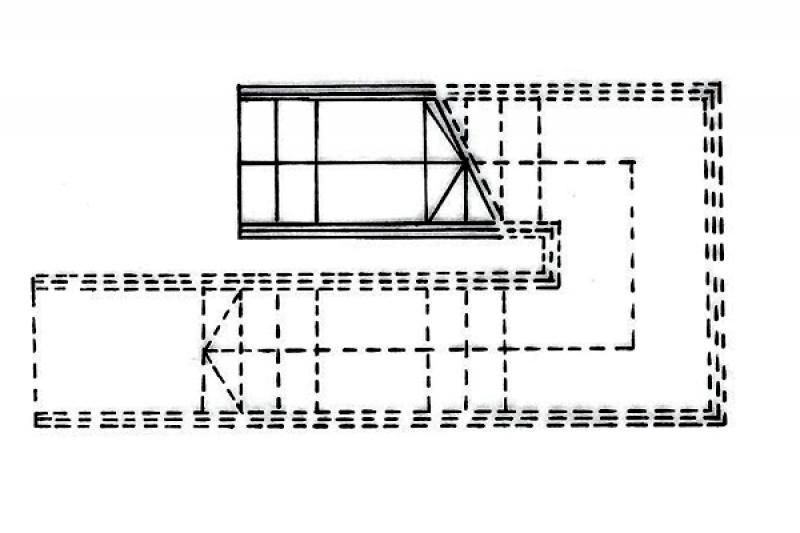
Figure 1
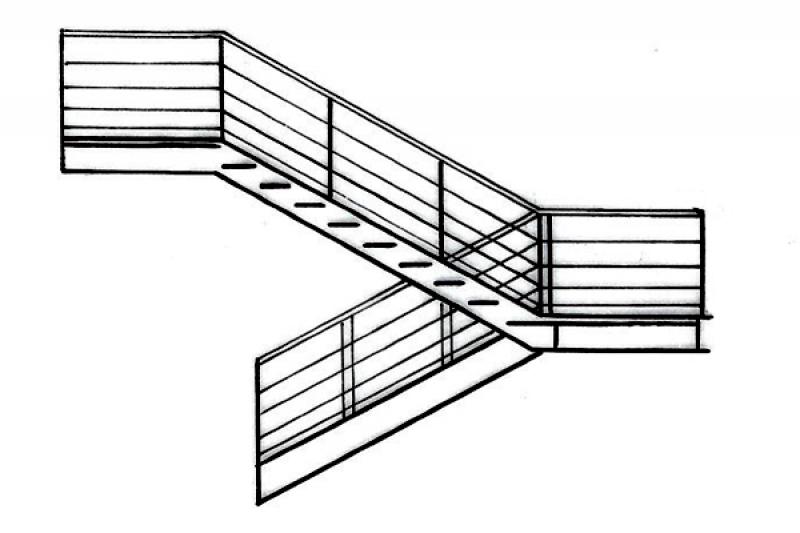
Figure 2
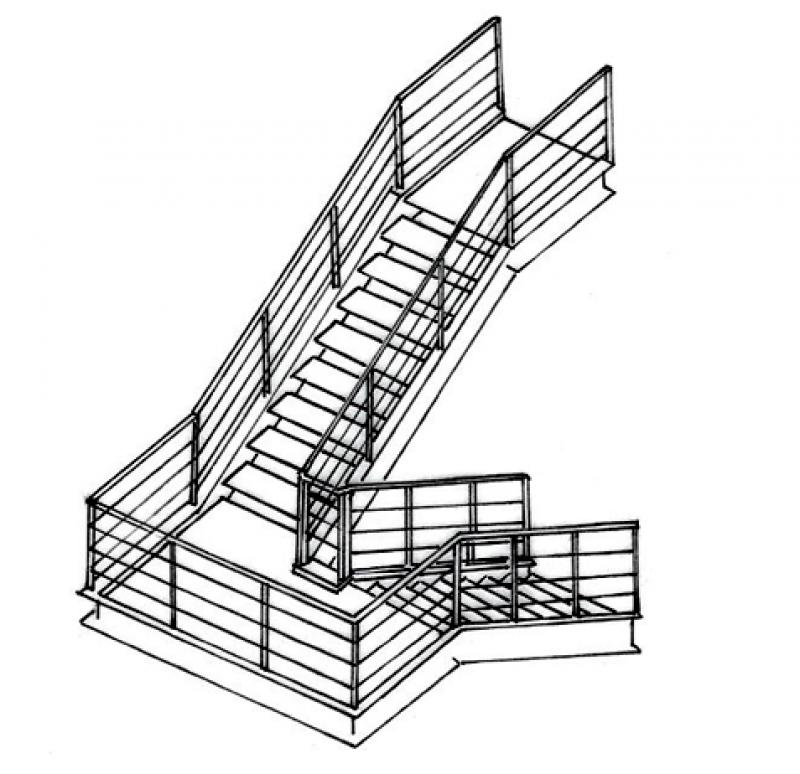
Figure 3
Parameters
- Performance
Outline Information
Labeling
The following features of the staircase must be labeled during the design phase:
- Gradient of individual runs
- Gradient of multiple runs
- Number of pitches and the pitch ratio
- Clear passage width (using a measuring chain)
- Run line
You should always use appropriate label families that read the desired object properties or parameter values, rather than text.
The labeling and dimensioning of components should always be done associatively. Instructions on how to do this in ARCHICAD can be found in the relevant articles.
Instructions
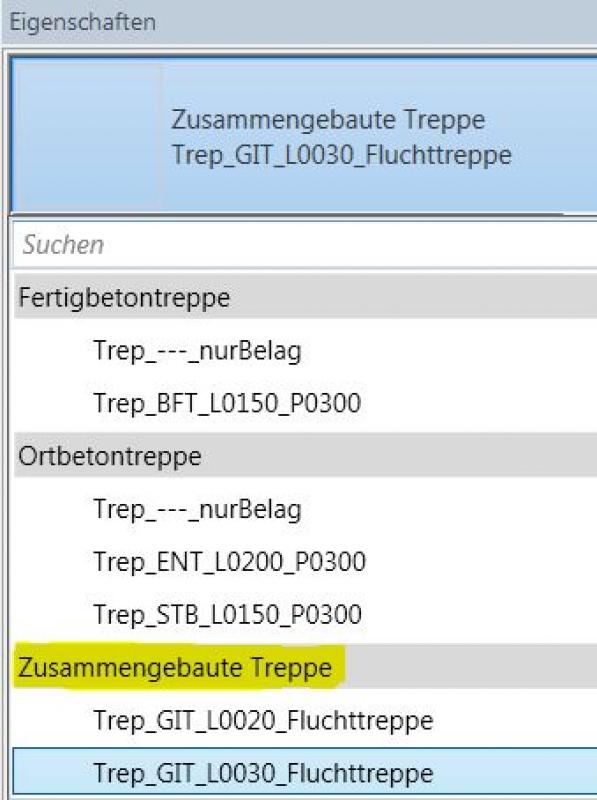
Steel stairs are created using a stair type from the "Assembled Stairs" system family.
Example:
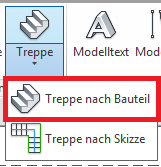
To do this, go to the Architecture tab and select the "Staircase by Component" command under "Generation."
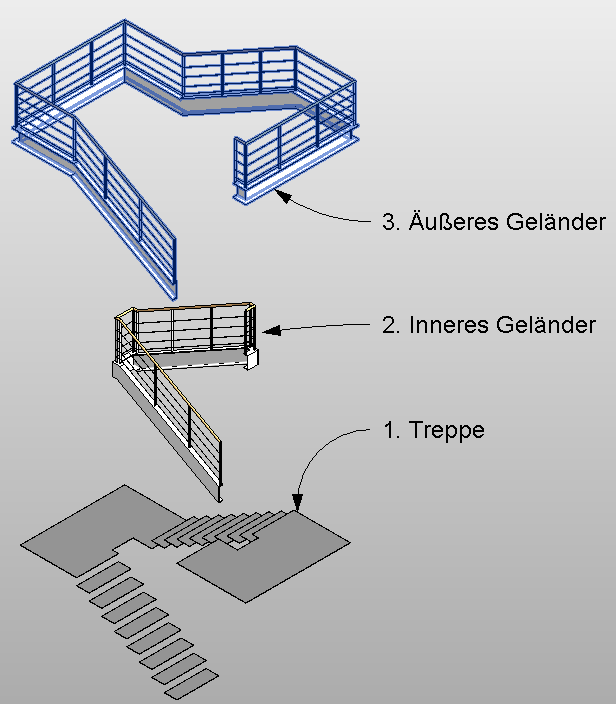
Component groups:
Steel staircases generally consist of the following three component groups:
- Staircase
- Interior railing
- Exterior railing
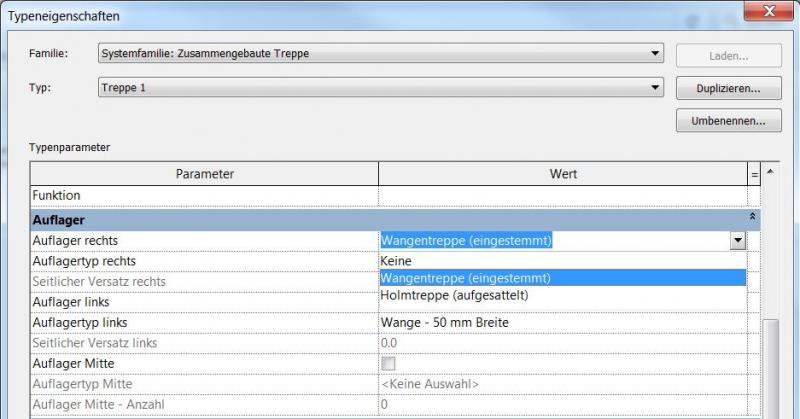
The support for the staircase structure is defined in the type properties.
Staircase Design
The staircase can be edited in the floor plan.
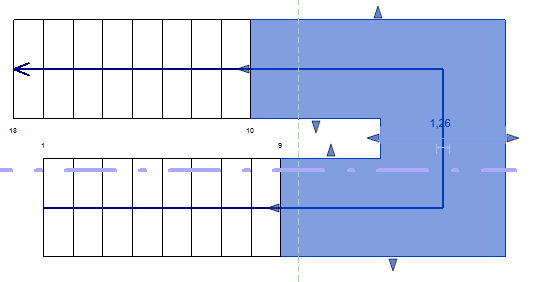
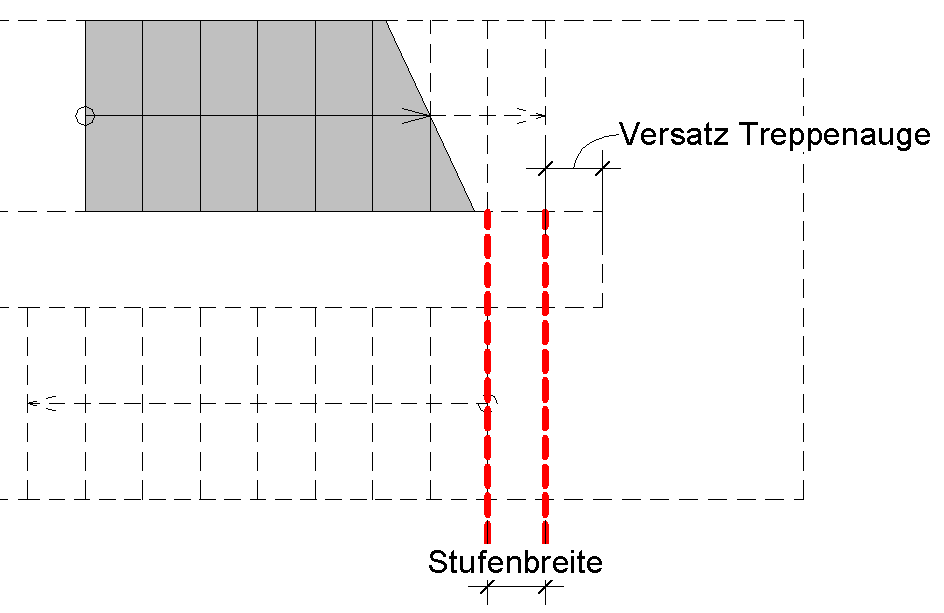
The steps are offset by one step width.
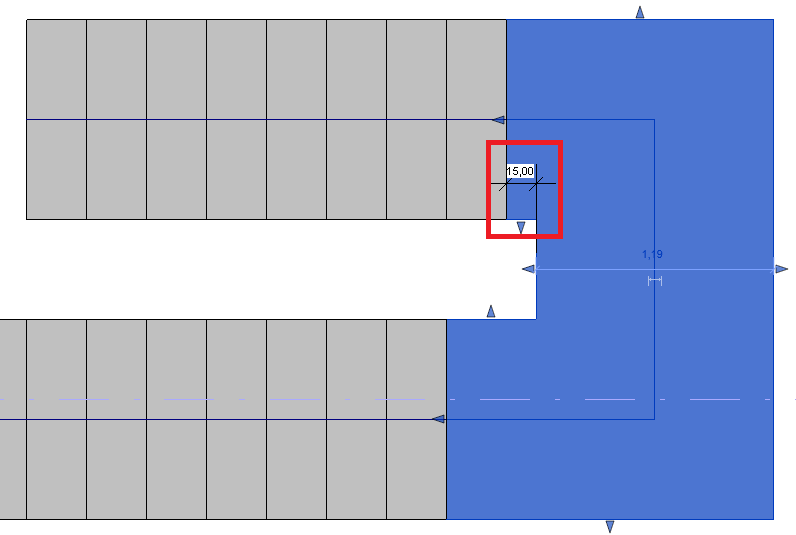
In the early stages, the offset of the stairwell is adjusted using the handles on the landing. This value can be checked using a measuring tape and is estimated to be 15 cm.
Landing platforms at the bottom of the stairs are sketched out.
A steel staircase is a separate library element in the staircase tool.
The new features and parameters added for this phase must be entered in the appropriate fields of the component's settings dialog.
The description of the settings dialog and the corresponding procedure can be found in an earlier section of this article.
The labeling and dimensioning of components should always be done associatively. Instructions on how to do this in ARCHICAD can be found in the relevant articles.
Structural framework
Connection elements can be found in the Autodesk Revit Metric Library under "...\\Structural Connections".
Archicad Content
Railing construction
The general guidelines regarding railings are described in the article on railings.
The following instructions are provided as a supplement, as we recommend designing the stair stringers for steel stairs—such as stringers—using the railing family.
Example:
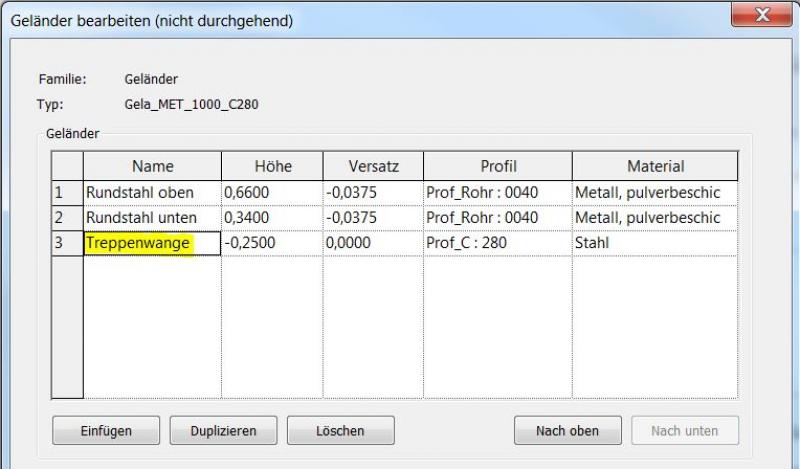
For more information on railings, see the Autodesk Help section on Railings.
Instructions
The railings on steel staircases vary in complexity depending on their design. Two types are described below.
1. Handrails for simple staircases
- No staircases that overlap
- Consistent rise-to-run ratio
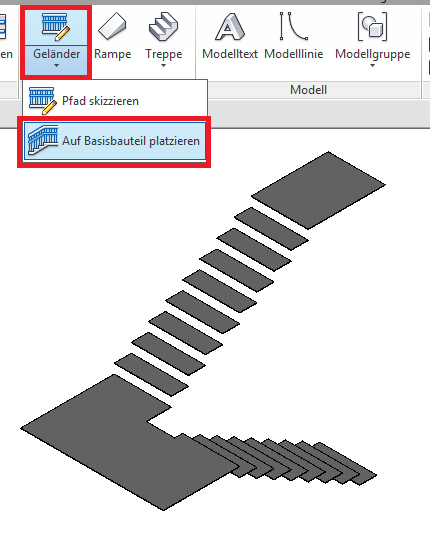
The railing is placed on the structural component.
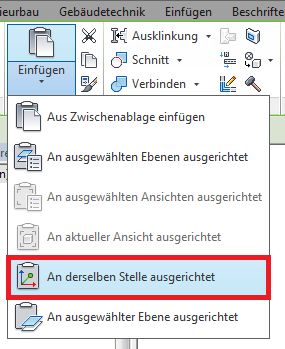
Copy the railing and paste it "aligned to the same position":
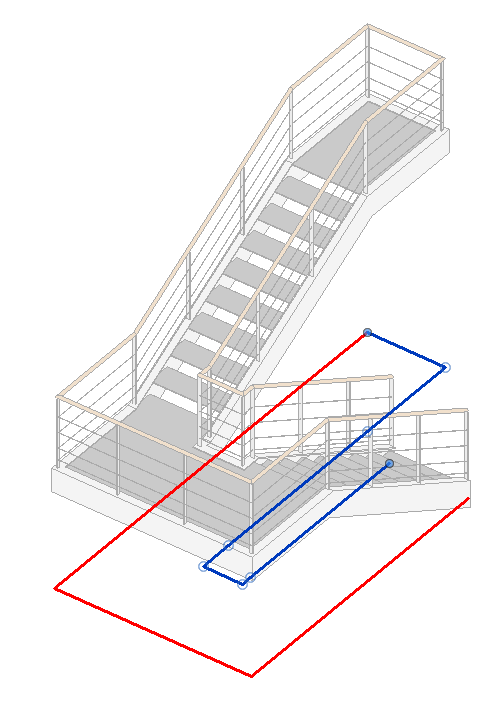
Select a railing, such as the outer one—edit the railing path and delete the inner half.
Repeat this procedure for the interior railing.
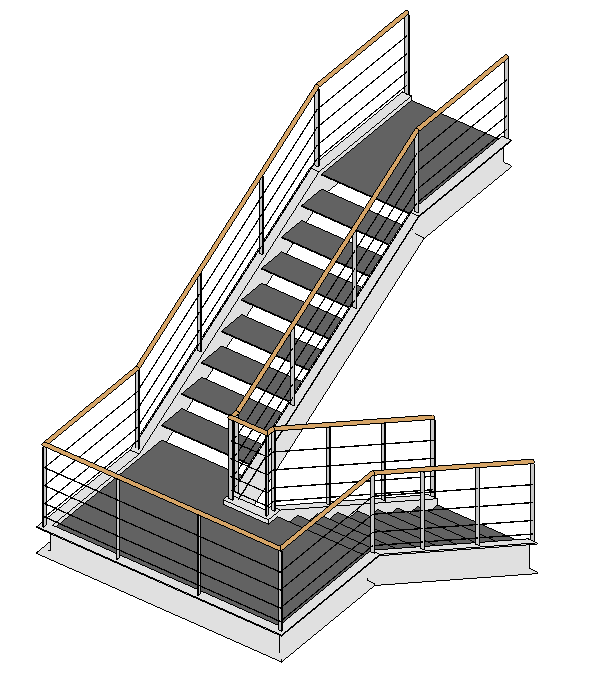
2. Handrails for complex staircases
- Overlapping flights of stairs
- possibly different rise-to-run ratios
Important:
- Handrails with gaps, such as exterior handrails with landings, are modeled along the entire length of the staircase.
- Handrail paths must not form closed loops.
- Continuous railings, such as interior railings, are divided according to the flight of stairs.
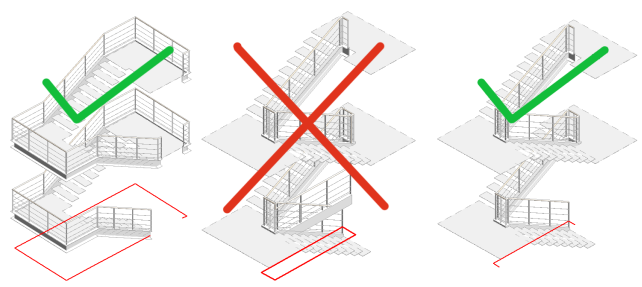
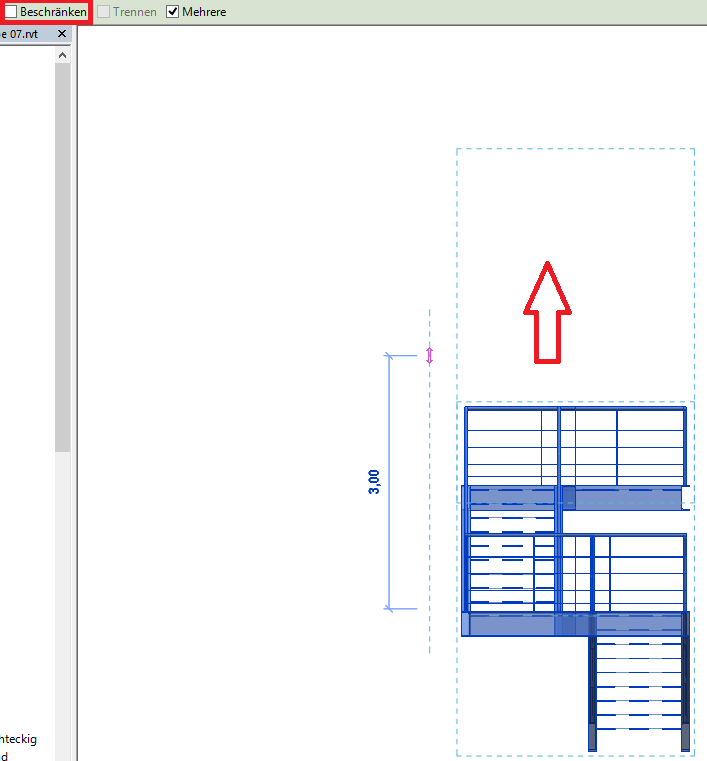
The division is made at the center of the stairwell. As a rule, the height of the handrail must be adjusted at the landing.
For multi-story staircases with consistent rise-to-run ratios:
Select the entire structure (stairs + railing), copy it upward, and adjust it.
Quick Start Guide:
1. First, the outer railing is constructed.
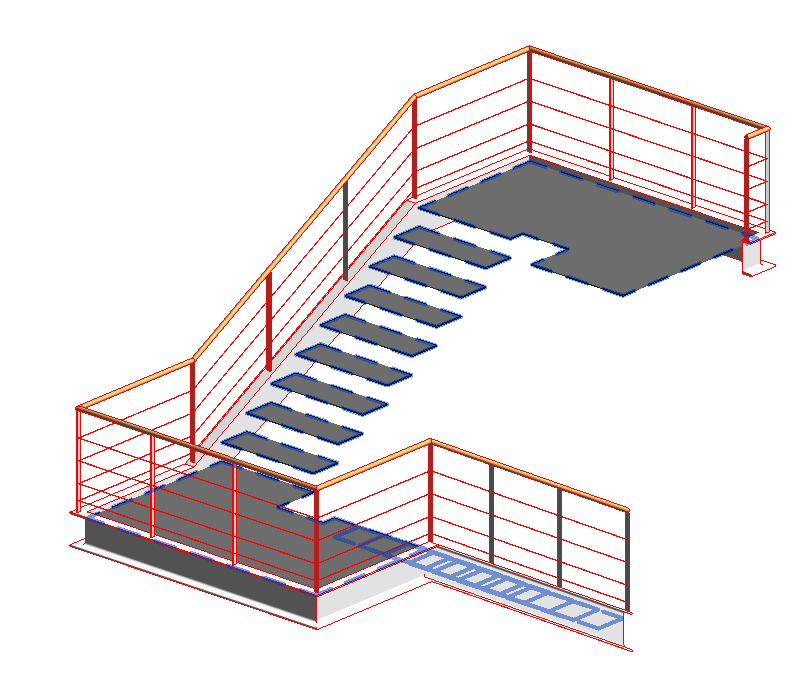
2. Next, construct the inner railing (first half).
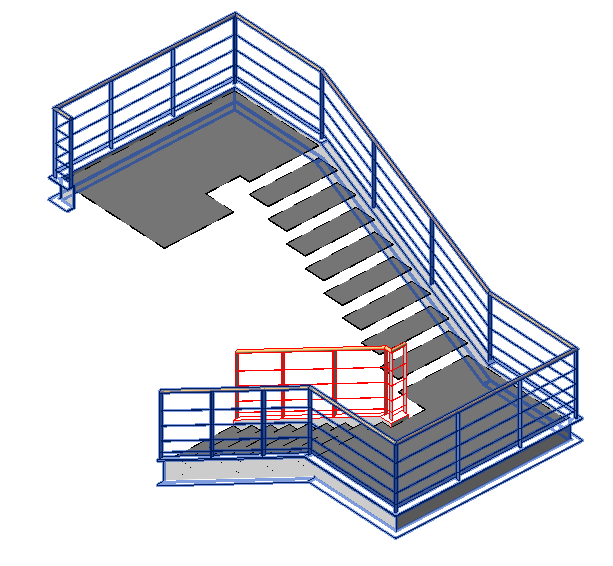
3. Design the interior railing (second half)
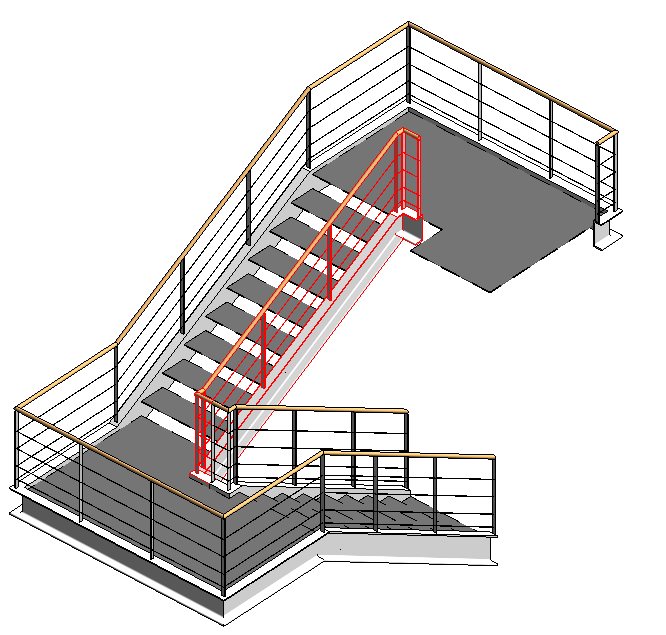
4. If the slope ratios are the same, the staircase is duplicated upward.
> If the slope ratios differ, the new staircase and railing must be designed.
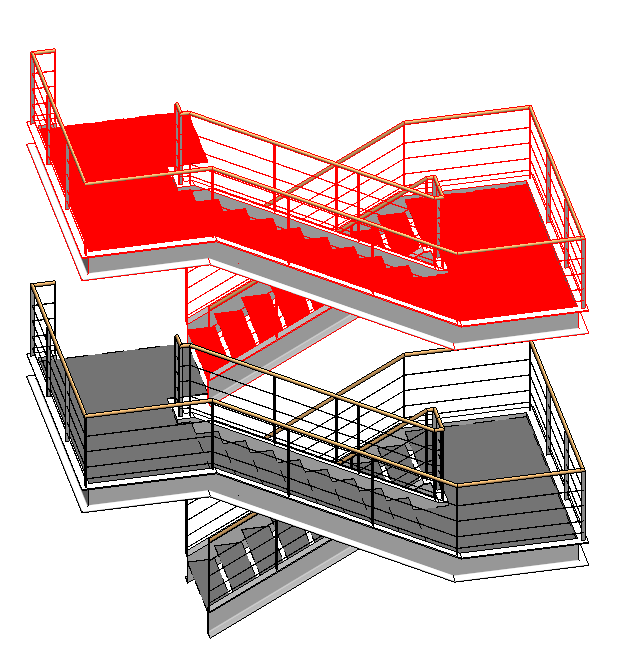
5. Adjust the copied railing.
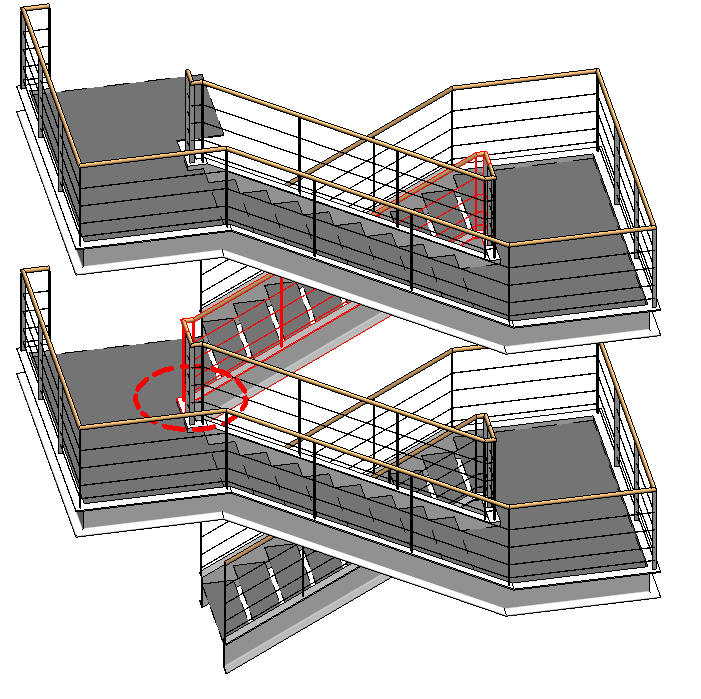
Presentation
Cut
Model
Figure 3
Features
Labeling
See article: Stairs: General
Instructions
The attributes are entered in the staircase properties so that this information can be reused or, for example, displayed in labels.
Presentation
Presentation
Cut
Model
Figure 3
Features
Feature
- Number of appearances
- Number of inclines
- Step on the running line
- Hollow stair spindle
- Solid stair spindle
- Center-stringer staircase
- Minimum thickness of the stair tread
- Minimum tread depth on the inside
- Status
- Double-stringer staircase
Parameters
- Step on the tread
- Gross volume of the stair run
- Height of inclines
- Length of stair run
- Net volume of stair run
- Overhang
Outline Information
Labeling
See article: Stairs: General
Instructions
Precise adjustment of the stair opening to the dimensions of the steel structure.
The distance from the step to the bend in the stringers can most easily be determined from the cross-section.
(Note: The additional 2 mm offset is required for geometric reasons.)
Convert the platform to a sketch and edit the sketch
(Note: Object snaps are not active in component mode. Therefore, platforms cannot be precisely constructed as components.)
Adjust the landing edge to match the offset stairwell and set the landing width.
The basic process of modeling a staircase in ARCHICAD remains the same across the various design phases.
A steel staircase is a separate library element in the staircase tool.
The new features and parameters added for this phase must be entered in the appropriate fields of the component's settings dialog.
The description of the settings dialog and the corresponding procedure can be found in an earlier section of this article.
The labeling and dimensioning of components should always be done associatively. Instructions on how to do this in ARCHICAD can be found in the relevant articles.

Unfortunately, this content is available only to our Pro users.
If you'd like to read the full article, try the Pro account or become a Pro user.