
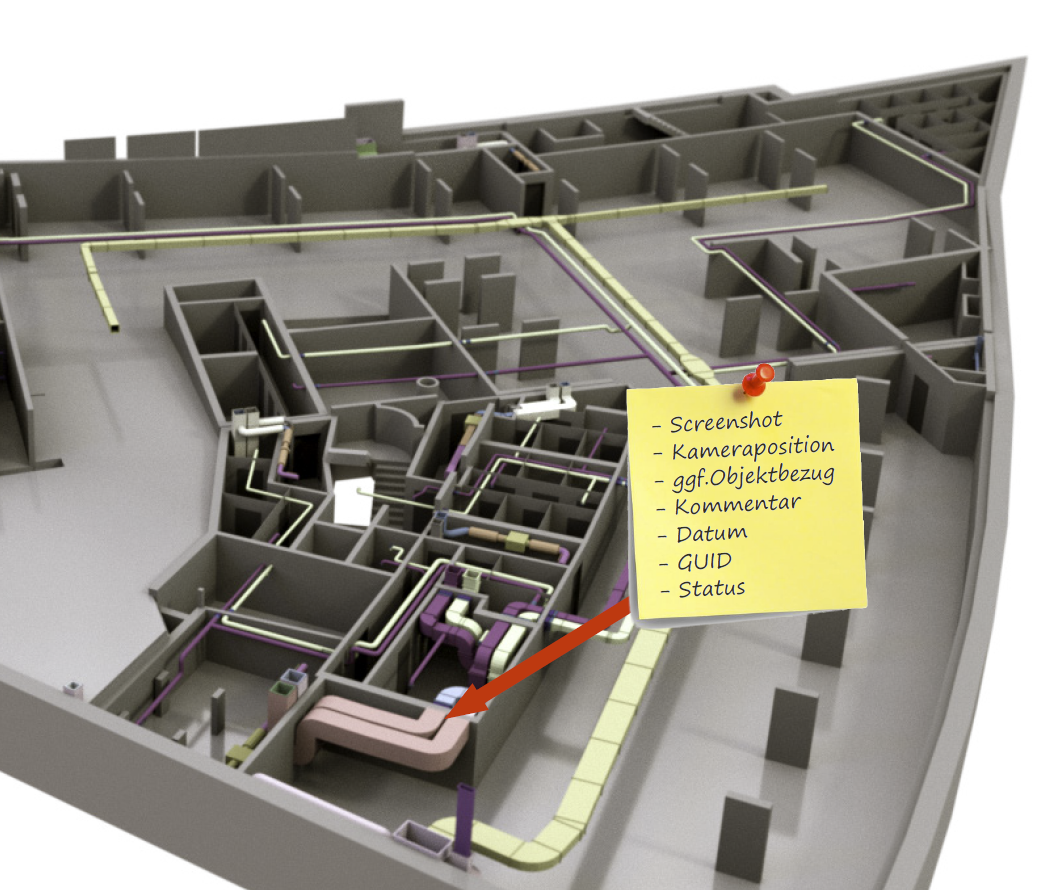
The BCF format is an ideal data format for the fast and accurate exchange of information between BIM authoring tools and verification programs.
In this video tutorial, you’ll learn in just a few quick steps how to quickly and easily import inspection results from Navisworks into Revit, as well as what you need to keep in mind during the process. We’ll also cover common issues and explain how to resolve them.
You can learn more about the methods and tools of model-based communication here:
Note: BCFs generated at this time do not correlate with the size of the imported model. Autodesk is aware of this issue. Until the issue is resolved, generating BCFs from Navisworks is not recommended.

Unfortunately, this content is available only to our Pro users.
If you'd like to read the full article, try the Pro account or become a Pro user.