
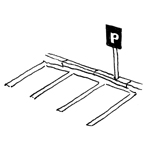
In the construction industry, the term "parking spaces and road markings" (also known as "road markings" or "ground markings") refers to colored markings on the surface of roadways that are used, on the one hand, to delineate traffic lanes for moving traffic and, on the other hand, to divide parking spaces for stationary traffic.
This article focuses primarily on the representation of parking areas in plan and 3D views and includes only a few elements related to road markings, as this is generally a task for traffic planning.
Search terms: Parking, parking lot, parking space, parking spaces, parking area, parking zone, paved area, marking, symbol, disabled, stripes, crosswalk, arrow, curb, bumper guard
At this stage, parking areas and road markings are not yet represented as 3D objects but only as 2D areas in site plans or floor plans, in order to identify and measure traffic areas using the simplest possible methods.
Presentation
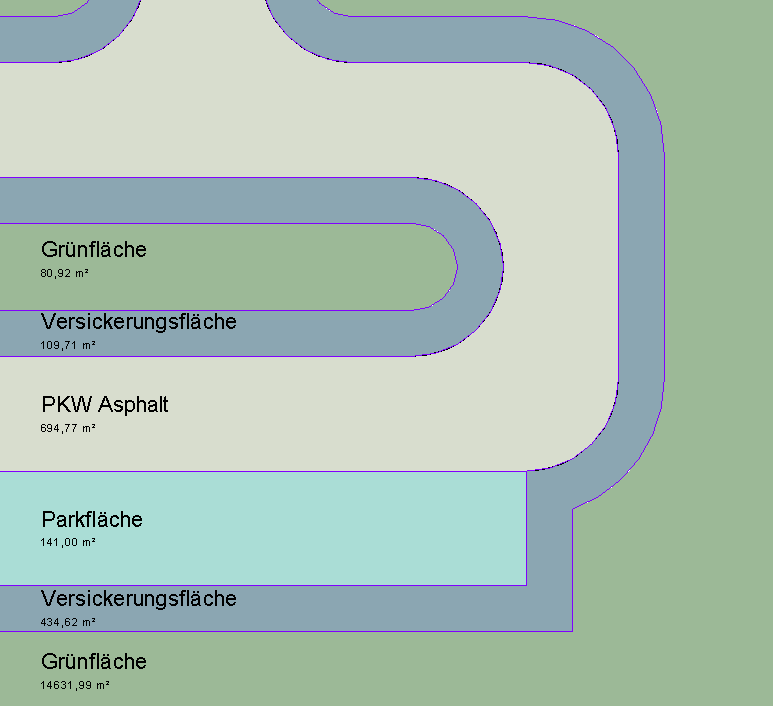
Plan view: Floor plan only, as 3D modeling is not yet being used at this stage.
Features
In this phase, these objects are displayed only in 2D, and the required features are created by defining the surfaces. The following features must be defined in this phase:
- General: Name of the area (e.g., parking lot)
- Generator: Boundary of the area
Labeling
In this phase, the 2D surfaces are labeled.

Face text families can be selected from Autodesk Content and loaded into the project.
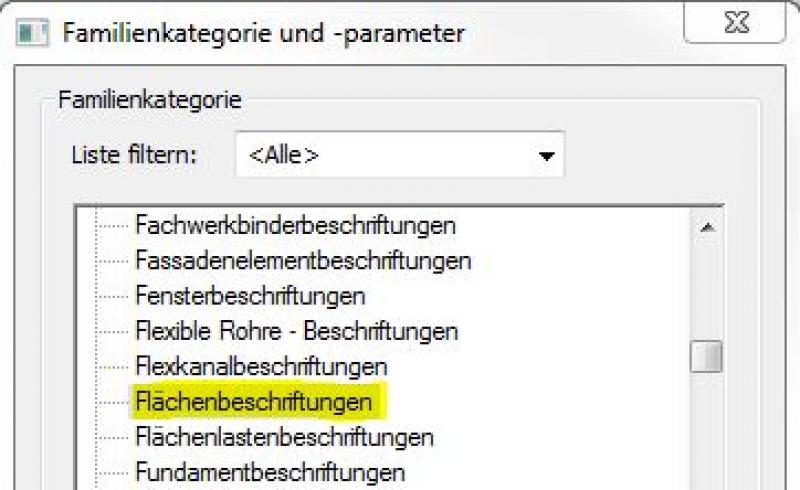
If the desired label does not yet exist, you can create a new label family using the M_General Label template. To do this, change the category to "Area Labels":
The basic process of modeling a room surface in ARCHICAD remains the same across the various design phases and whether the space is indoors or outdoors. A detailed description of the Room Surface tool can be found in the article "Room."
Instructions
In this phase, parking spaces and lane markings are created by drawing 2D shapes.
For more information on creating area plans, see the article "Areas and Zones."
Before creating areas, a special floor plan—known as an area plan—should be drawn up, on which the area boundaries are first defined and the areas themselves are then placed.
- Command for creating a floor plan:
>Architecture >Floor Plan >Floor Plan or >View >Top Views >Floor Plan
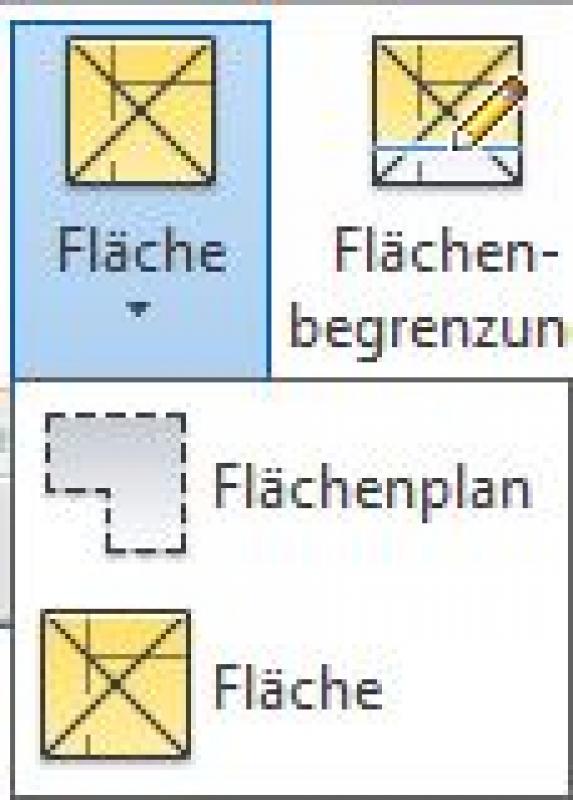
- Command for creating area boundaries:
>Architecture >Land Use Restrictions

- Command for creating surfaces:
>Architecture >Spaces >Spaces
Overview
For general information on how to use the Floor Area tool and the object libraries, please refer to Graphisoft’s basic documentation in the Help Center.
This documentation is based on the official template file "01 ArchiCAD 25 Template.tpl" from the ArchiCAD 25 AUT version.
A parking space defined as a spatial area is treated as a building element, since it is inserted into the model in three dimensions and classified as a documentation element. A building element placed as an object serves as an example for the equipment area or determines a usage assignment for connection points/traffic routes; since it is neither structurally relevant nor space-defining, it is defined as Building Element Class II.
The floor area allocated for parking spaces is 810 square feet:
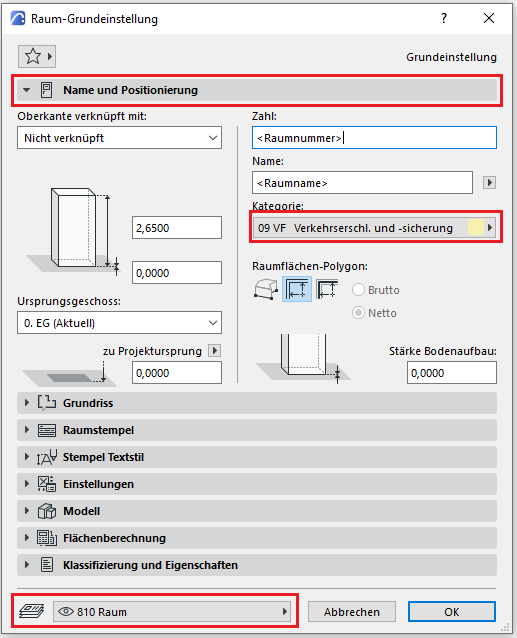
The Room Area tool is used as described in the "Rooms" section. The room category designated for parking spaces is 09 VF (Traffic Access and Safety).
No further measures regarding parking spaces and road markings will be taken during this phase.
In this phase, the 2D areas created earlier are modeled in 3D for the first time using objects specifically designed for parking areas and roadways. The primary goal is to determine the number of parking spaces.
Presentation
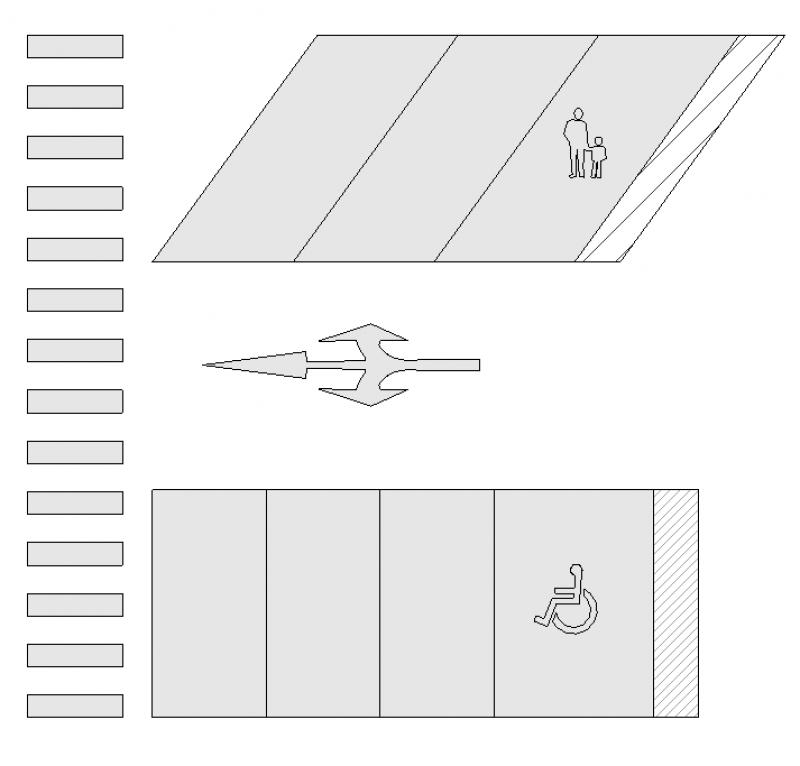
Plan view
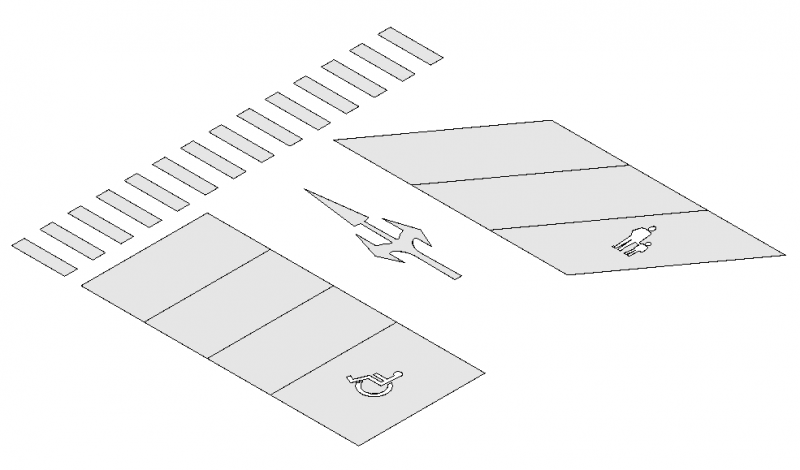
Model representation
Features
The following characteristics are also defined in this phase:
- Providers: Number, size, and orientation of parking spaces
Labeling
The signage indicating the total number of parking spaces and the individual parking space numbers will be provided using signage specifically designed for these properties.
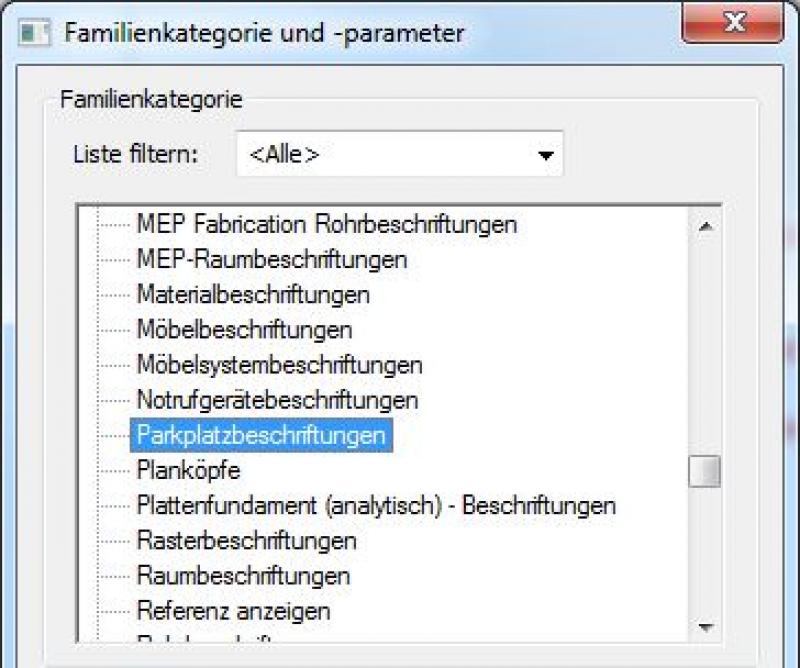
You can label parking spaces using a label family for the "Parking Lot Labels" category. To do this, select the template for "General Labels" and set the category accordingly in >Family Category and Parameters:
The labeling and dimensioning of the component should always be done associatively. Instructions on how to do this in ARCHICAD can be found in the relevant articles.
Instructions
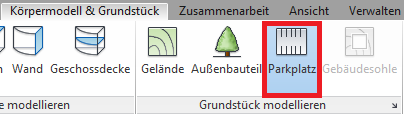
Parking spaces and road markings are placed using the command >Building Model & Site >Parking Space. Alternatively, they can be created using >Architecture >Component >Place Component:
Tip for pasting:
Families can be rotated using the spacebar when inserting them.
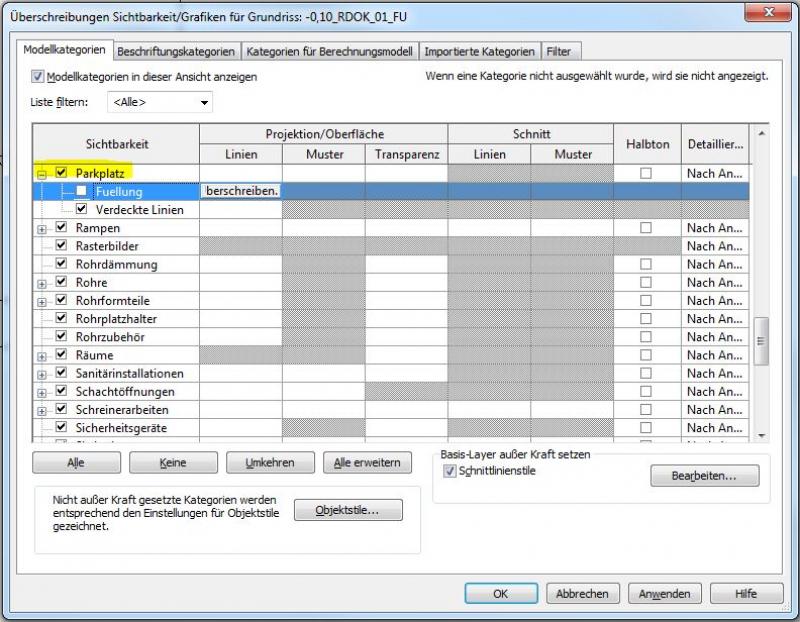
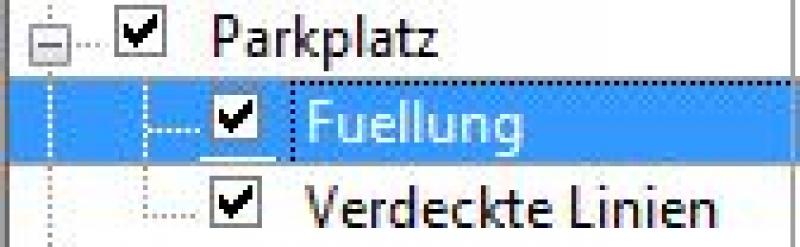
Tip on visibility:
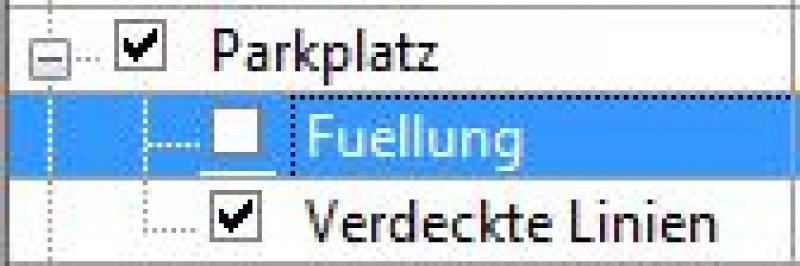
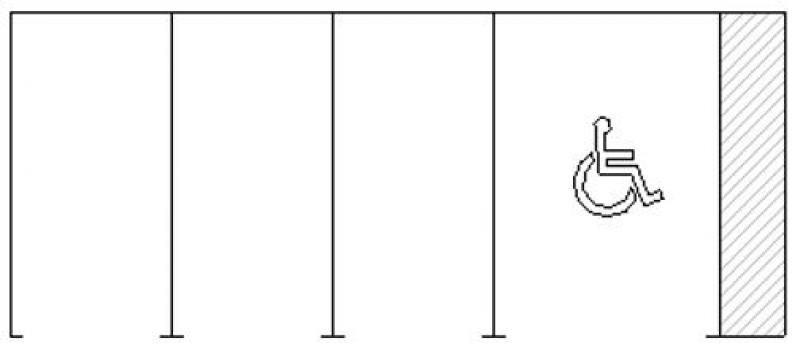
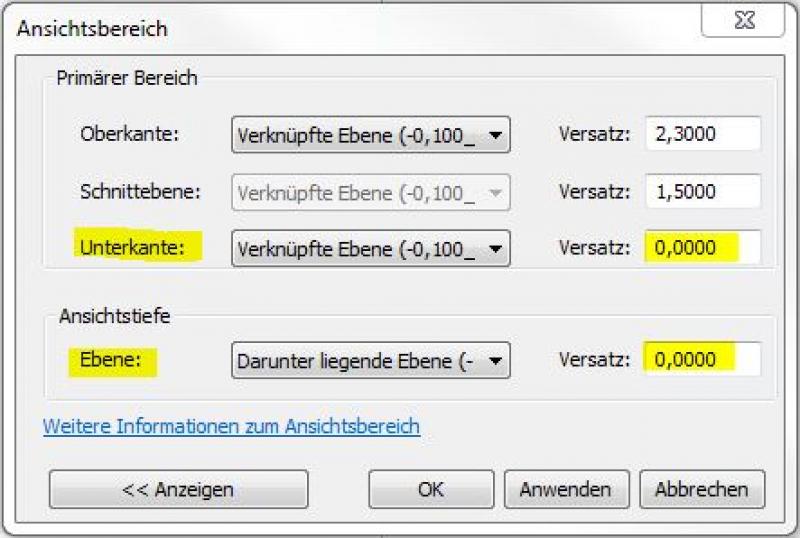
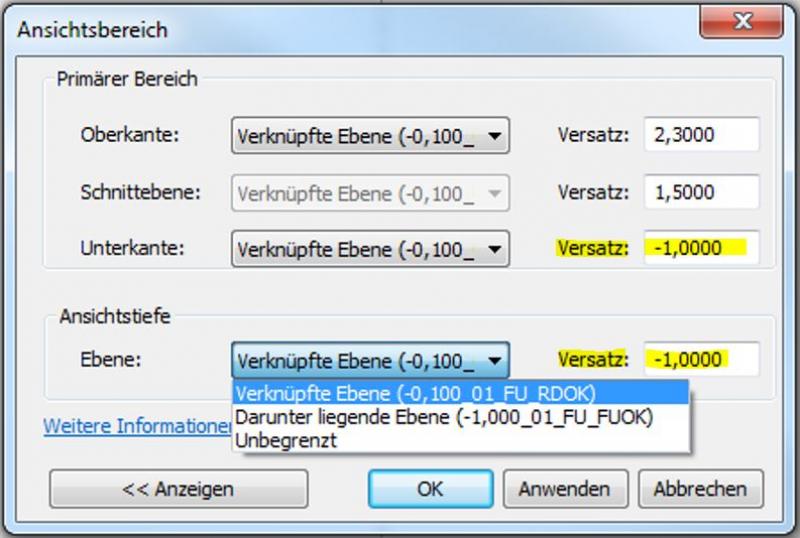
If road markings are not visible (e.g., on sloped floor slabs), the field of view must often be expanded by lowering the line.
The parking spaces are located on Level 60. Property surroundings:
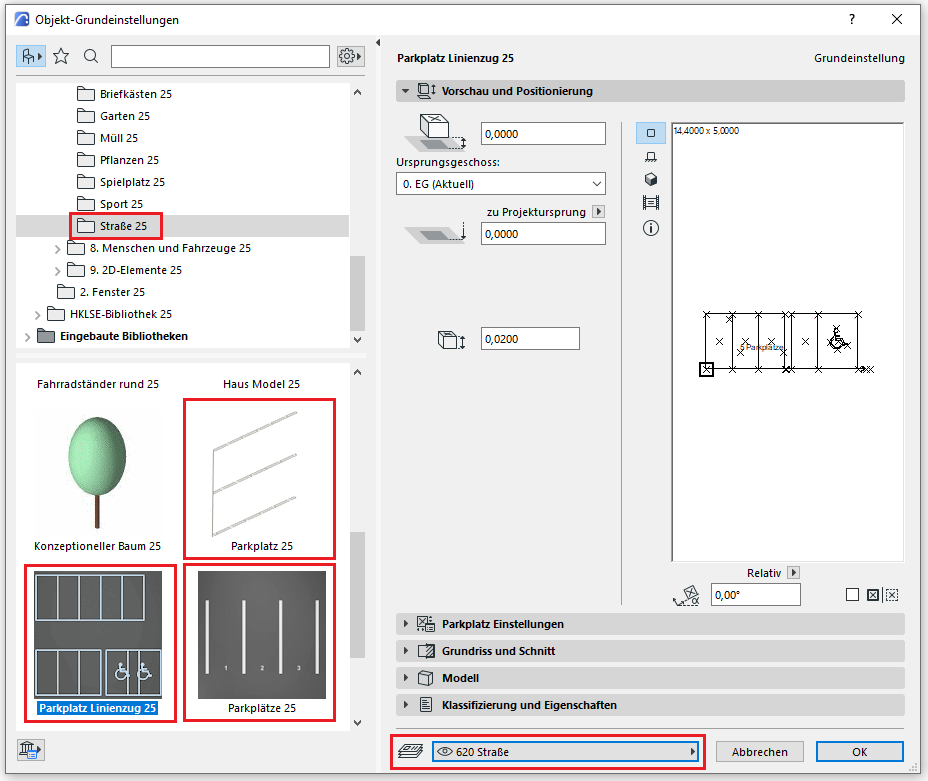
Settings
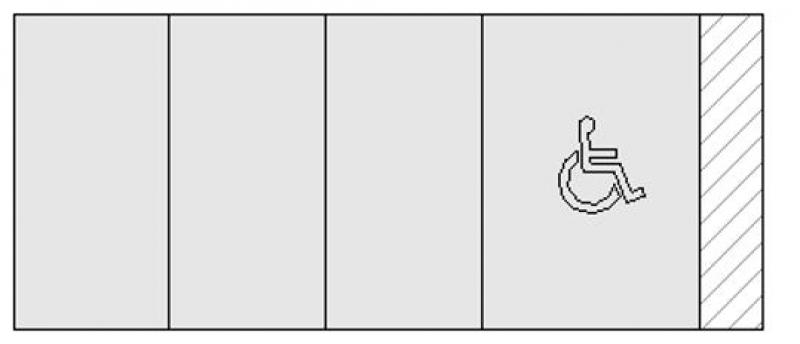
The parking space object is correctly placed at floor level 0 (= OKRD) or on the site model. Different settings can be applied depending on the library type. All parking space objects are 2D and 3D elements, have a numbering option (start number, sequential, etc.), and can specify parking space dimensions. For the Parking Space 20 and Parking Spaces 20 objects, a terrain slope can also be specified; the Parking Space Line object can represent a more precise sequence from parking space to accessible parking space.
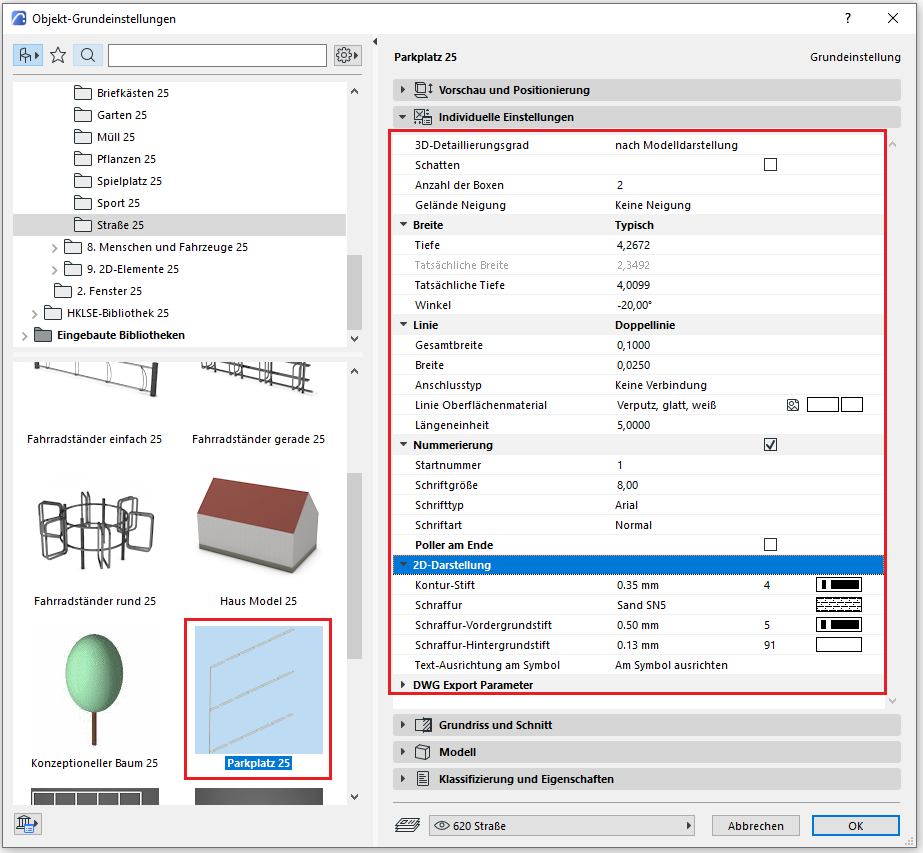
Classification and Characteristics
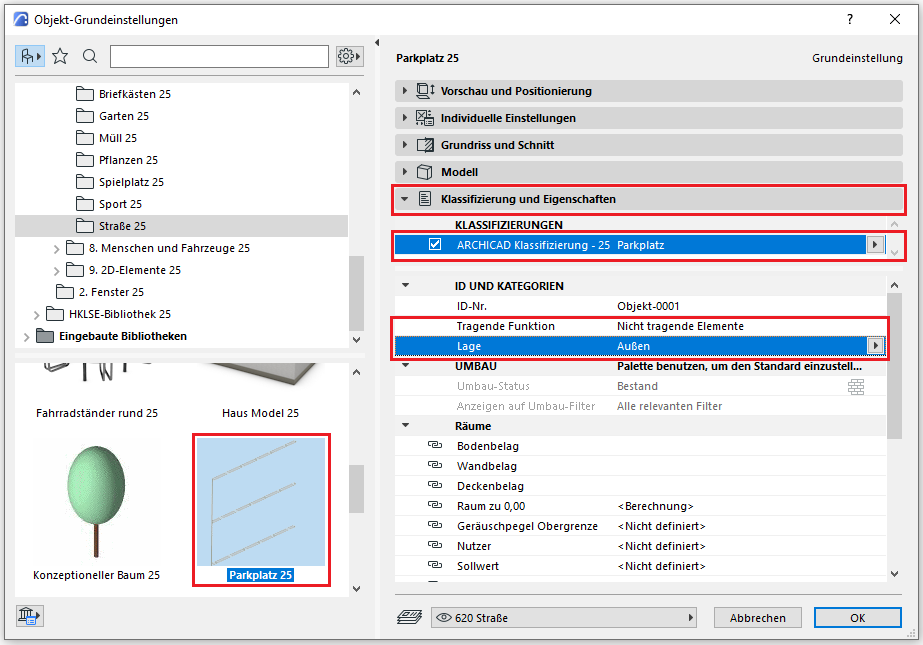
The element classification is the first definition in the Classification and Properties section—see also Classification. When you select the classification option "Component—Any," only the characteristics available for that classification are displayed in the lower field area.
The three properties that also serve additional functions within ARCHICAD are Load-Bearing, Location, and Renovation Status—these affect either the structural representation method, the envelope function (in other programs), or the renovation filter. All other attributes must be selected individually or determined in accordance with the project’s organizational guidelines (e.g., project manual or organizational manual).
No further action is required at this stage with regard to parking spaces and road markings.
No further action is required at this stage with regard to parking spaces and road markings.

Unfortunately, this content is available only to our Pro users.
If you'd like to read the full article, try the Pro account or become a Pro user.