
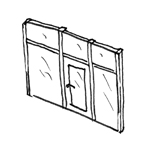
In the early stages, no distinction is made between facade panels and their use as facade doors.
Presentation
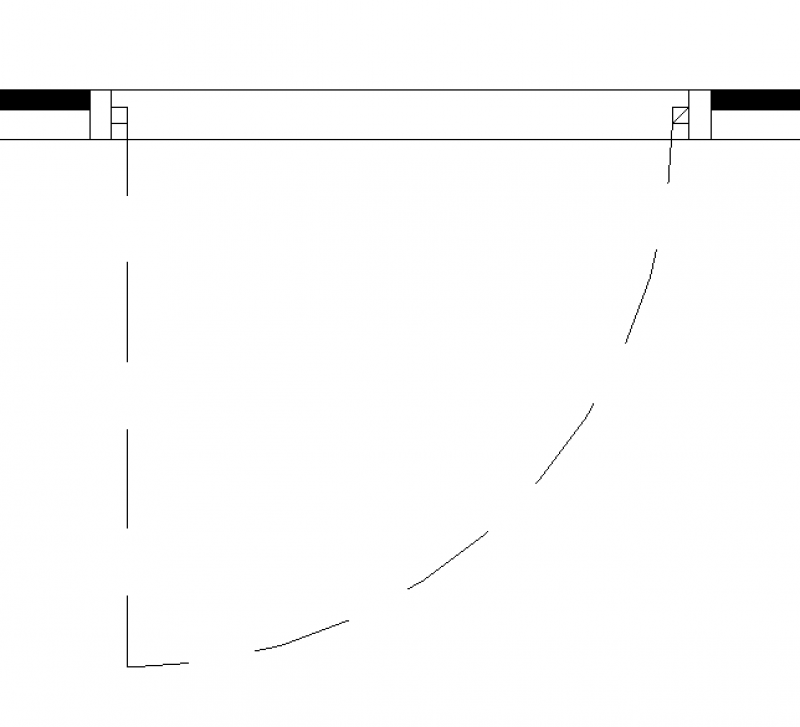
Plan view
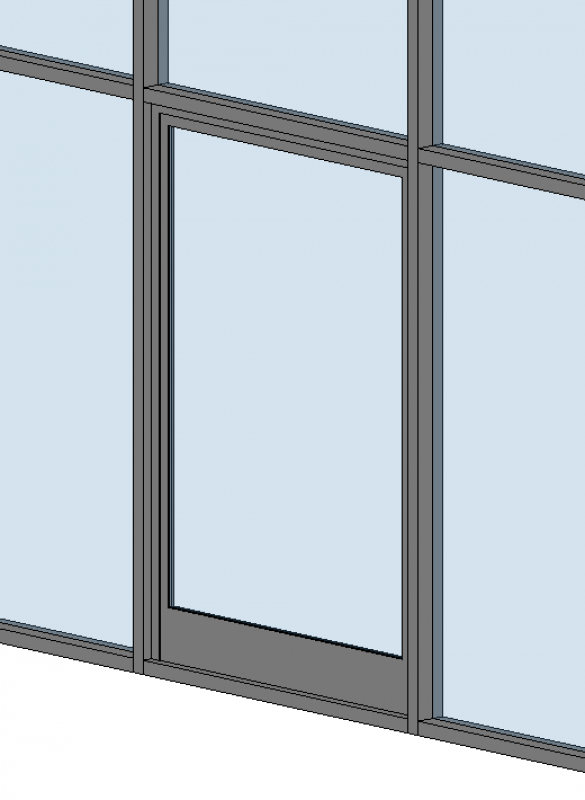
Model representation
Features
Feature
- Door Panel Construction
- Sound insulation class
- U-value
Parameters
Outline Information
- Width of door panel (exterior)
- Door panel glass area
- Perimeter of door leaf glass area
Labeling
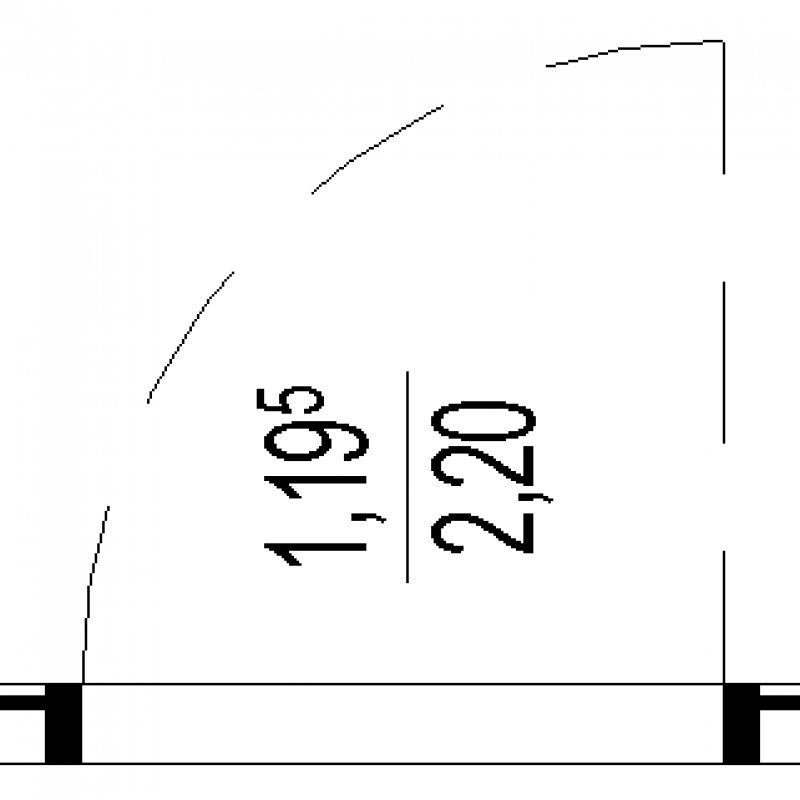
During this phase, the height and width of the door are marked.
The clear passage width and height are indicated here. Plan view:
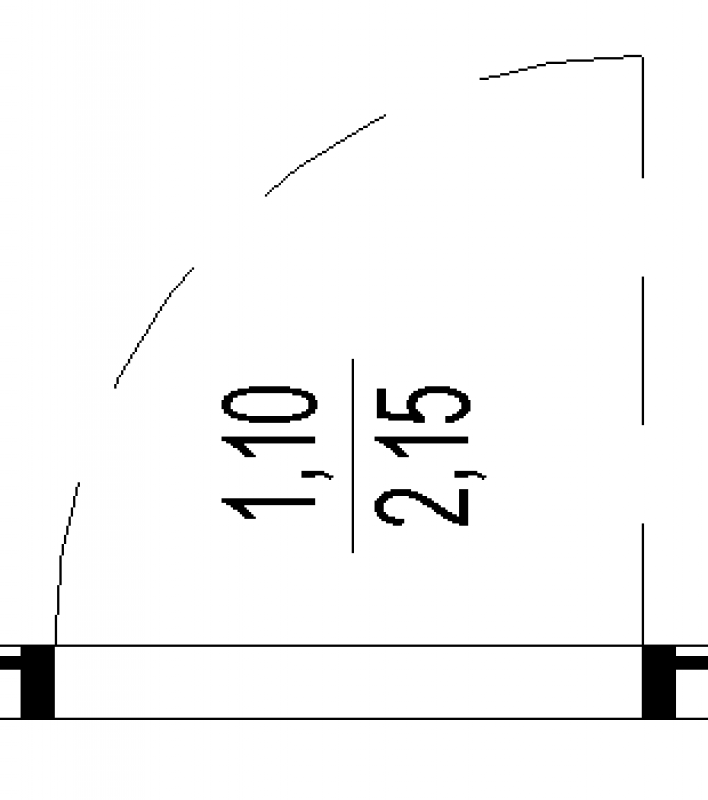
The width and height of the shell are indicated here. Plan view:
Instructions
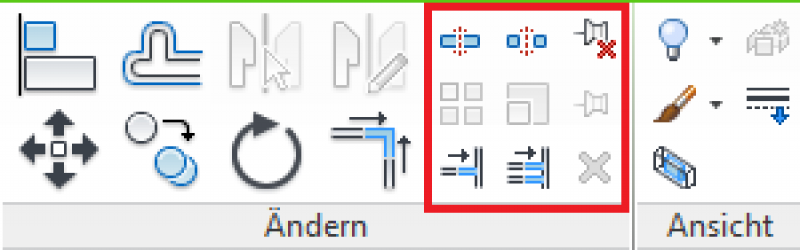
To replace a front door, follow these steps:
1. Mark the slice
2. Unpin
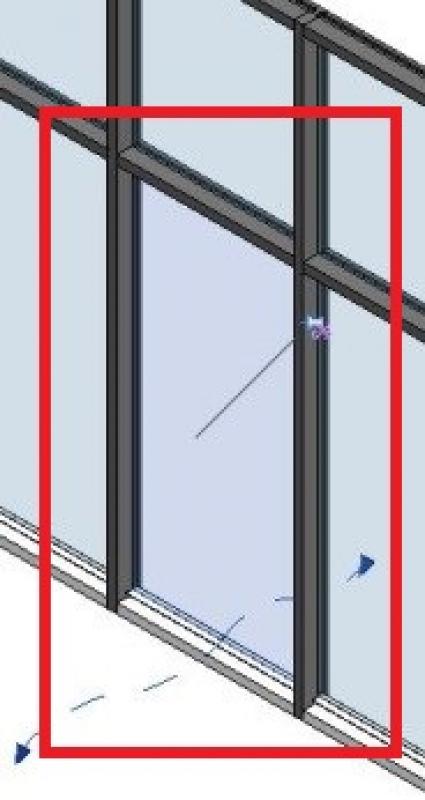
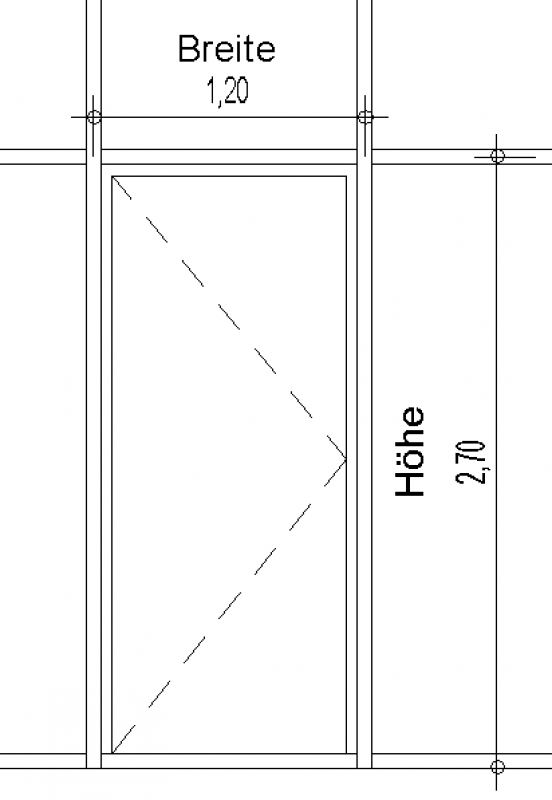
The "Dimensions" parameters are defined by the facade grids
The basic process of modeling an opening in the form of a door in ARCHICAD remains the same across all design phases—regardless of the type of door. However, for a facade door, the Window tool is used to create a window-door.
A window-door is always inserted into a wall that has already been modeled. When doing so, pay attention to its positioning on the original floor, particularly the floor structure height. The window-door is labeled using the marker available in the settings dialog.
Detailed instructions on windows can be found in the tutorials: under ARCHICAD Specifics > Building Elements > Openings - Windows.
Presentation
Plan view
Model representation
Features
Feature
- Door Panel Construction
- Sound insulation class
- U-value
Parameters
- Width of door panel (exterior)
- Door panel glass area
- Perimeter of door leaf glass area
Outline Information
Labeling
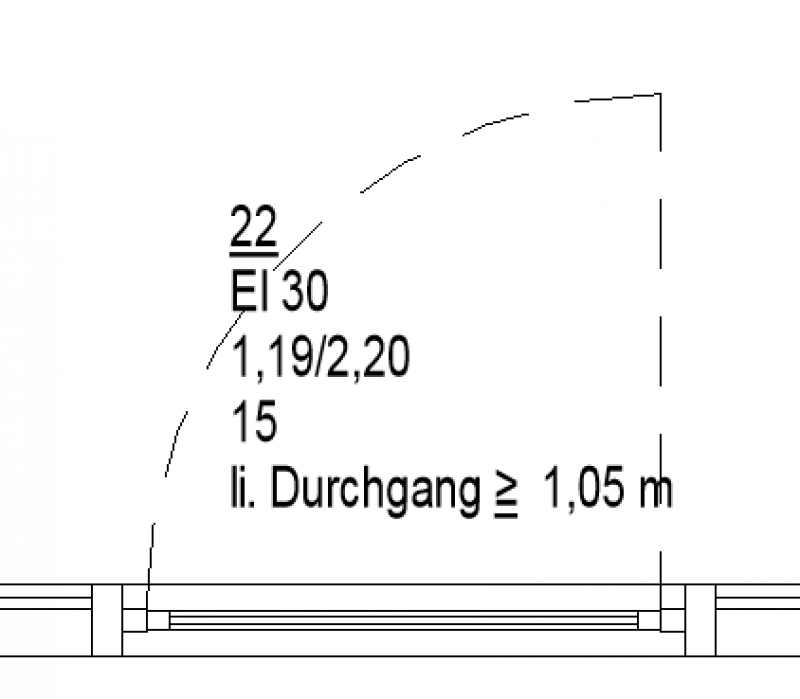
The clear opening width and height, the fire resistance rating, and the door number are labeled here. Plan view:
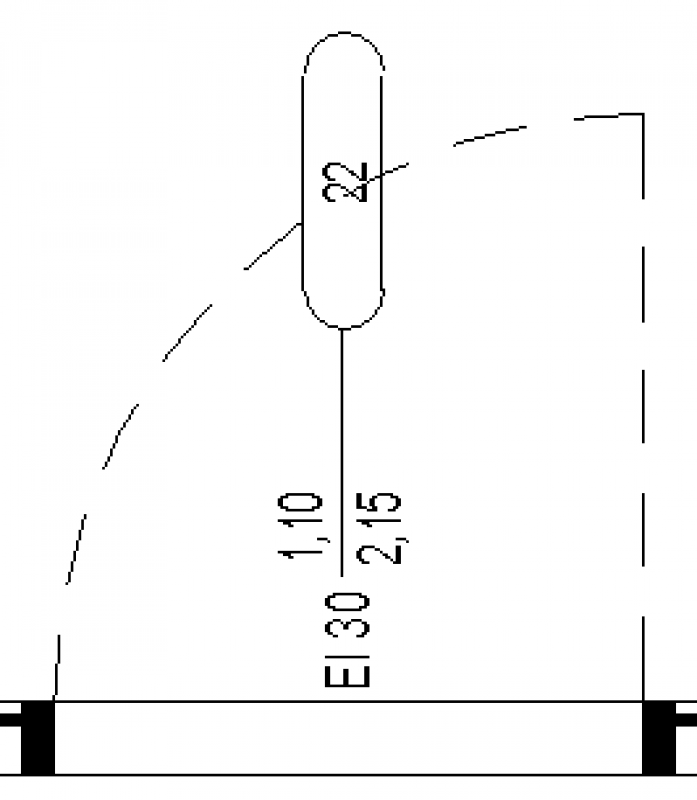
The opening width and height, the fire resistance rating, and the door number are indicated here. Plan view:
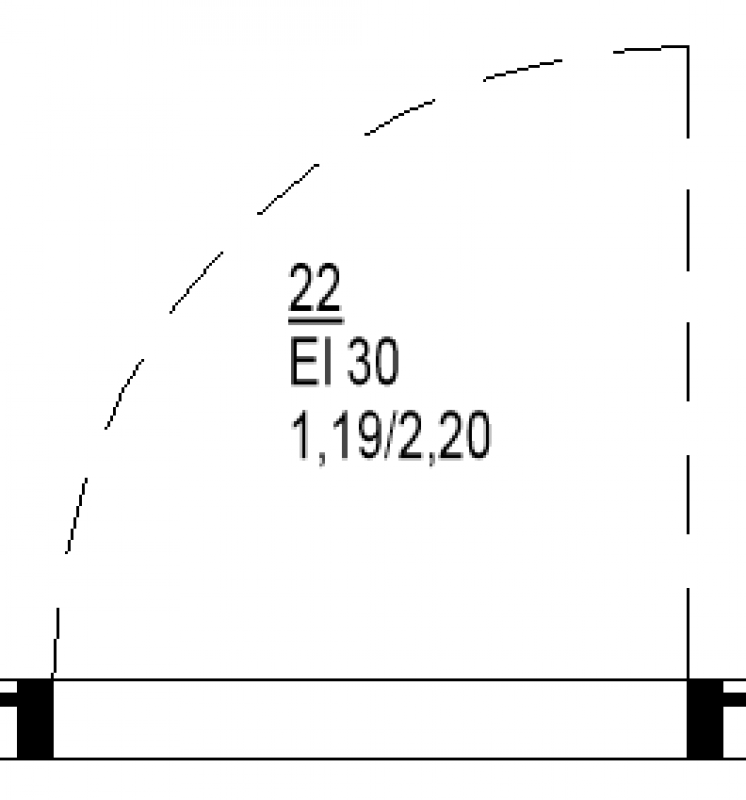
Instructions
Features:
In this phase, the building physics properties must be added to the door. These are defined at the type or instance level, depending on the content used.
The basic process of modeling an opening in the form of a door in ARCHICAD remains the same across all design phases—and regardless of the type of door. However, for a facade door, the Window tool is used to create a window-door.
A window-door is always inserted into a wall that has already been modeled. When doing so, pay attention to its positioning on the original floor, particularly the floor structure height. The text for a window-door is entered using the label field in the settings dialog.
Detailed instructions on windows can be found in the tutorials: under ARCHICAD Specifics > Building Elements > Openings - Windows.
Presentation
Plan view
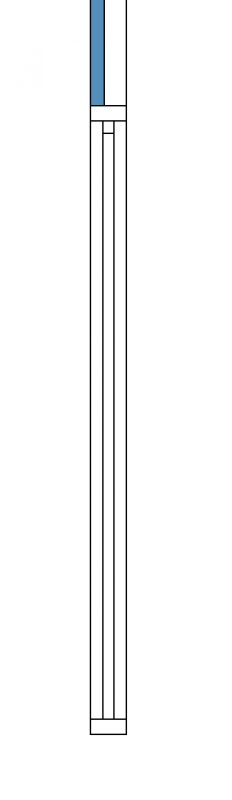
Model representation
F3
Features
Feature
- Lock model
- Door closer model
- Manufacturer
Parameters
- External width of the window frame
- External frame height
- External door leaf height
Outline Information
Labeling
The clear opening width and height, the fire resistance rating, and the door number are labeled here. Plan view:
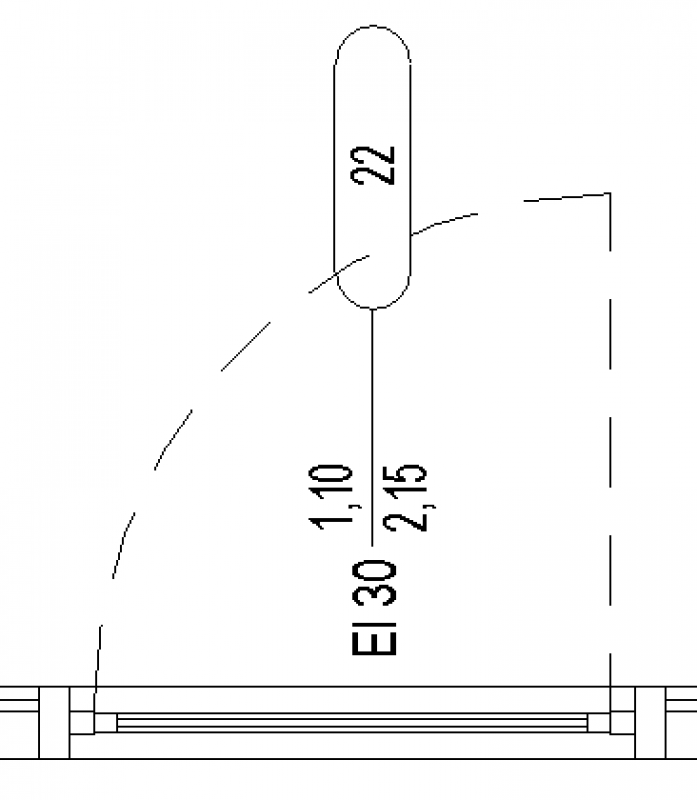
The following information is labeled here: opening width/height, fire resistance rating, door number, and sound insulation rating.
Plan view:
Instructions
The basic process of modeling an opening in the form of a door in ARCHICAD remains the same across the various design phases—and regardless of the type of door. In the case of a facade door, however, the Window tool is used to create a window-door.
A window-door is always inserted into a wall that has already been modeled. When doing so, pay attention to its positioning on the original floor, particularly the floor structure height. The text for a window-door is entered using the label field in the settings dialog.
Detailed instructions on windows can be found in the tutorials: under ARCHICAD Specifics > Building Elements > Openings - Windows.

Unfortunately, this content is available only to our Pro users.
If you'd like to read the full article, try the Pro account or become a Pro user.