
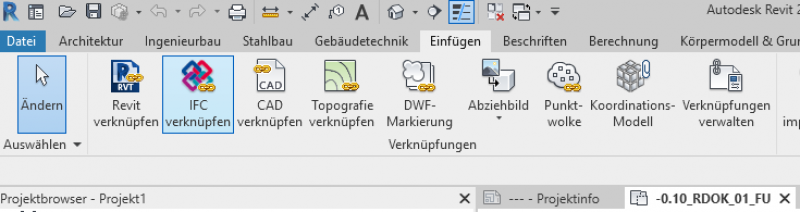

The IFC (Industry Foundation Classes) file format is becoming increasingly important in the so-called Open BIM workflow. It is a software-independent file format that can be read by many authoring tools, thereby enabling the digital exchange of BIM designs.
This article describes how to link IFC formats in Revit.
Any tips and tricks, as well as useful information on specific settings, round out the necessary information on this topic.
Keywords: data transfer, communication, handover, translation, integrated planning, interdisciplinary collaboration, software, authoring tool, tool, data format, data exchange, instructions, import/export, Building Information Modeling, modeling, connection, link, IFC, Revit

Unfortunately, this content is available only to our Pro users.
If you'd like to read the full article, try the Pro account or become a Pro user.