
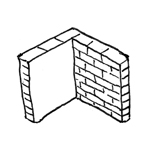
Masonry walls are a special type of structural wall. Contrary to popular belief, masonry walls—just like concrete walls—are simply assigned the building material type "masonry" and are not modeled as "brick-by-brick." The representation of exposed masonry, for example, is therefore achieved solely through textures or surface hatching and is not derived from the 3D model, as this would otherwise result in significant performance losses.
Search terms: wall, walls, upper edge, lower edge
Information on working with walls in the early planning phases is described in the article "Walls: General Information."
Presentation

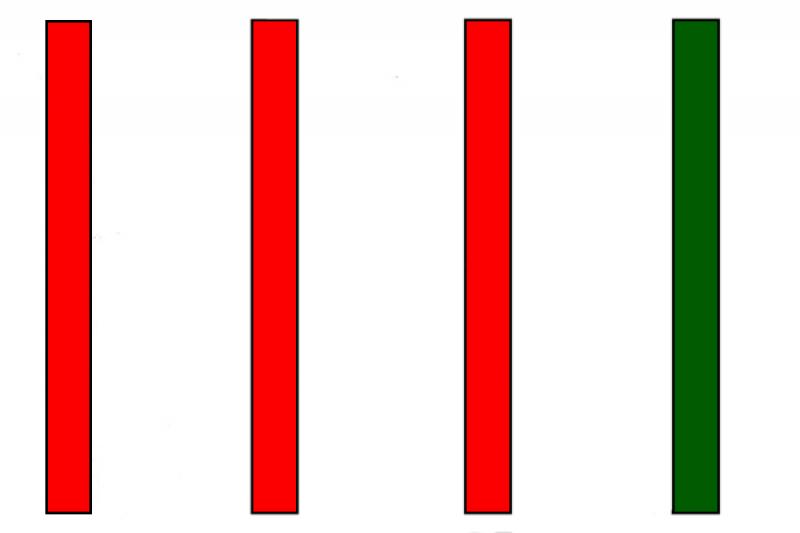
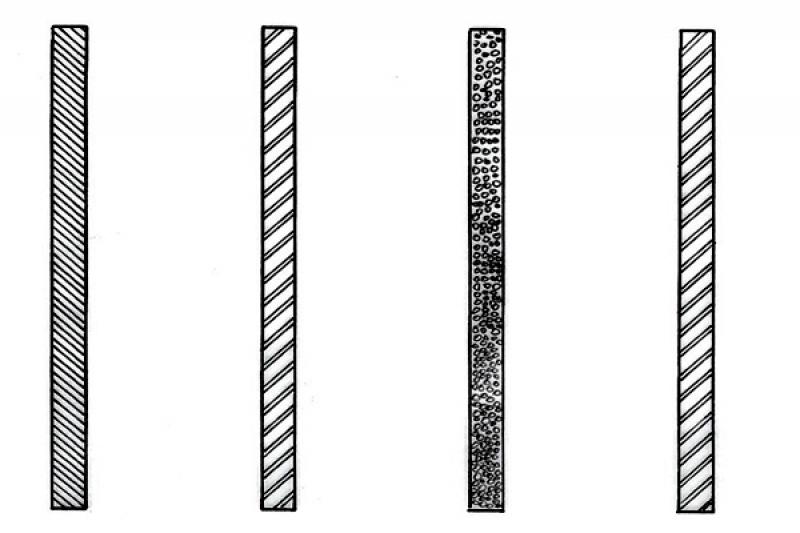
Cross-sectional view
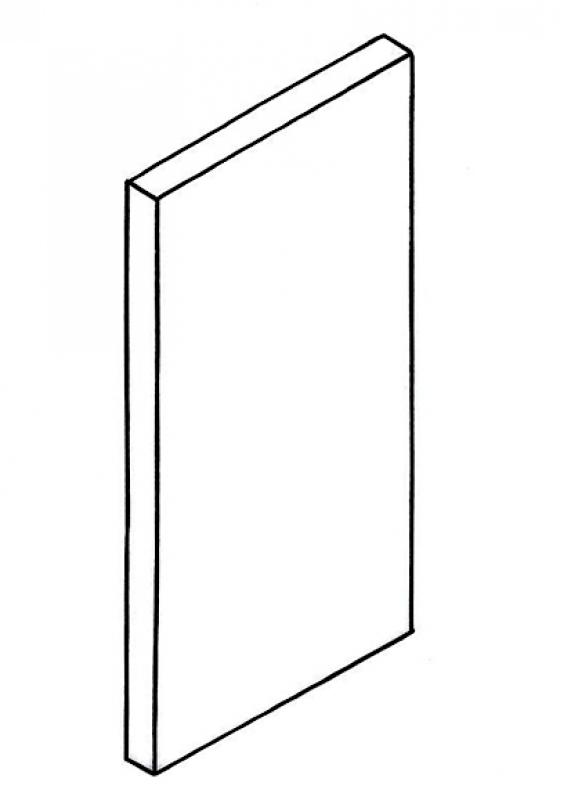
Model representation
Features
Feature
- Sound insulation class
- U-value
Parameters
- Total area of wall covering
Outline Information
Labeling
No information is marked on this component at this stage.
Instructions
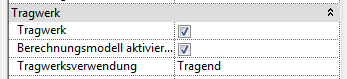
Masonry walls are marked as load-bearing or non-load-bearing in the Properties window. Optionally, the calculation model for load-bearing elements can be enabled.
Material assignment
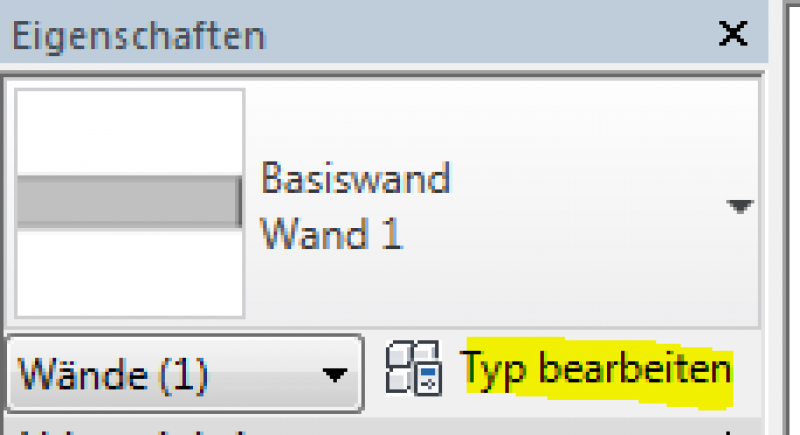
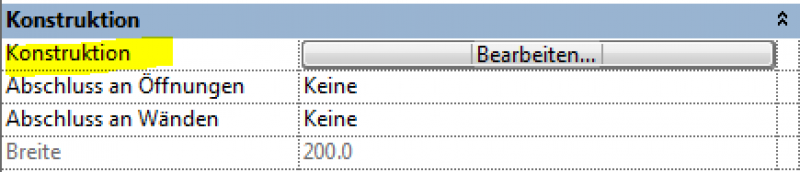
The wall material is defined in the "Edit Type" properties window, in the "Construction" group. The number of layers in a wall construction varies depending on the modeling method.
The basic process of modeling a wall in ARCHICAD remains the same across the various design phases—and regardless of the wall type.
Detailed instructions on walls can be found under "Walls: General."
It is recommended that you always select the "Multi-layer" setting (or the "Complex Profile" for structurally more complex structures). For masonry walls, it is particularly important to set the "Load-bearing function" to "Load-bearing elements" under Categories and Properties, and to set the "Core" option for the "Masonry" building material in the multi-layer structure. This setting enables the display of the masonry wall without its additional layers (e.g., insulation) according to the multi-layered component when using the structural representation "Only the core of the load-bearing elements." The wall analysis also draws on this information and can display it (along with all other information assigned to the wall).
The use of multi-layer components allows for highly effective centralized control of the building elements: as soon as a structure catalog is available, the multi-layer components can reflect it in the project—if a particular structure changes, this can be updated centrally for all building elements that access it; thus eliminating the risk that individual components will be “overlooked.”
For special structures, we recommend using the complex profiles, e.g., for the parapet.
Presentation
ZIE
KSS
ZIE
KSS
ZIE
KSS
Features
Labeling
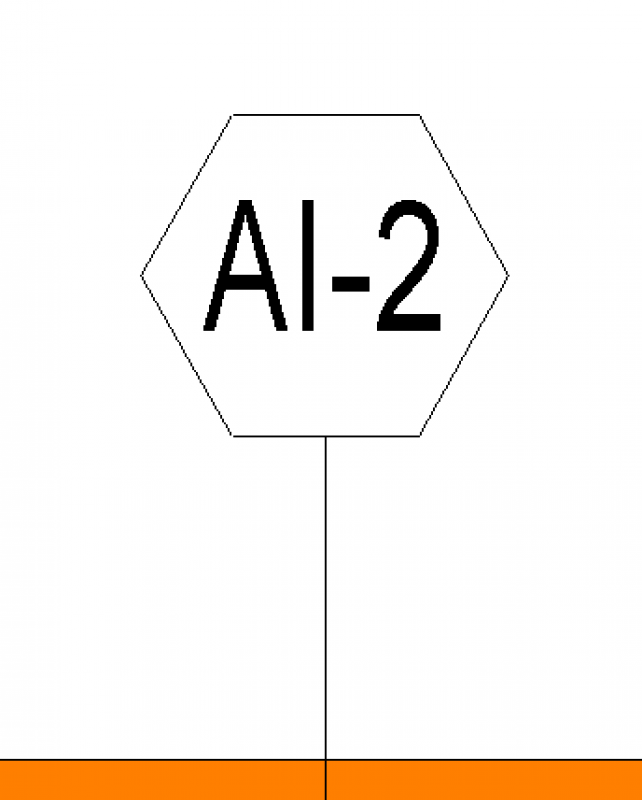
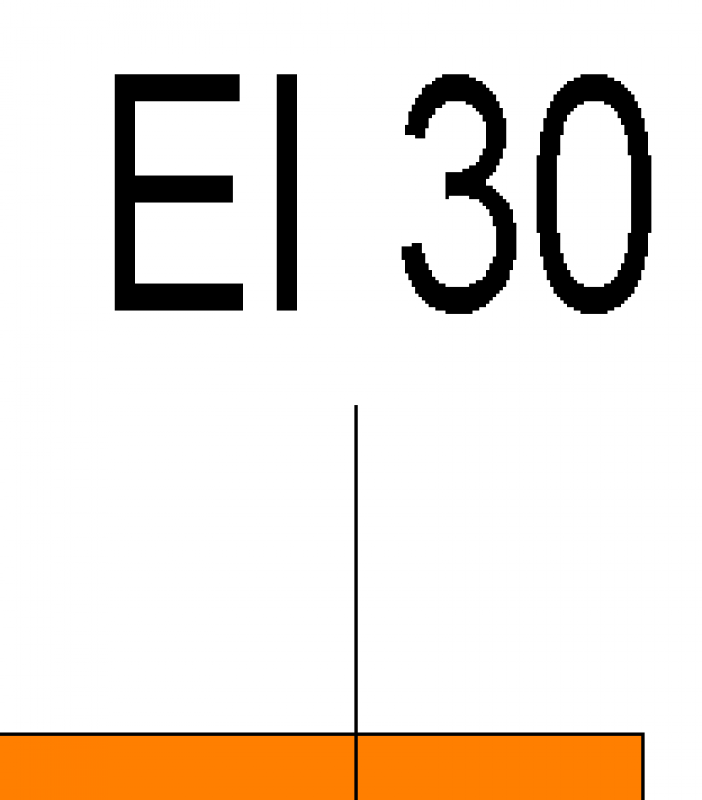
The components are labeled on the floor plan according to their designation in the component catalog, e.g., AW01 or IW01, and are also marked with their fire resistance rating (if available).
Instructions
The basic process of modeling a wall in ARCHICAD remains the same across the various design phases—and regardless of the wall type.
Detailed instructions on walls can be found under "Walls: General."
It is recommended that you always select the "Multi-layer" setting (or the "Complex Profile" for structurally more complex assemblies). For masonry walls, it is particularly important to set the "Load-bearing function" to "Load-bearing elements" under Categories and Properties, and to set the "Core" option for the "Masonry" building material in the multi-layer structure. This setting enables the display of the masonry wall without its additional layers (e.g., insulation) according to the multi-layered component when using the structural representation "Only the core of the load-bearing elements." The wall analysis also draws on this information and can display it (along with all other information assigned to the wall).
The use of multi-layer components allows for highly effective centralized control of the building elements: as soon as a structure catalog is available, the multi-layer components can reflect it in the project; if a specific structure changes, this can be updated centrally for all building elements that rely on it; the risk of individual components being “overlooked” is thus eliminated.
For special structures, we recommend using the complex profiles, e.g., for the parapet.
Features
- Reference
- Gross weight
- Net weight
- Net area of wall covering
- Thickness of wall covering
Labeling
Instructions
Ideally, the wall should be labeled and dimensioned using a family that retrieves the necessary information from the wall's parameters and properties.
The basic process of modeling a wall in ARCHICAD remains the same across the various design phases—and regardless of the type of wall.
Detailed instructions on walls can be found under "Walls: General."
It is recommended that you always select the "Multi-layer" setting (or the "Complex Profile" for structurally more complex constructions). For masonry walls, it is particularly important to set the “Load-bearing function” to “Load-bearing elements” under Categories and Properties, and to set the “Core” option for the masonry material in the multi-layer structure. This setting enables the display of the masonry wall without its additional layers (e.g., insulation) according to the multi-layered component when using the “Only the core of the load-bearing elements” structural representation. The wall analysis also draws on this information and can display it (along with all other information assigned to the wall).
The use of multi-layer components allows for highly effective centralized control of the building elements: as soon as a structure catalog is available, the multi-layer components can reflect it in the project—if a particular structure changes, this can be updated centrally for all building elements that access it; thus eliminating the risk that individual components will be “overlooked.”
For special structures, we recommend using the complex profiles, e.g., for the parapet.

Unfortunately, this content is available only to our Pro users.
If you'd like to read the full article, try the Pro account or become a Pro user.