
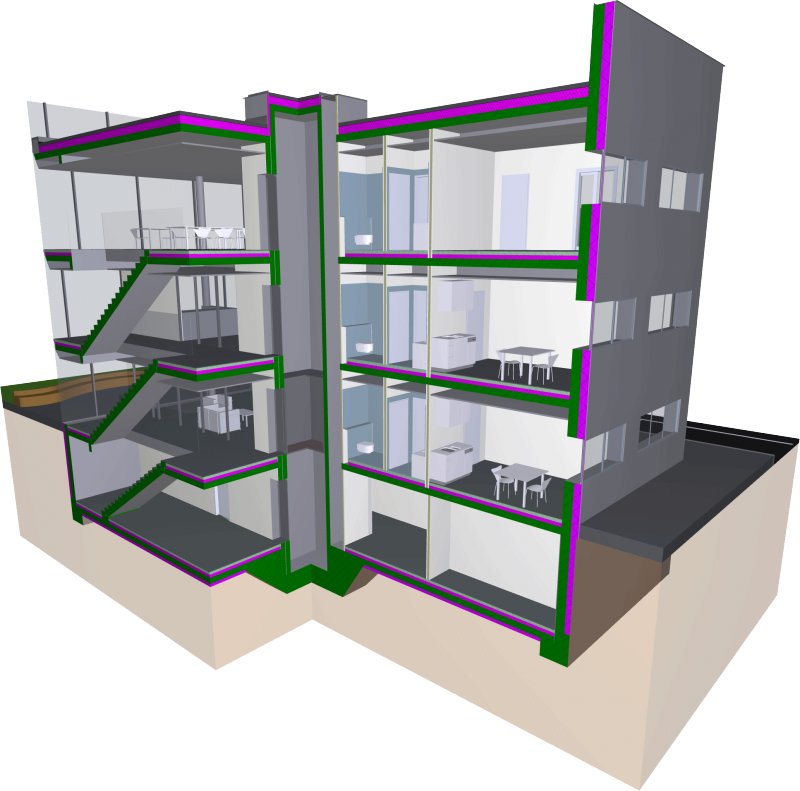
The phase model describes the components to be created, as well as their increasing data density across the planning phases.
Watch the video—it explains the phase model in full...
To load this content, you need to allow the YouTube service.
As with traditional CAD design, the information content and level of detail in a Building Information Model increase as the design phases progress. Not all elements of a virtual building model (such as railings) are included in the model from the outset, and the alphanumeric information content of the individual elements also increases gradually. This gradual increase in the level of development of the digital model is referred to as a phased model.
This approach has two objectives: First, it aims to minimize planning efforts in the early stages and, consequently, any necessary changes to the model. Second, it keeps the level of geometric detail lower in the early stages, enabling significantly faster work and assessment of interdisciplinary relationships.
For example, it makes little sense to include a railing in the conceptual design phase—let alone add details to it—if it is not yet clear whether the corresponding staircase will actually be built at that location. In principle, the BIM workflow does allow for working with catalogs of predefined elements (in Revit: families), which already contain a great deal of information and thus suggest a high level of detail—yet often enough, even this predefined information within the objects must be adjusted during the design process. Therefore, it can make perfect sense to work with so-called “dummy objects” in the early phases, which have a low level of detail and information content.