
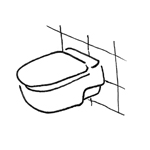
In the construction industry, the term "sanitary fixtures" refers to fixtures in restrooms that are equipped with technical systems for water supply and wastewater disposal. These primarily include sinks, washbasins, kitchen sinks, toilets, urinals, bathtubs, shower pans, and similar items.
This article primarily deals with the installation of plumbing fixtures in restrooms, bathrooms, or similar spaces, with the exception of fixtures in kitchens. These are described in a separate article >Kitchen.
At this stage, there is no need to create any plumbing fixtures yet. To get an initial idea of the space required for plumbing fixtures, you can place 2D elements consisting of simple 2D lines.
At this stage, there is no need to model any plumbing fixtures yet. To estimate the space requirements, 2D elements consisting of simple 2D lines can be placed, as in the >Conceptual Preliminary Planning phase.
In this phase, plumbing fixtures are modeled in 3D for the first time.
Presentation
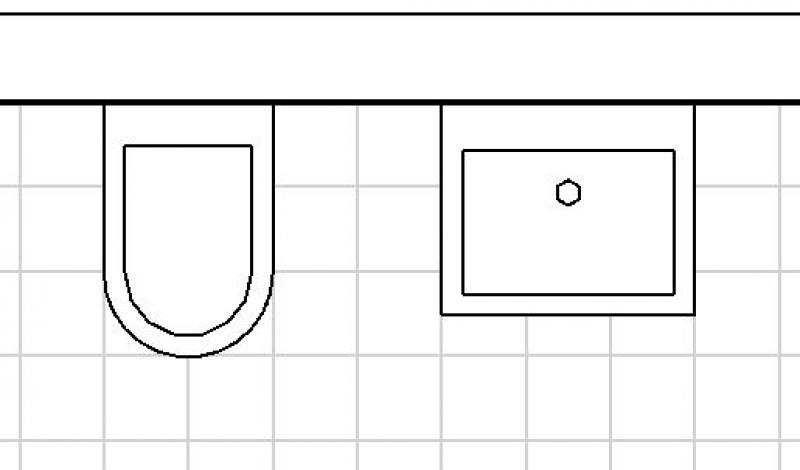
Floor plan
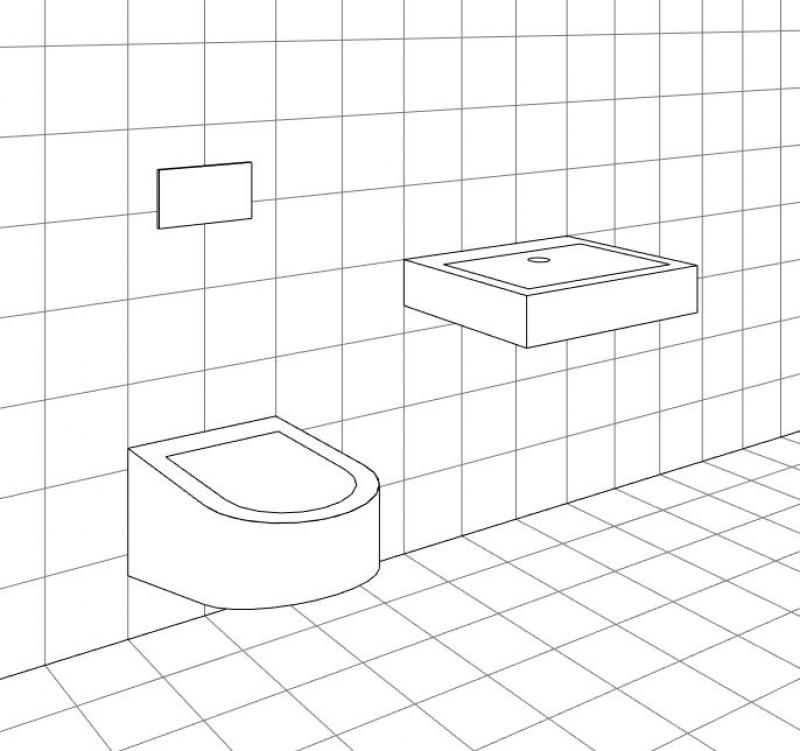
3D model
Features
In this phase, plumbing fixtures are created. The necessary properties are generated through the modeling or creation of the objects.
The following characteristics are defined in this phase:
- General: Name (name of the plumbing fixture)
- Generating: Geometry (Width, Depth, Height, Height to Top Edge)
Labeling
At this stage, plumbing fixtures are not yet labeled.
Instructions
Plumbing fixtures in Revit are created from families in the Plumbing category and are placed using the >Architecture >Part >Place Part command, just like furnishings (e.g., furniture). Since they do not belong to the system family palette but rather to so-called external (i.e., “loadable”) families, they must be loaded from Revit Content as needed using the >Insert >Load Family command.
Regulations for Plumbing Installations:
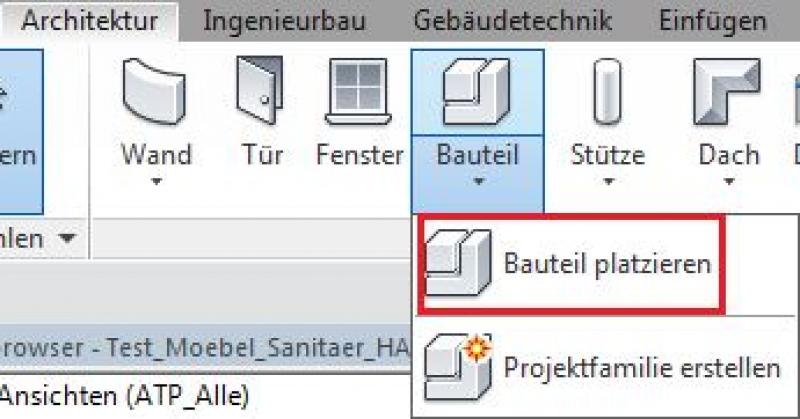
Command for loading plumbing families:

Classification of plumbing fixture families:
The plumbing content included with Revit is organized into various components. Specifically, these are:
- Bathtubs: standard, corner
- Bidets:
- Showers: standard, corner
- Mixer faucets (colloquially known as "water taps")
- Furniture: Countertops, base cabinets
- Toilets: Toilet bowls
- Sink:
- Toilet: with or without a tank, toilets, urinals, etc.
- Accessories: showerheads, grab bars, mirrors, etc.
In this phase, plumbing fixtures are assigned surface definitions (materials).
Presentation
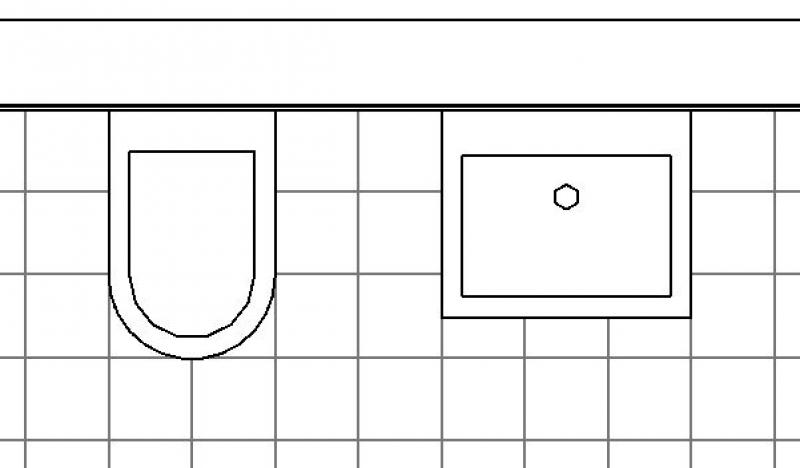
Floor plan
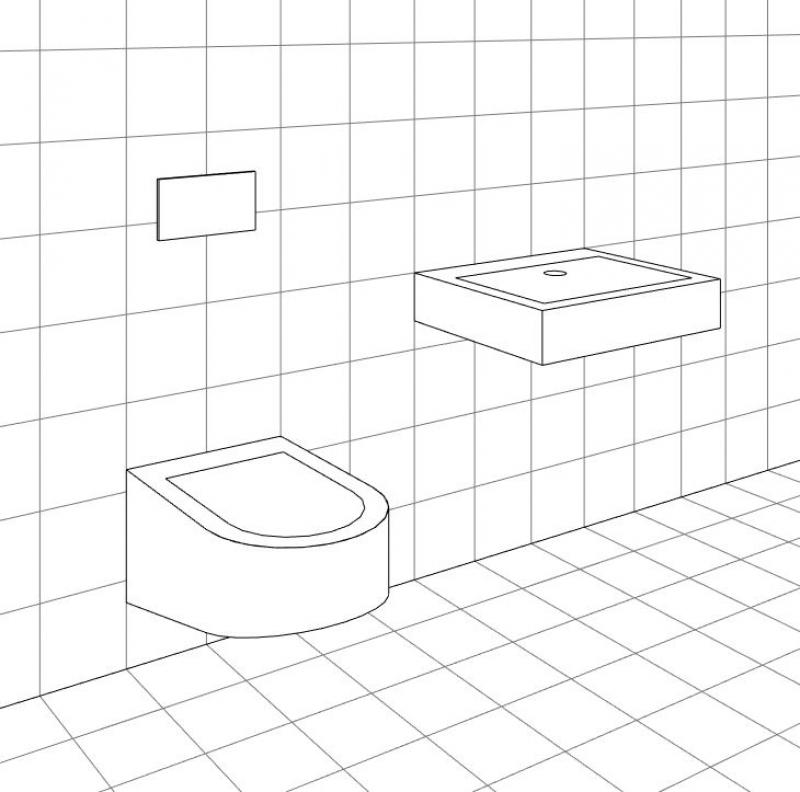
3D model
Features
The following features are also required in this phase:
- Materials: Surfaces
Labeling
Furniture is not labeled at this stage.
Instructions
To define surfaces (materials) in Revit, the corresponding parameters are filled in. The following illustration shows examples of various material assignments:
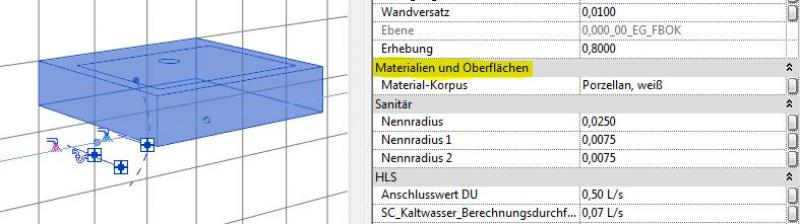
During this phase, plumbing fixtures are supplemented with the details provided in the manufacturer's information.
Presentation
Plan view (cross-section)
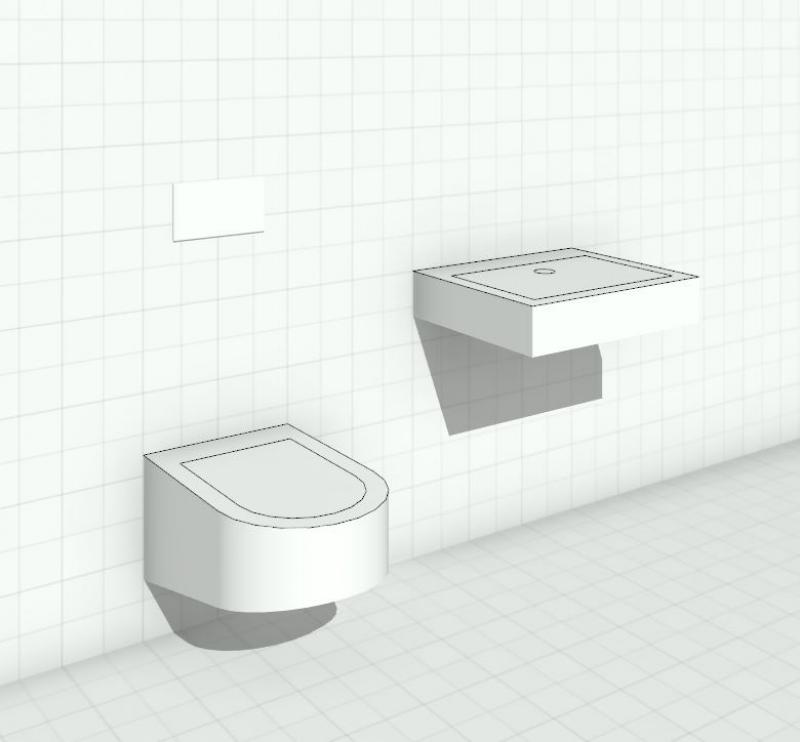
3D model
Features
The following features are also required in this phase:
- Manufacturer information: Manufacturer, product name (product number), dimensions, etc.
Labeling
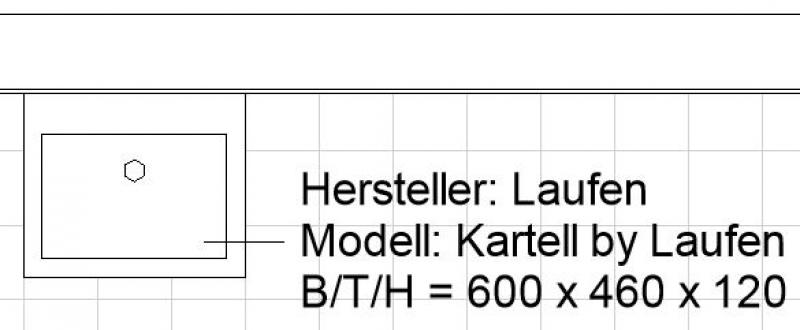
The labeling is created with the appropriate manufacturer information as needed.
The relevant information is entered into Revit using standard text. The following illustration provides examples of various types of information:
Instructions
These measures primarily concern labeling and are listed in the previous section >Labeling.
Levels of detail in the design of plumbing fixtures:
When using plumbing fixtures in BIM models, there are generally four levels of detail:
- Plumbing fixtures need only be included as placeholders: External, non-reviewed families, BOA families, and families from the Metric Library may be used for this purpose. An external planner will handle further detailing.
- Sanitary fixtures must have an explicit plan representation (2D symbols) and be included as solid objects (industrial construction, research): This requires adapting the families for 2D representation.
- Sanitary fixtures must additionally be assigned materials (for renderings or approximate quantity takeoffs, e.g., for retail, residential construction): For this, external families may need to be supplemented regarding their surface material assignments, which requires the addition of material parameters.
- Sanitary fixtures must be precise technical models that meet the requirements of building owners and/or specific standards and serve as the basis for bills of quantities (e.g., high-end residential construction): For this purpose, all component surfaces in the families must be assigned precise materials that can also be used for high-resolution and realistic renderings. This means that new furniture families must be created for this project using parameters in accordance with the BOA list.
Based on this information, the level of detail required for plumbing installation families varies depending on the specific project.
However, it is strongly recommended that you include detailed representations only of those plumbing fixtures that are explicitly required for specific plan presentation or visualization purposes (e.g., interior visualization, model wet room, etc.), rather than all ofa building’s plumbing fixtures.
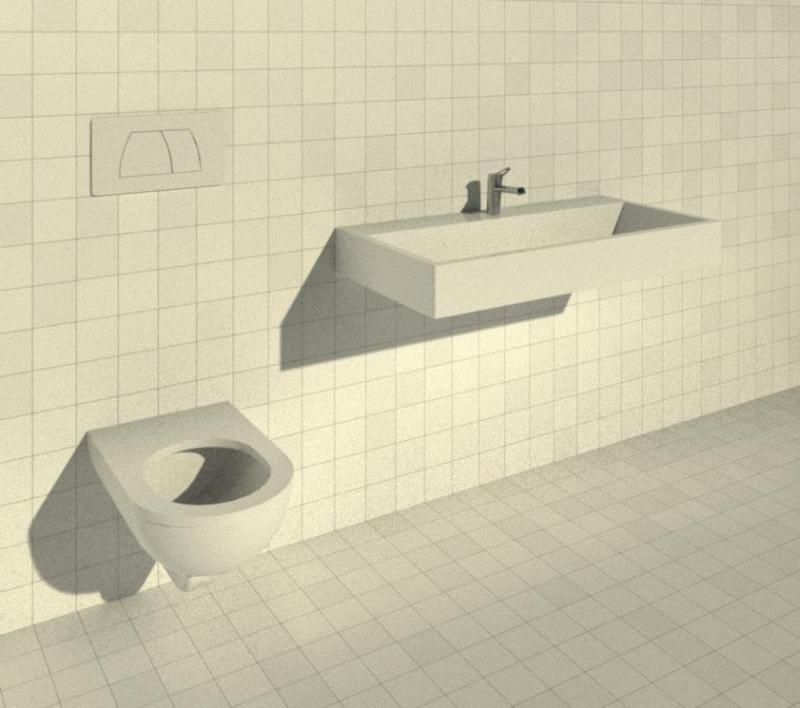
Sample image of a highly detailed and fully developed plumbing family in Revit (rendering):

Unfortunately, this content is available only to our Pro users.
If you'd like to read the full article, try the Pro account or become a Pro user.