
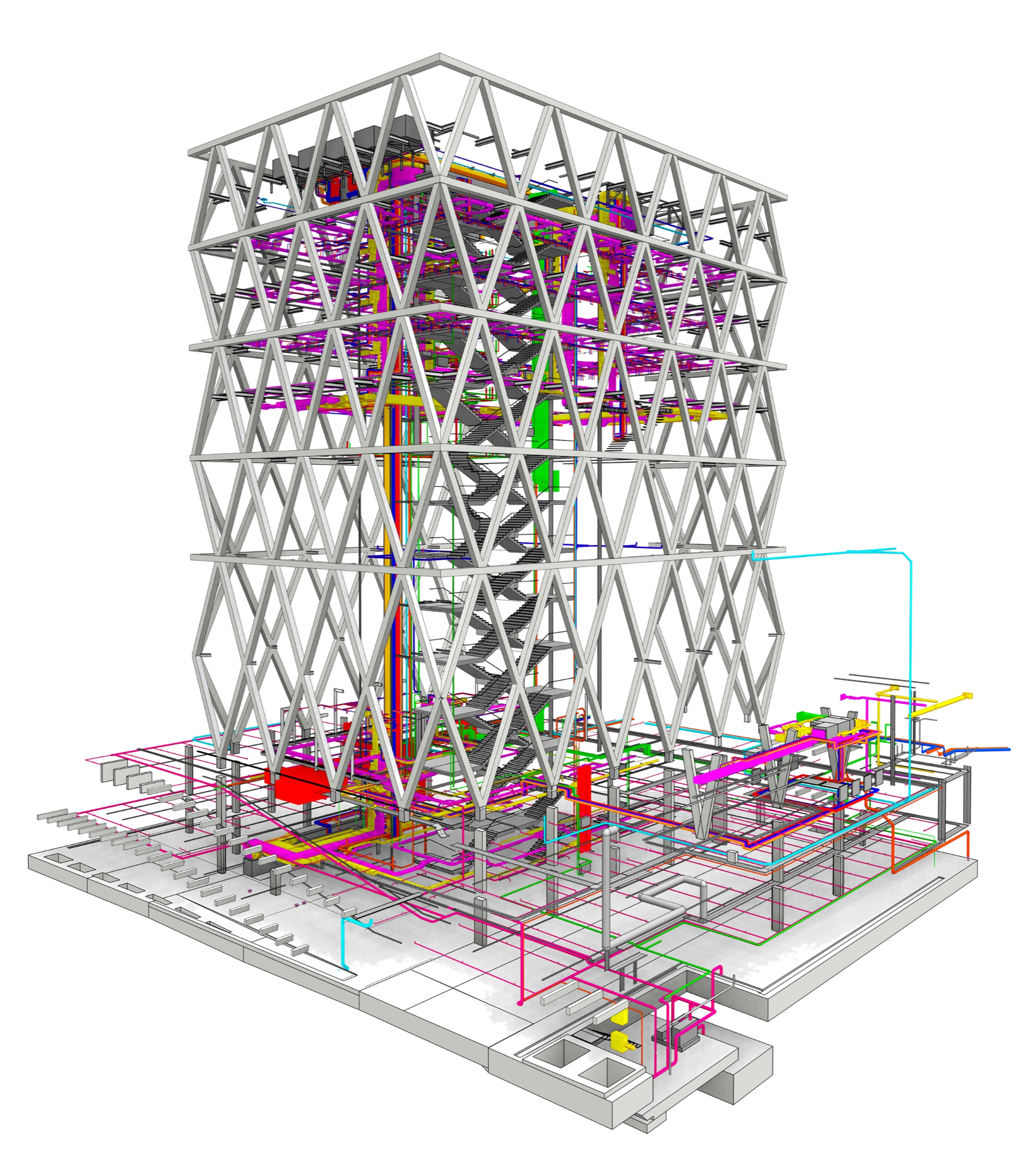
Do you want to focus entirely on your work without having to deal with the complexities of a BIM setup? Do you want to be able to rely on a professional, future-proof setup? And do you want a dependable partner who will manage your system over the long term and support your team?
The BIM Office Administration (BOA) service package offers centralized, cross-client management of all process- and technology-related aspects of BIM operations, regardless of company size, location, or area of expertise (e.g., architects, structural engineers, building services engineers, etc.).
Ready, set, go!

You don't have to worry about setting up your system: core functionalities such as classification and tagging are already in place, and interfaces such as IFC are preconfigured.
We’ll help you during the initial phase to customize our basic setup to your needs: Our experts will work with you to adapt drawings, layouts, naming conventions, lists, and similar elements in accordance with your company standards to ensure high-quality results in 2D, 3D, and reporting.
Revit Family Library
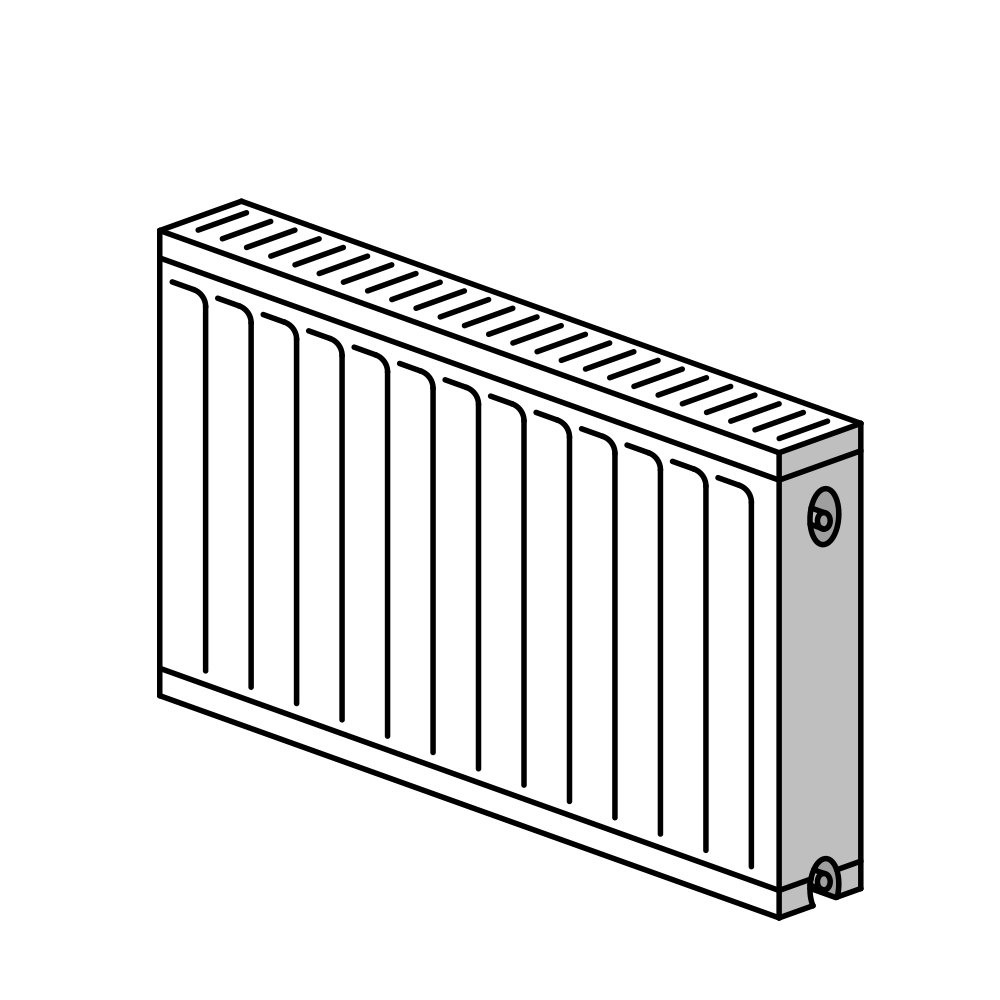
In the Revit world, families refer to the basic type of digital building model: the element, such as windows, doors, stairs, or columns.
A powerful family library is essential for high-quality visualization, analysis, and data transfer to calculation and simulation. With the BOA package, our entire family library for building construction and building services is at your disposal—including annual version updates and ongoing expansion.
Revit Templates

Templates contain the presets that make interdisciplinary work on projects safe, fast, and efficient.
They define drawing presets, lists, drawing layouts, view filters, and much more. They are the cornerstone of successful BIM implementation and efficient processes in Revit. You will receive our template, developed over a decade to meet the needs of integrated building construction and MEP planning. More info
Reliable Support

We know your system better than anyone else—which is why we can provide you with the best possible support!
Whether you have general questions or are facing an urgent issue in your project, our help desk is here to assist you at any time.
Your account manager serves as the central point of contact for our experts, understands your specific needs, and can therefore effectively relay your concerns to our experts. Learn more
Knowledge Management – More Than Just Training

Our training courses guide your team from the very first steps all the way to mastering complex use cases. But there’s even more to look forward to!
A practical approach and personalized attention to your specific use cases and related questions are a given for us. But what happens if questions arise after the training? For this purpose—and, of course, for your reference—all our training sessions are documented on BIMpedia! Our BOA customers also receive preferential rates for training... feel free to contact us for more information.
BIM Helper

Whether it's core Revit processes or advanced topics like quality assurance, our software solutions help you achieve greater efficiency and reliability in your daily workflows.
The tools can be purchased individually or as part of the BOA package, depending on your preference. We would be happy to present solutions tailored to your field. Learn more
- Uniform Model Standard
- Modular training package with preferential pricing for BOA customers
- Field-proven software configuration
- Centralized documentation of all content on BIMpedia
- Centralized provision of templates (building construction and MEP)
- Centralized provision of object libraries (building construction, MEP, electrical, medical technology)
- Centralized expert support
- Centralized development projects
The BOA is operated by Plandata GmbH, which also operates BIMpedia itself. The BOA is managed by BIM administrators who serve as the interface to the BIM managers or BIM coordinators of individual clients. Development tasks are collected by our BIM administrators within the network, distributed internally to the development departments, processed there, and then redistributed to the client network.