
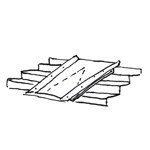
Metal ramps or rails are non-solid ramps that are installed, for example, on outdoor stairs to improve accessibility.
It is not necessary to create one at this stage.
It is not necessary to create one at this stage.
In this phase, the component is modeled.
Presentation
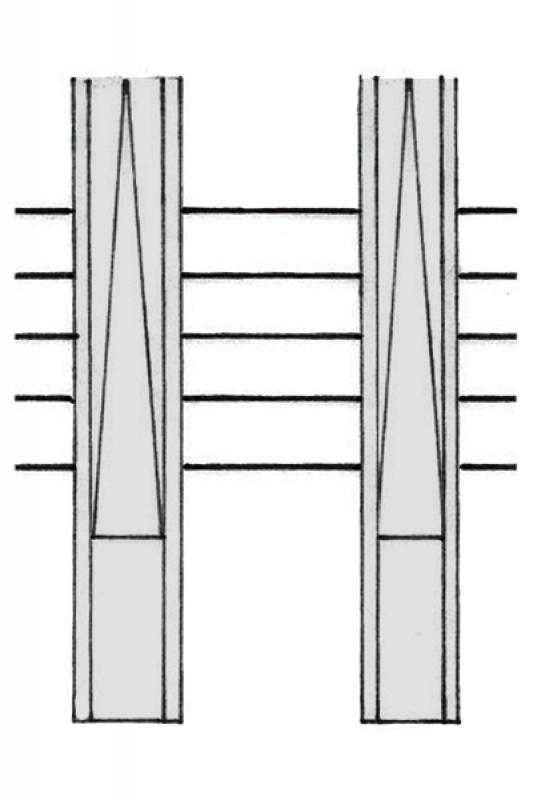
Floor plan
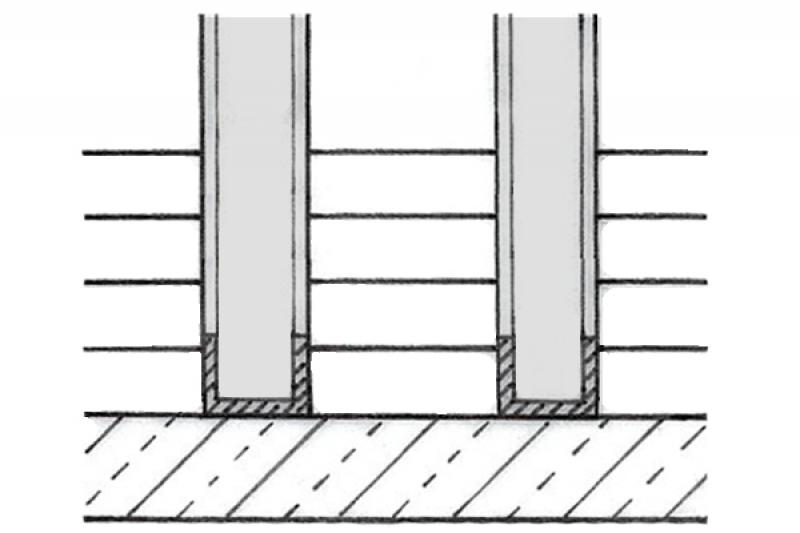
Cut
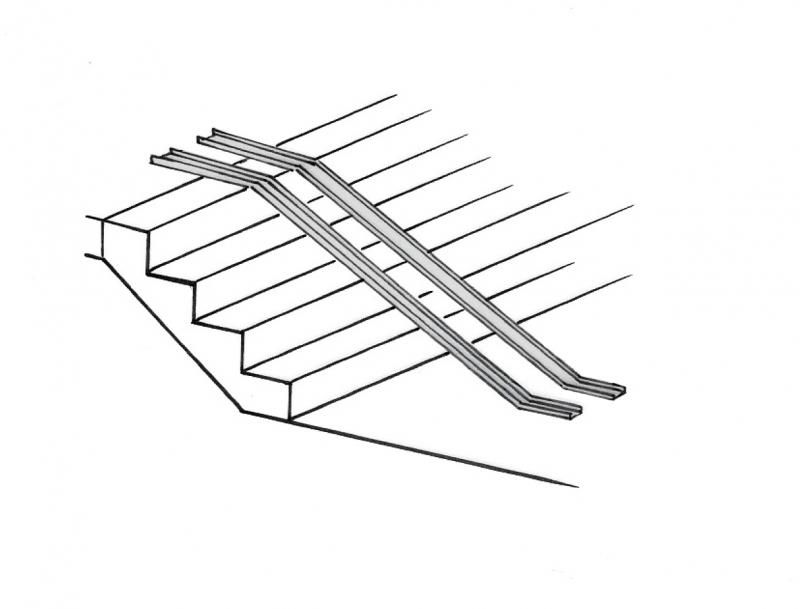
March 30, 2017
Features
Feature
- Status
- Accessible
- Fire resistance class
- Escape route
- Flooring
- Custom ramp run
- Straight ramp
- Spiral ramp
- Undefined ramp run
- Run line
Parameters
- Tread depth
- Clear width
- Slope
Outline Information
- Exterior element
- Room-enclosing element
Labeling
Labeling is not yet required at this stage.
Instructions
Create:
Extension ramps are created using an external family of custom parts, which is built from a sweep using a path and a profile family. The basic requirements for creating the family are described here.
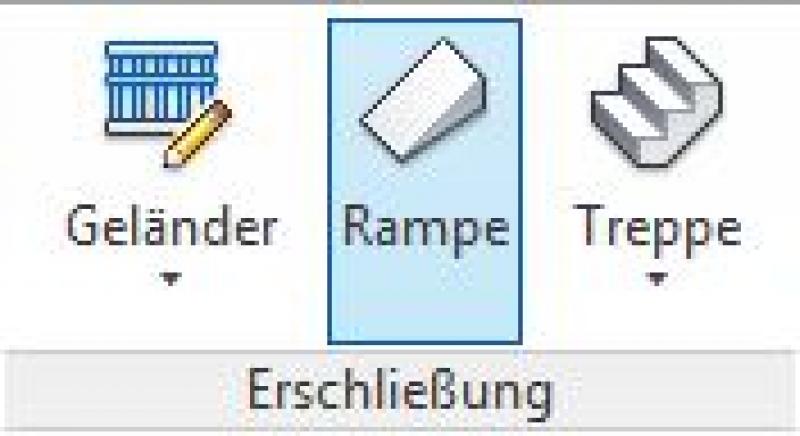
A ramp is placed in the model via the Architecture tab under Accessibility -> Ramp.
Use the standard drawing tools to sketch either the arc, the boundary, or the slope.
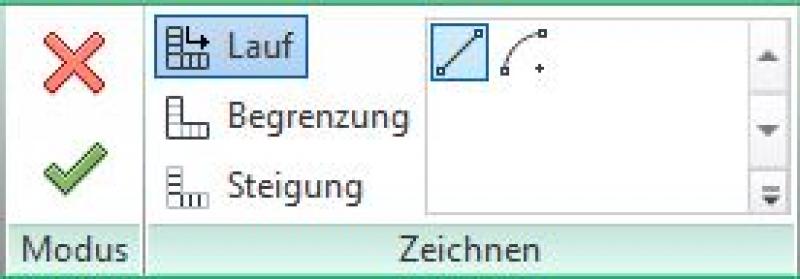
Once you have done this, exit sketch mode by clicking the green arrow and assign the object to the correct reference plane.
Modeling Access Ramps: Creating a Ramp
If a new ramp is needed, proceed as follows:
Create reference planes with the required parameters.
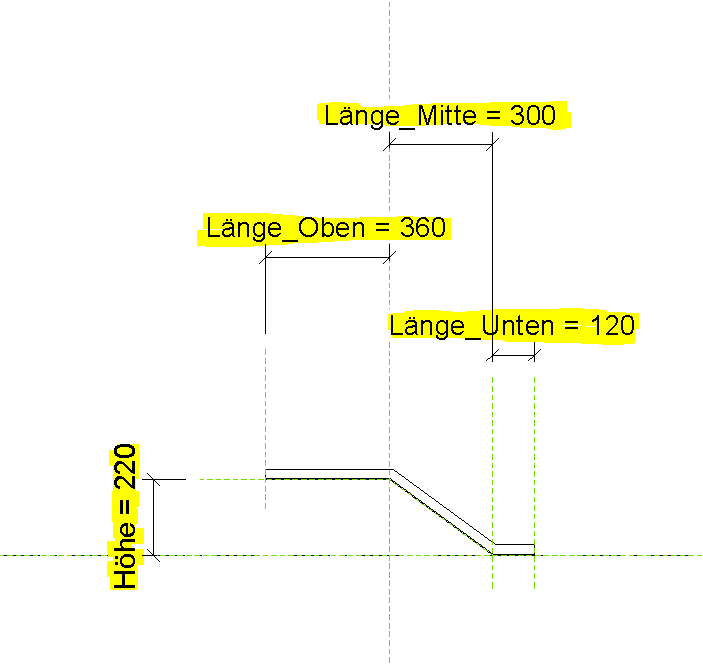
Define the ramp profile using a sweep path.
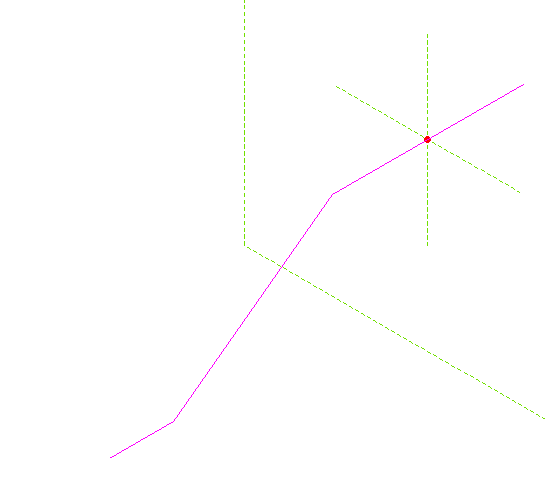
Create a profile with the ramp cross-section as an external family.
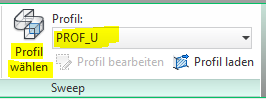
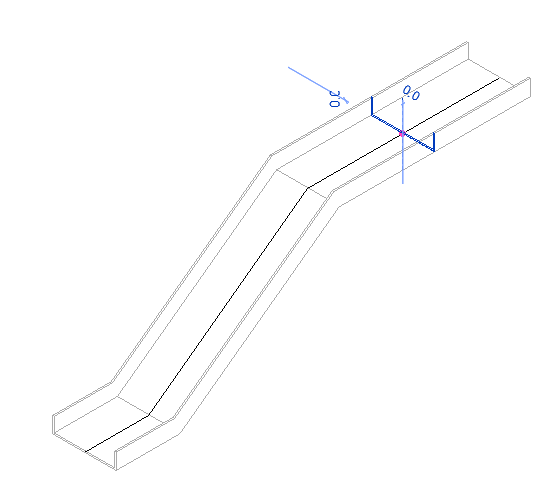
For more information on creating a new family, see the article "Creating Families."
Presentation
Floor plan
Cut
March 30, 2017
Features
Labeling
During this phase, the slope of the ramp is marked.
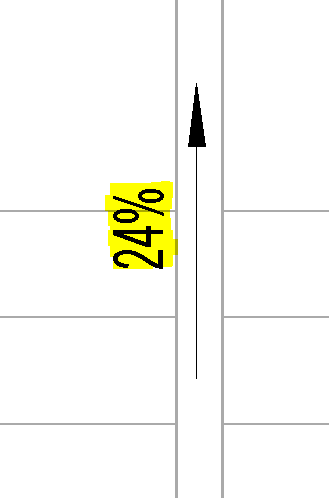
Instructions
See draft
During this phase, all design-related information is added to the component.
Presentation
Floor plan
Cut
March 30, 2017
Features
Feature
Reference
Parameters
- Gross area of the ramp
- Gross volume of ramp run
- Ramp slab thickness
- Counter-slope
- Length
- Net area of ramp run
- Net volume of ramp run
Outline Information
Labeling
See submission
Instructions
Architecture and AVA are responsible for providing this data and integrating it.

Unfortunately, this content is available only to our Pro users.
If you'd like to read the full article, try the Pro account or become a Pro user.