
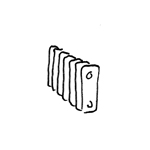
Radiators release heat into the room, helping to maintain the desired temperature. Depending on how the room is used, radiators come in a wide variety of types—water-filled, electric, or a combination of both.
Radiators are not yet displayed in this phase.
Radiators are not yet displayed in this phase.
Presentation
Plan view
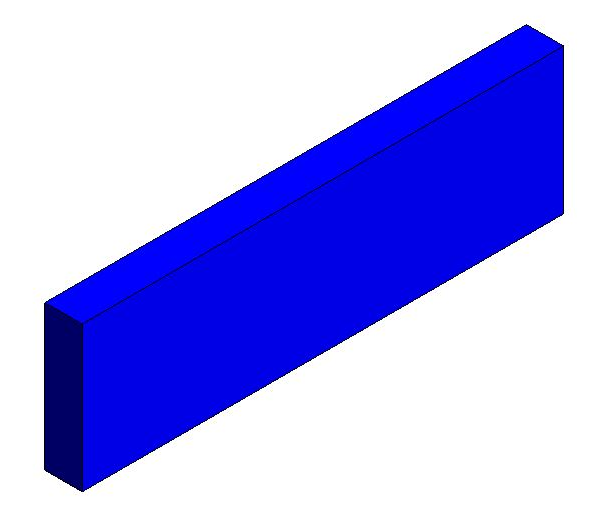
Model representation
Features
In this phase, the component is placed for the first time and automatically assigned geometric features.
- Height
Labeling
During this phase, radiators are labeled for the first time.
- Dimensions (length/height/width)
- Type
- Design
Instructions
During this phase, the plans and models of the radiators remain unchanged from those created during the design phase.
Presentation
Plan view
Model representation
Features
Labeling
In this phase, additional features of a radiator are labeled.
- Radiator Valve Adjustment
- Power
- Manufacturer (optional)
Instructions
Unfortunately, this content is available only to our Pro users.
If you'd like to read the full article, try the Pro account or become a Pro user.