
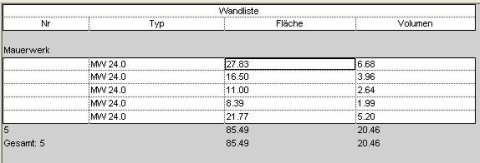
In Revit, lookup tables allow you to use only specific, predefined parameter values in part lists. This helps prevent typos and unintended designations, for example.
This tutorial shows how to create lookup tables and use them for specific purposes.
It also explains how the automatic transfer of predefined parameter values works.

Unfortunately, this content is available only to our Pro users.
If you'd like to read the full article, try the Pro account or become a Pro user.