
This article discusses how to avoid a Revit warning that is generally considered an error.
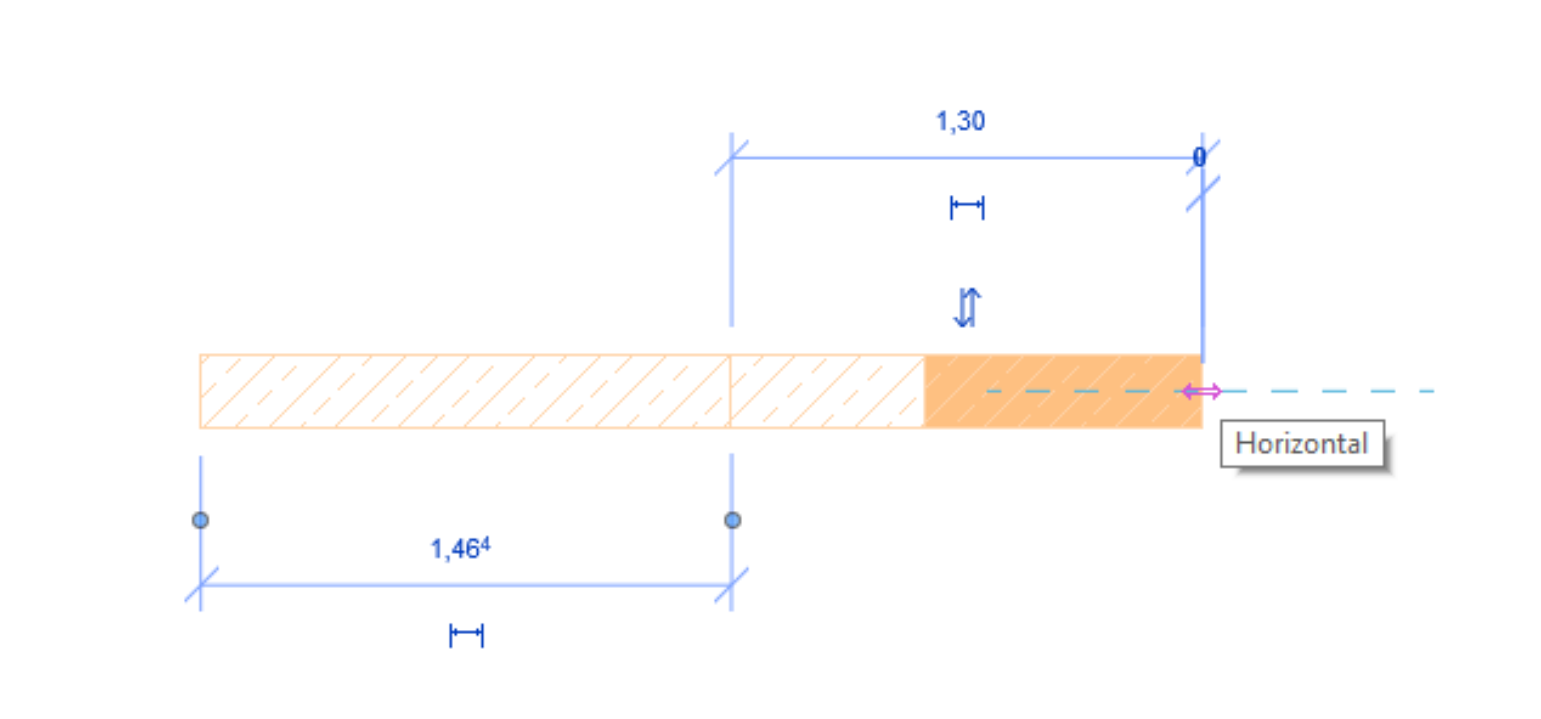
The warning "Overlapping elements with walls" appears in Revit as follows:
The highlighted walls overlap. If Revit detects room boundaries, one of these walls may be ignored. Use the geometry clipping commands to make one wall wrap around the other.

Unfortunately, this content is available only to our Pro users.
If you'd like to read the full article, try the Pro account or become a Pro user.