
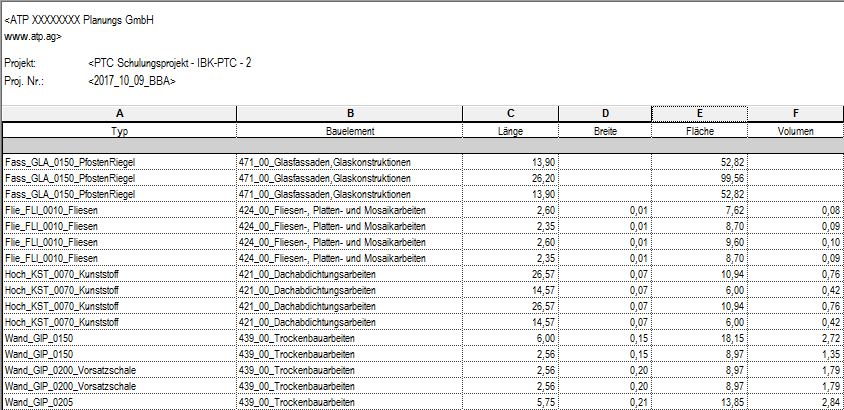
Part lists are used to display parameter values in a tabular format in Revit, enabling clear data editing and the calculation of quantities.
This tutorial provides step-by-step instructions on how to create, display, and format parts lists for the various categories.
It also explains how to export parts lists (BTL) from Revit for use in other programs, such as Excel.

Unfortunately, this content is available only to our Pro users.
If you'd like to read the full article, try the Pro account or become a Pro user.